


Terminal Parking
Walking access and key handling lead the summary.
Loading Mowgoud.
Getting everything ready before you enter.
Park, shop, and find the way in. UI design and design system work across heathrow.com’s parking, retail and transport sections.
Explore the experience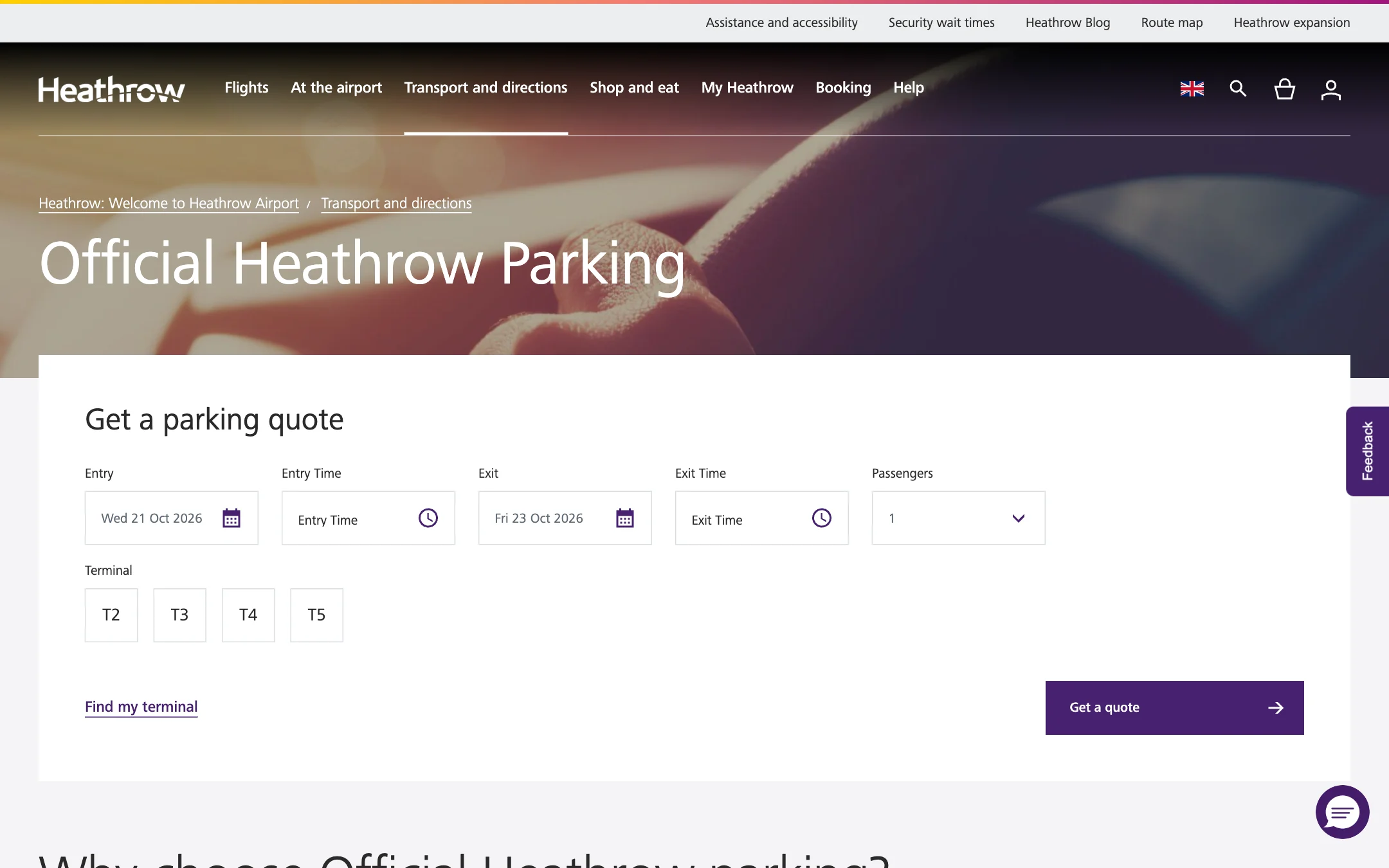

Help passengers compare what matters: the terminal, the time and the next step. Parking, retail and transport share a system, with different ways to plan each task.
Every drive to an airport ends with the same question: where does the car go, and for how long? An hour to drop someone at departures is a different errand from two weeks away, and the price of getting it wrong is a long walk with luggage or a bill at the barrier.
The work covers UI design and the design system for parking, retail and transport with Publicis Sapient in 2023. These October 2026 captures show the live site with updated parking names: Terminal Parking and Park & Ride.
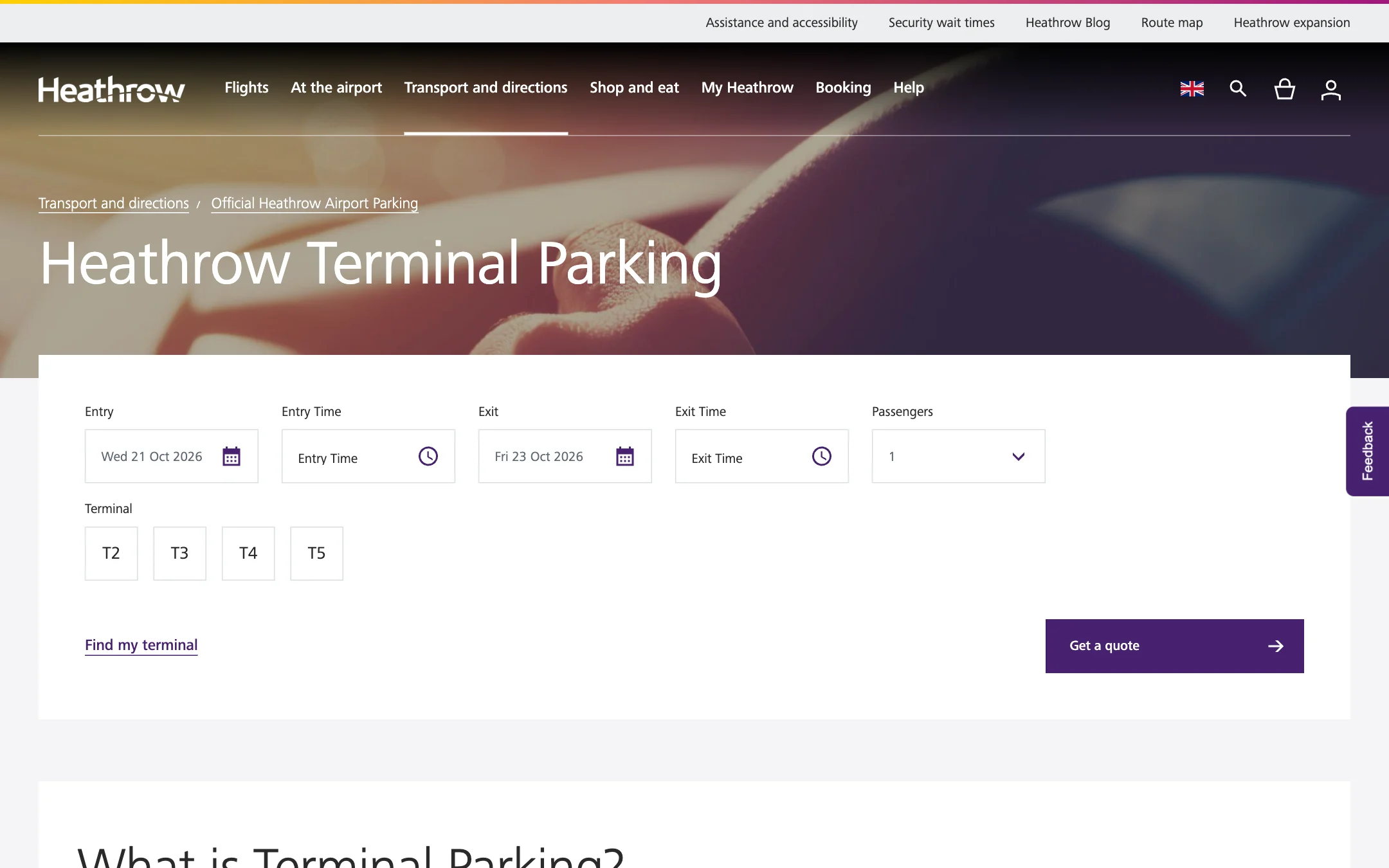
The parking pages lead with a quote form, using dates and a terminal to return relevant options.
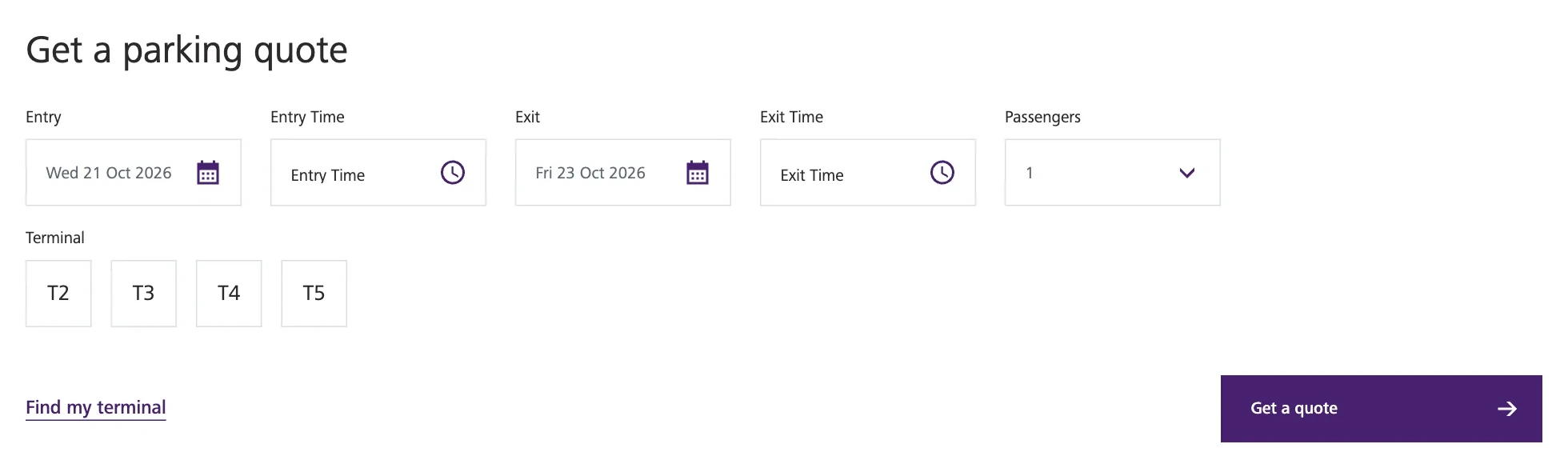
Two dates, two hour bands, passengers and one of four terminals. A Find my terminal link helps anyone who only knows their flight.
The quote returns a list for those dates: the product, its terminal, the transfer time, a short description and today’s pre-booked price, sorted by price or transit time.
Terminal Parking explains walking access, keeping the keys and on-the-day prices in one place.
Park & Ride gives the shuttle frequency, transfer times and bus stops for each terminal.
Distance, terminals and price for all six products in one table, with the premium options explained underneath for anyone short on time.
The October 2026 captures show tabbed summaries comparing proximity, transfers, key handling and terminal availability through photographs and key features.
Walking access and key handling lead the summary.
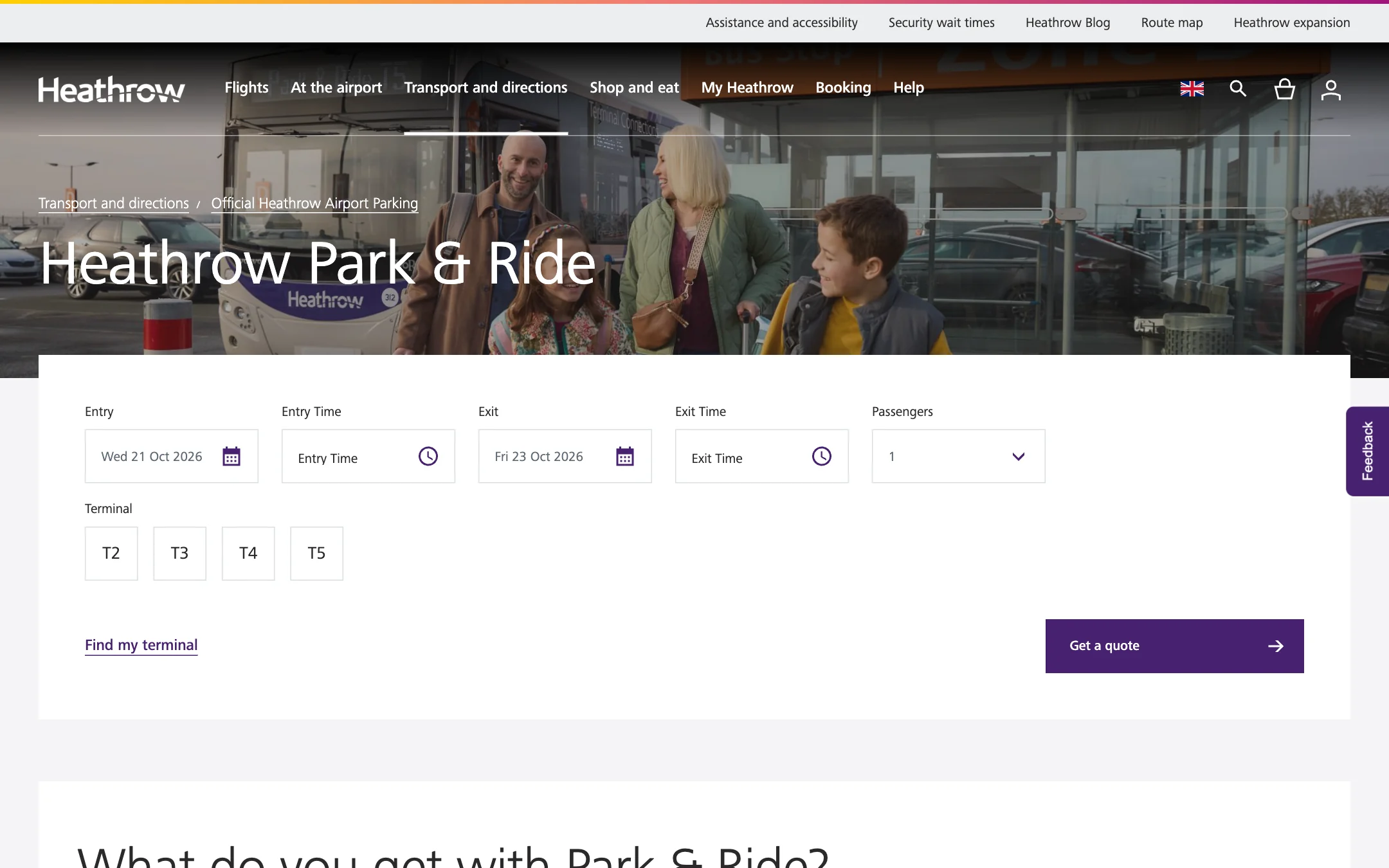
Shuttle information and terminal coverage lead the summary.
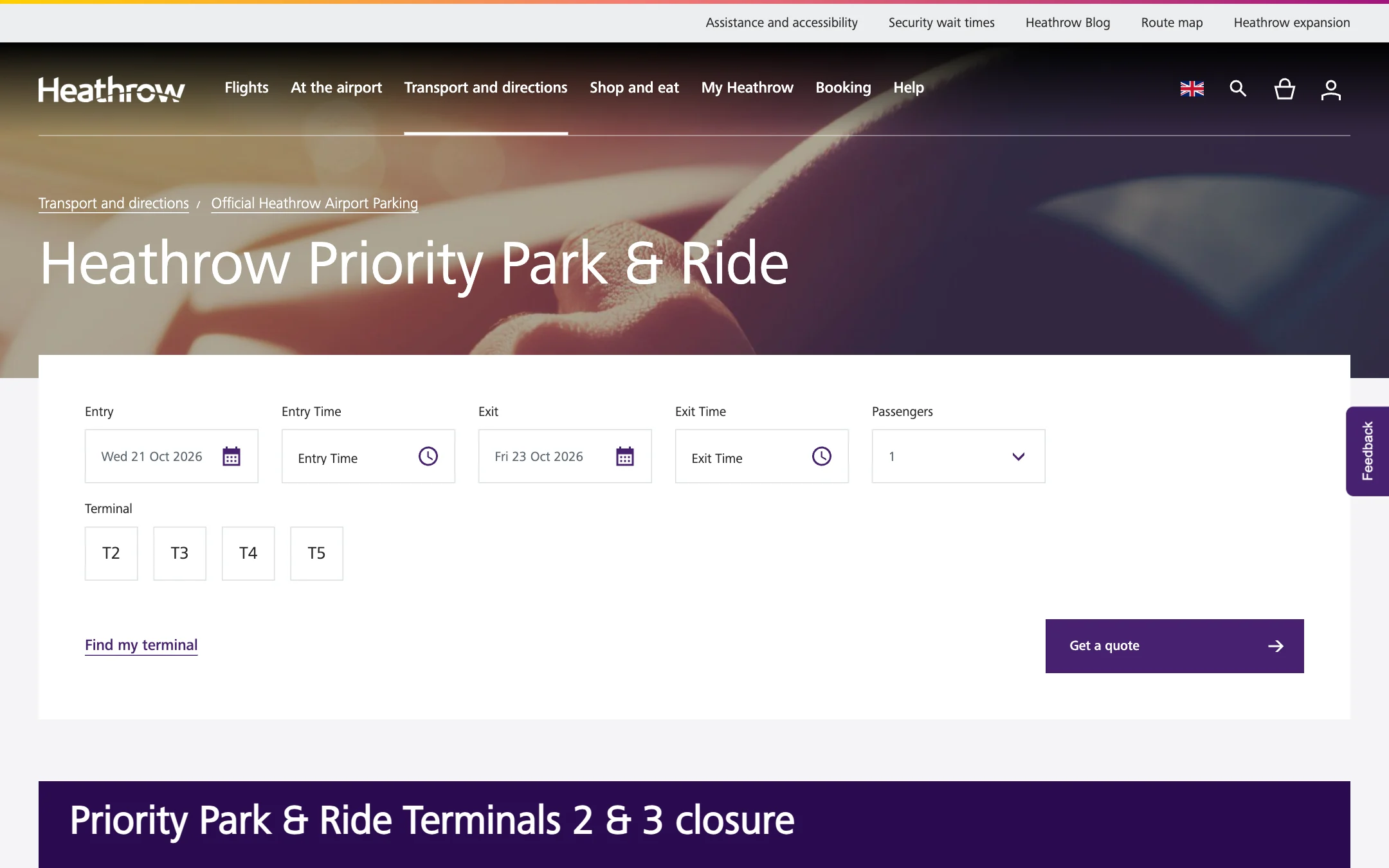
The advertised transfer time distinguishes the priority option.
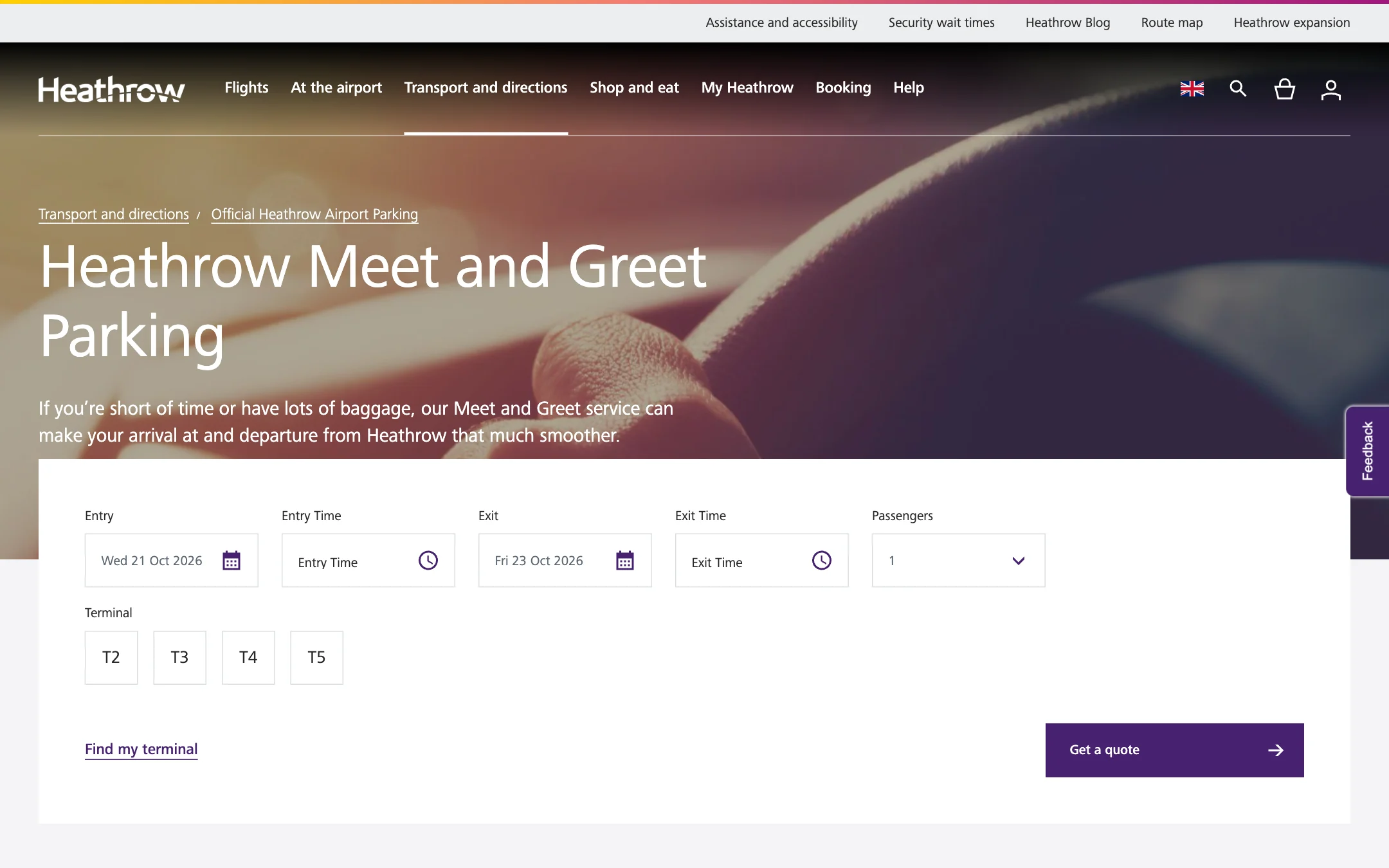

The summary highlights handover, terminal access and collection on return.
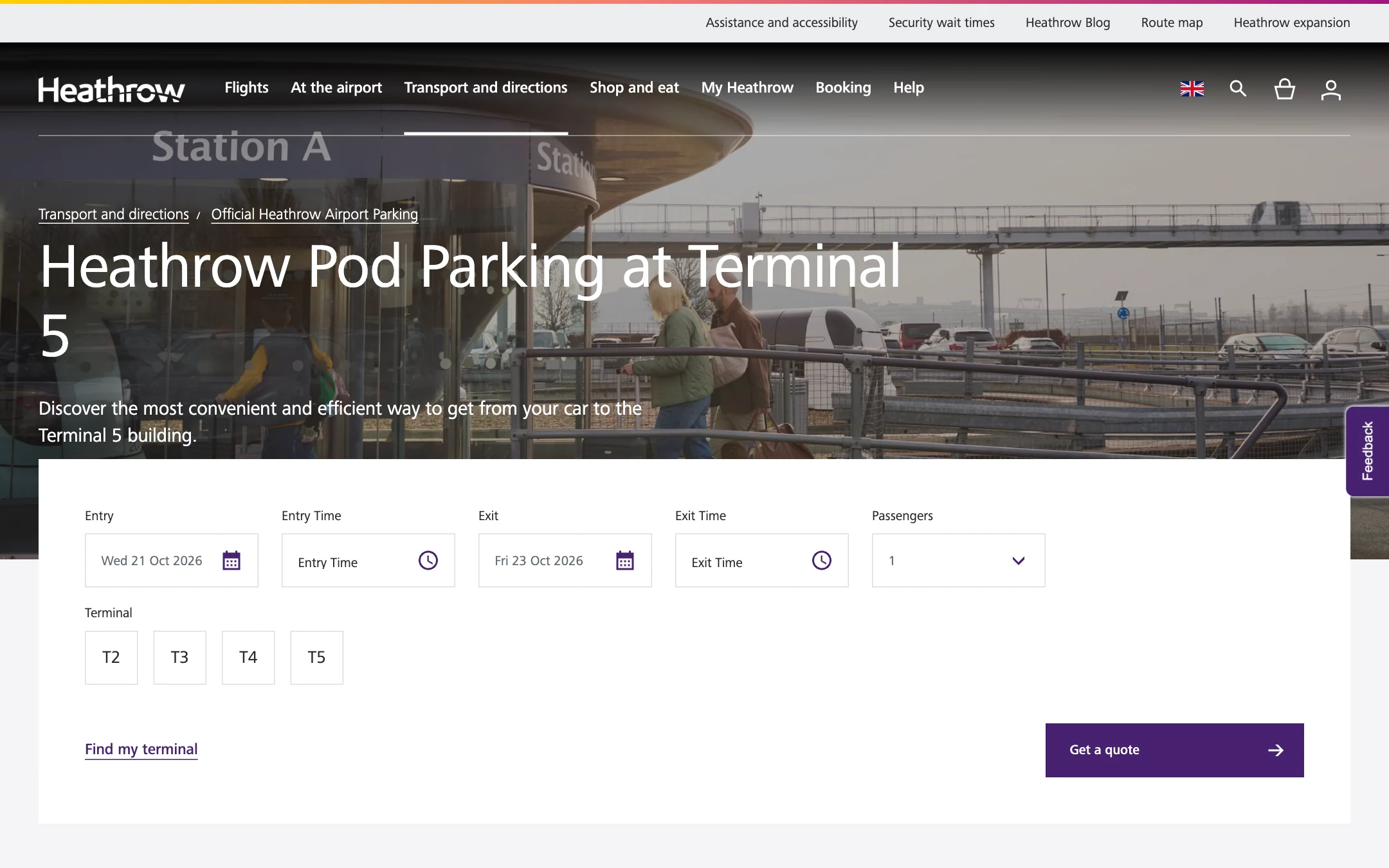

The pod connection and Terminal 5 destination define the option.
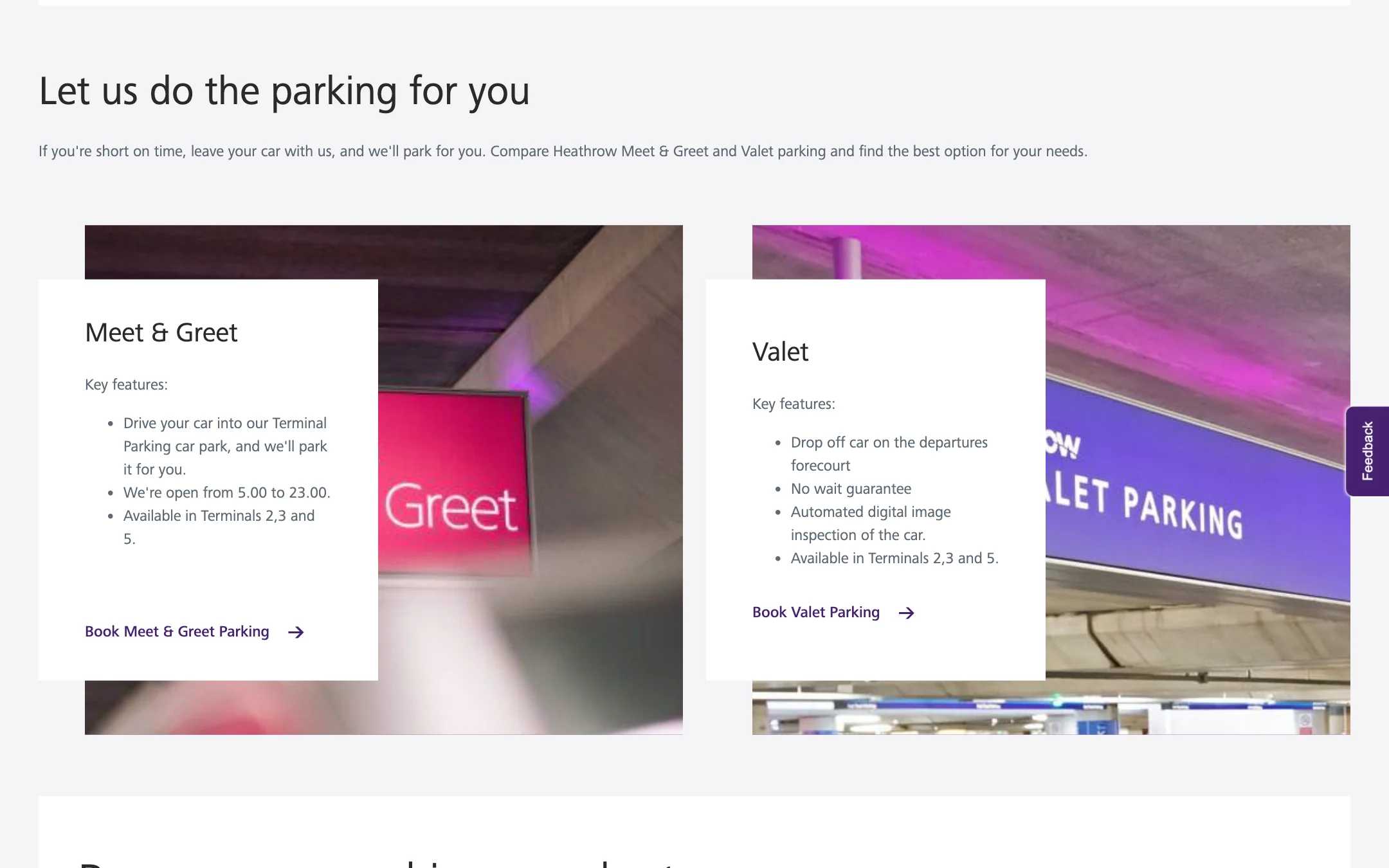
Forecourt handover and return collection lead the summary.
The map separates search inputs, parking products and booking stages. The following screens show how a result opens into parking and add-on choices.
Dates and the terminal determine which parking options the quote returns.
The search stays above the results, while expandable cards reveal parking and add-on options.
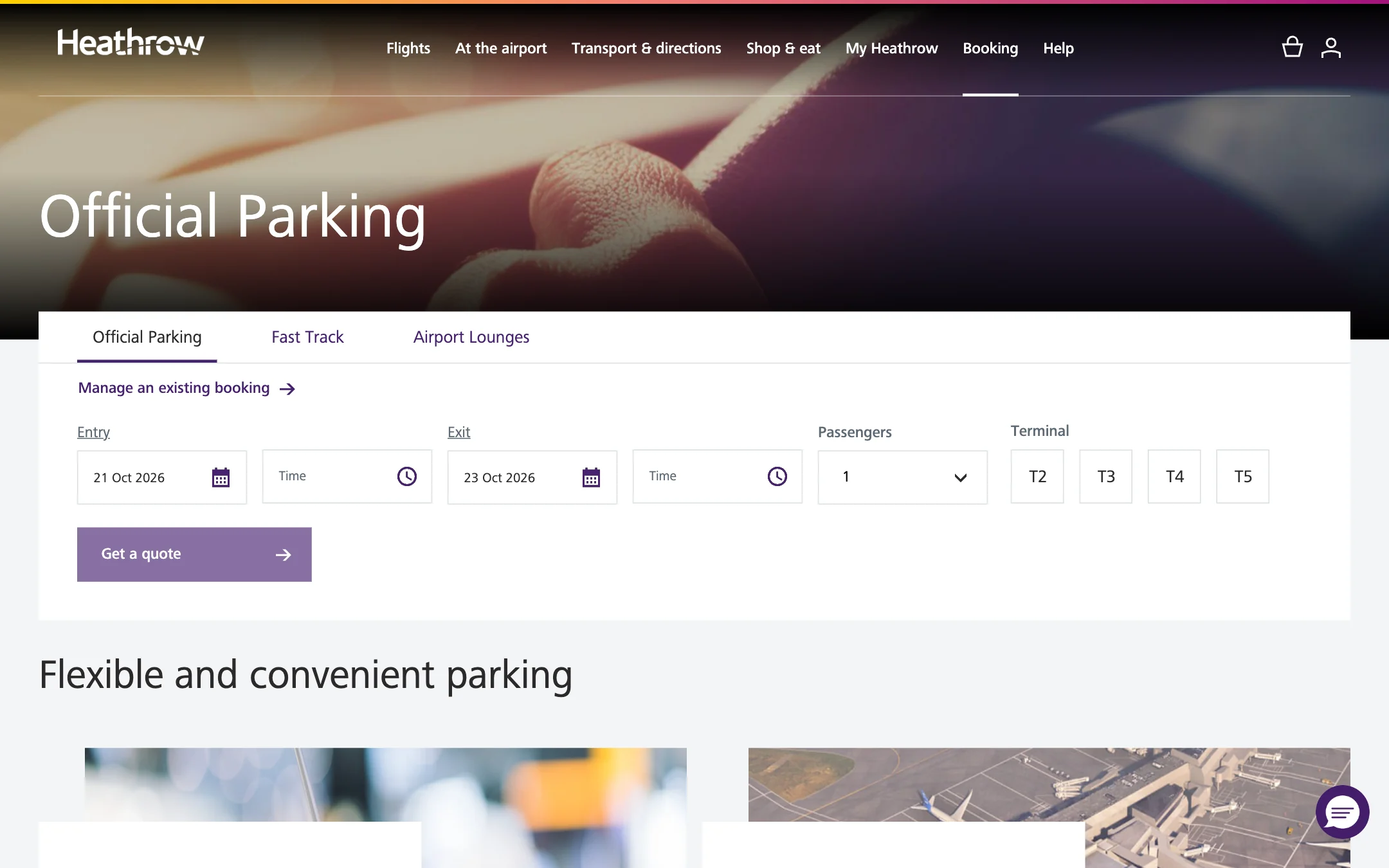
The quote form under its tab, with Manage an existing booking above the dates.
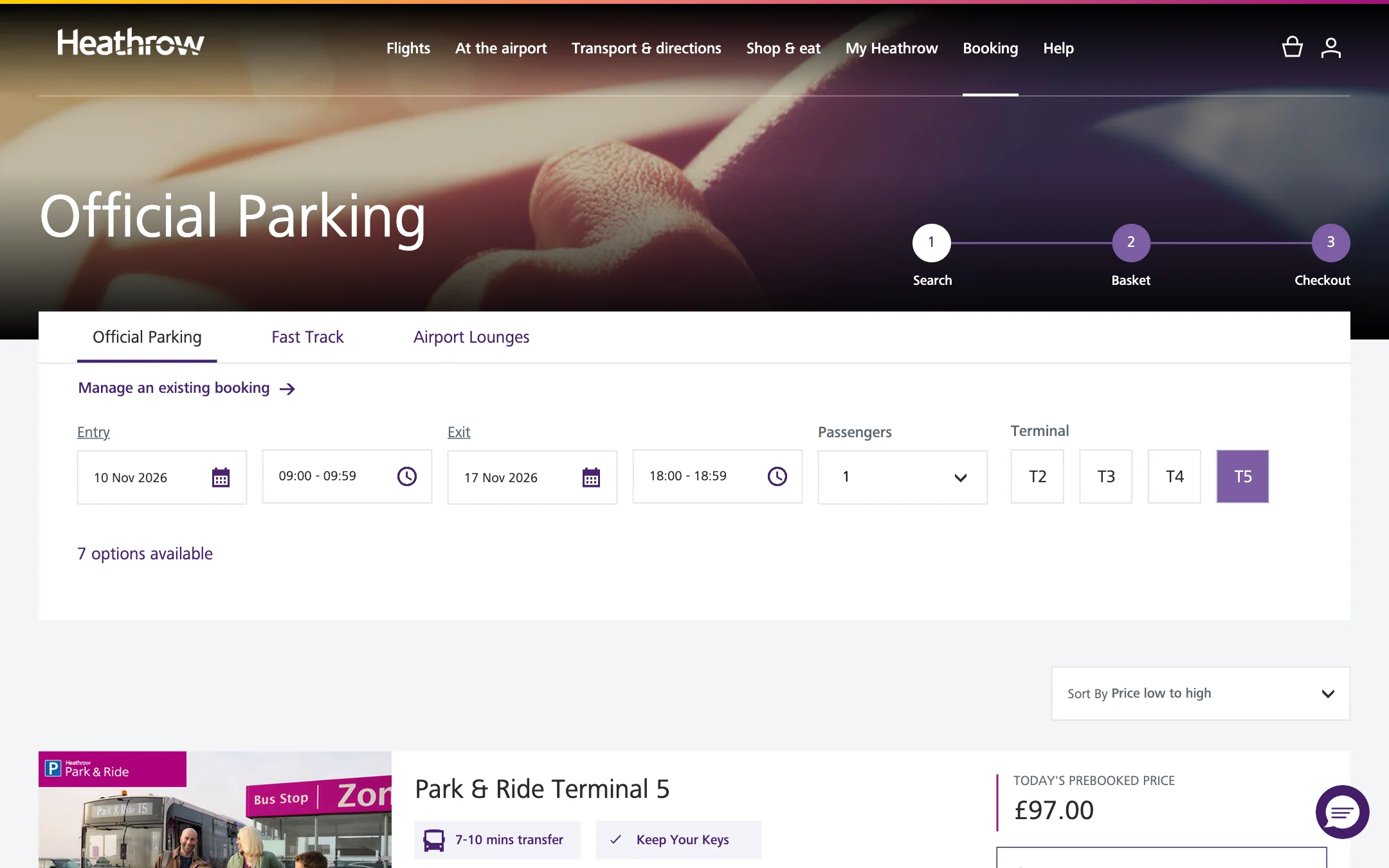

A week at Terminal 5 returns seven options, sorted by price, the search still above them.
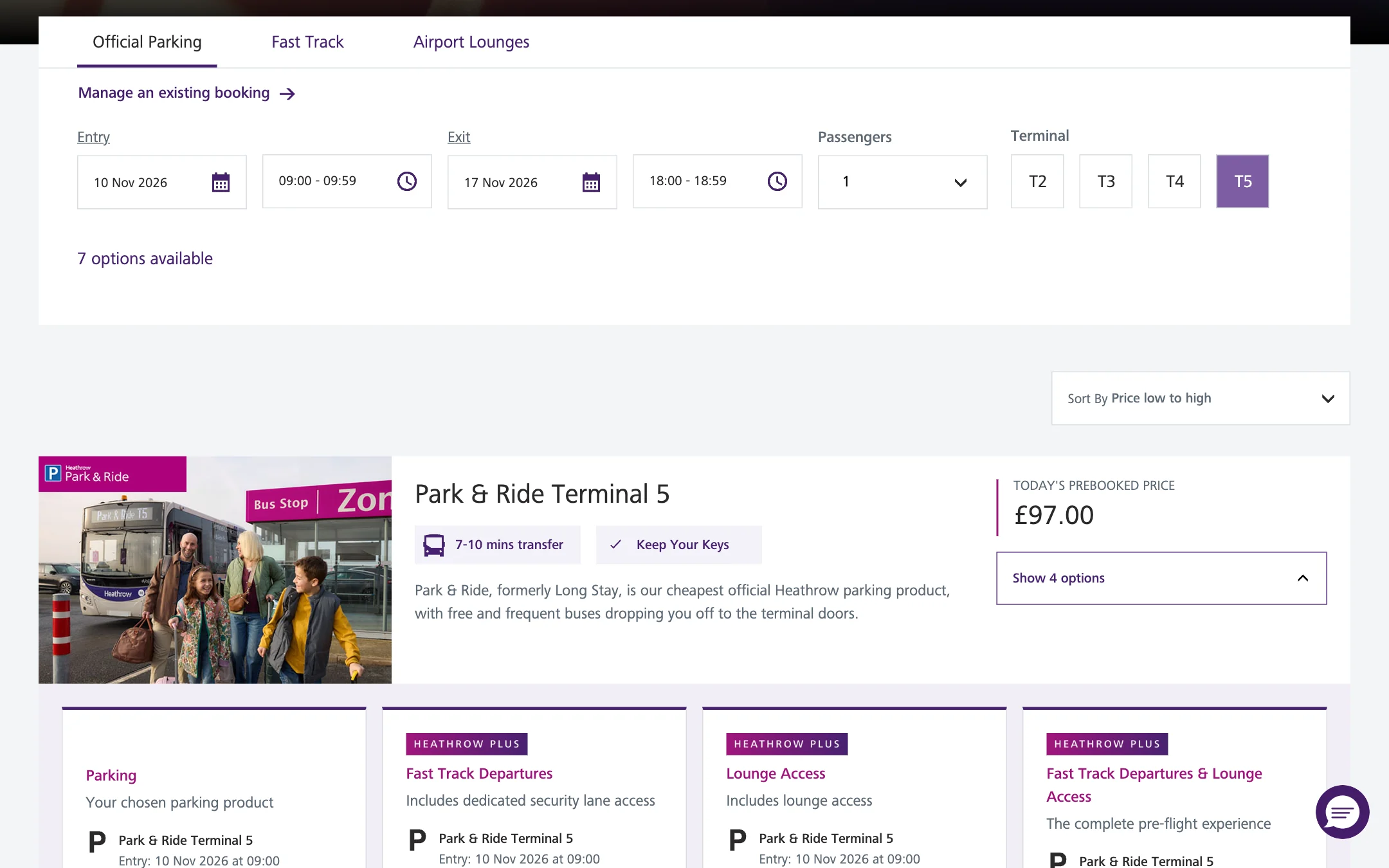
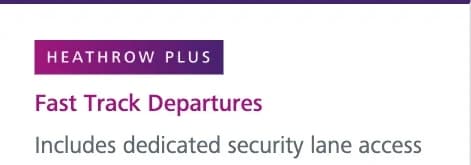
A card opens to its options: the parking itself, Fast Track, a lounge, or both.
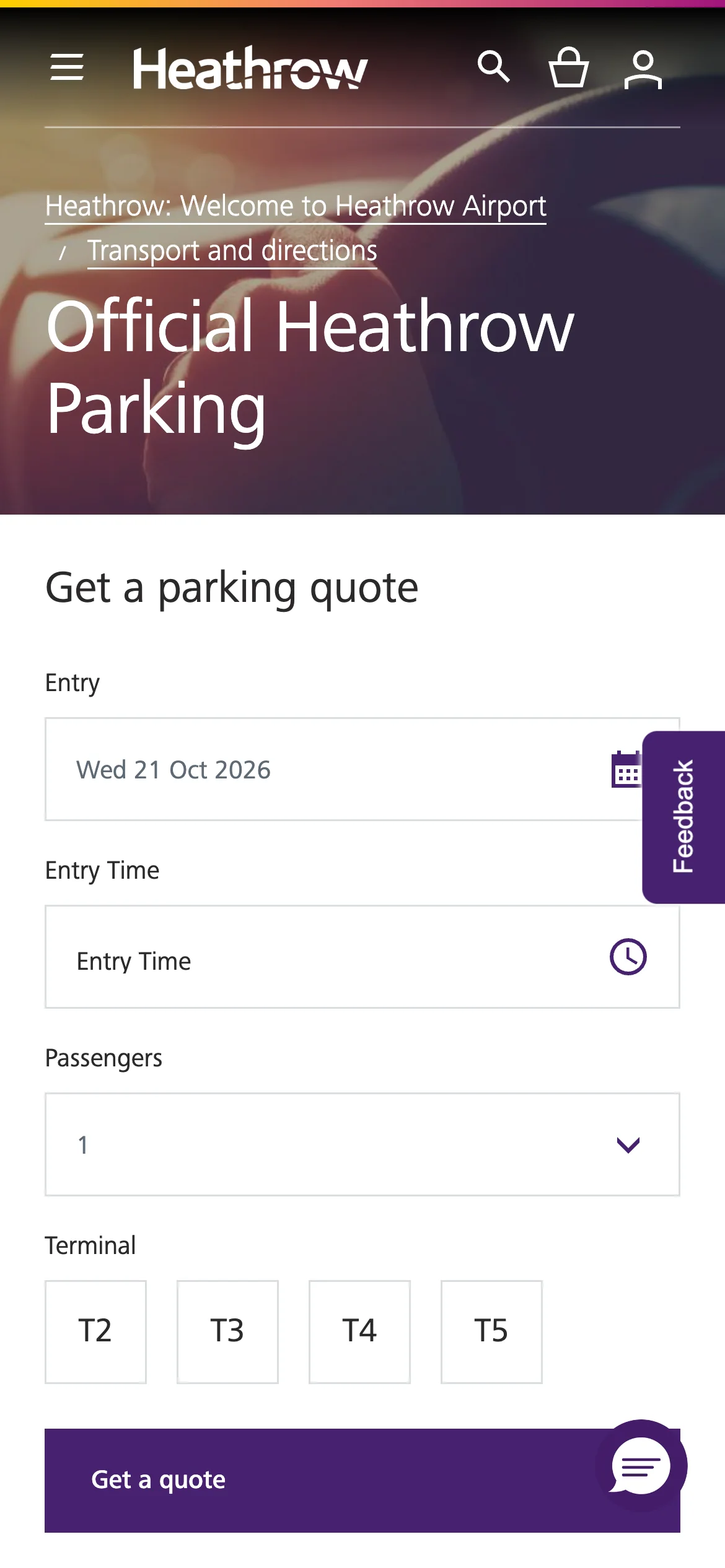
On a phone, product details and price tables stack into one column. Terminal Parking leads with walking access; Park & Ride gives more space to the shuttle information needed to plan the transfer.
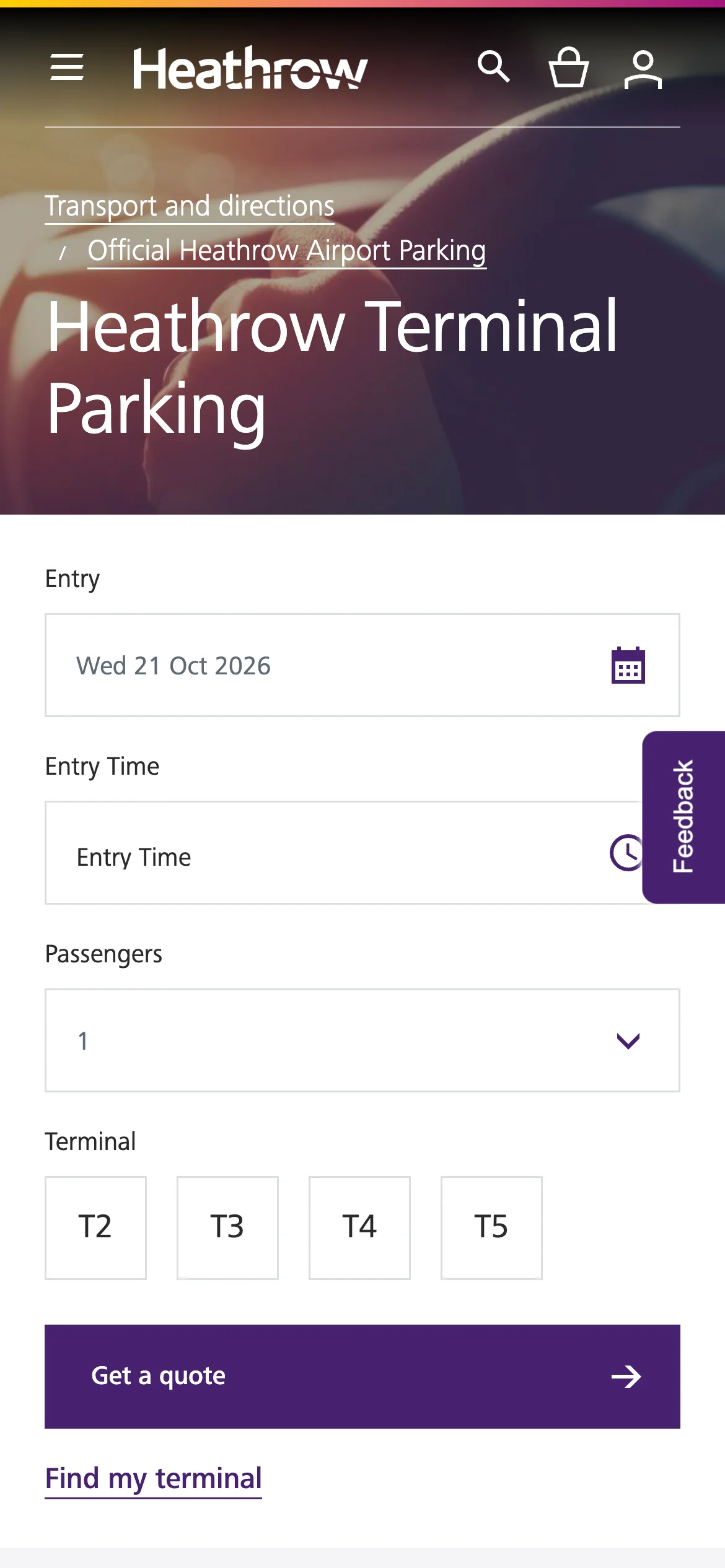
Terminal Parking on a phone.
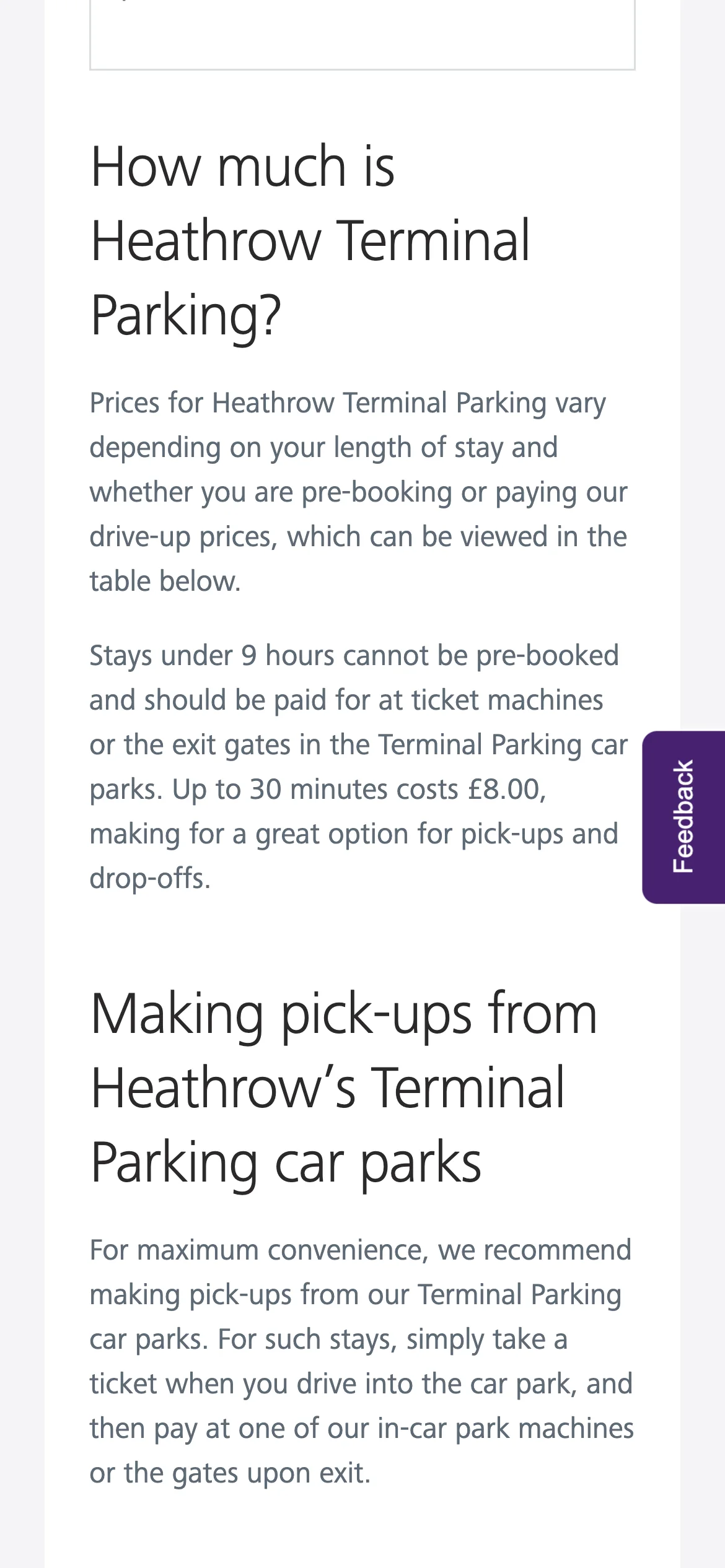
Pricing guidance.
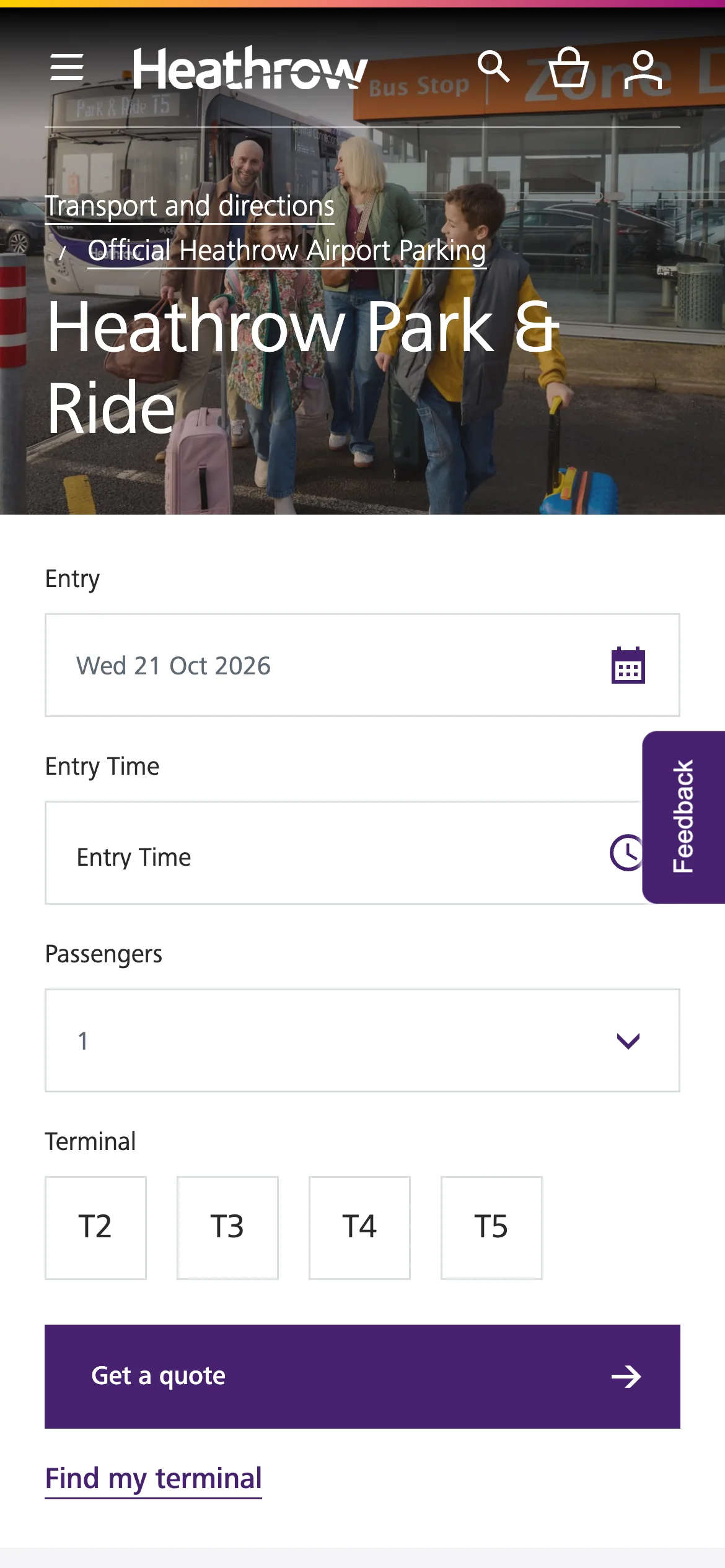
Park & Ride on a phone.
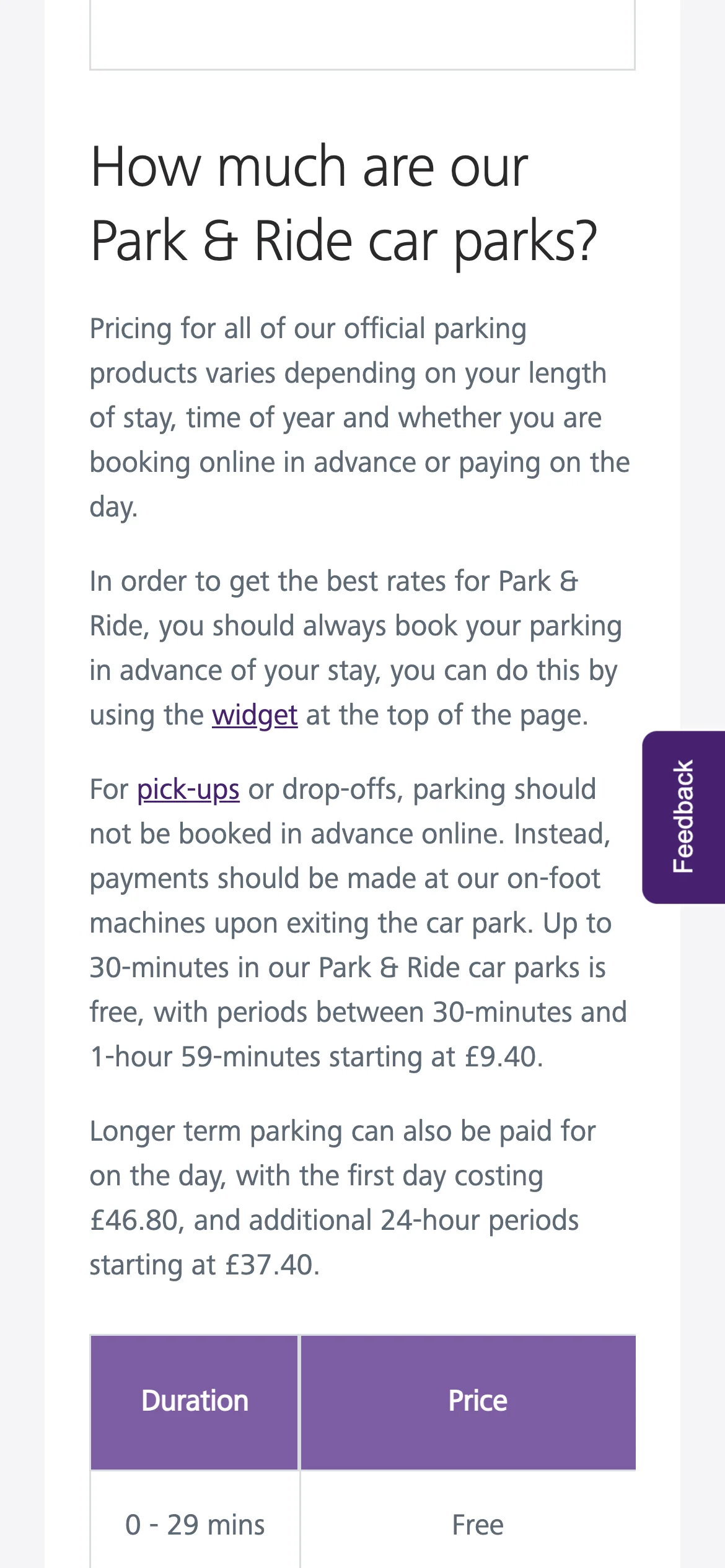
Its prices.
Shops and restaurants are spread across terminals and both sides of security. The directory opens with the full collection; terminal, area and category filters narrow it to relevant options.
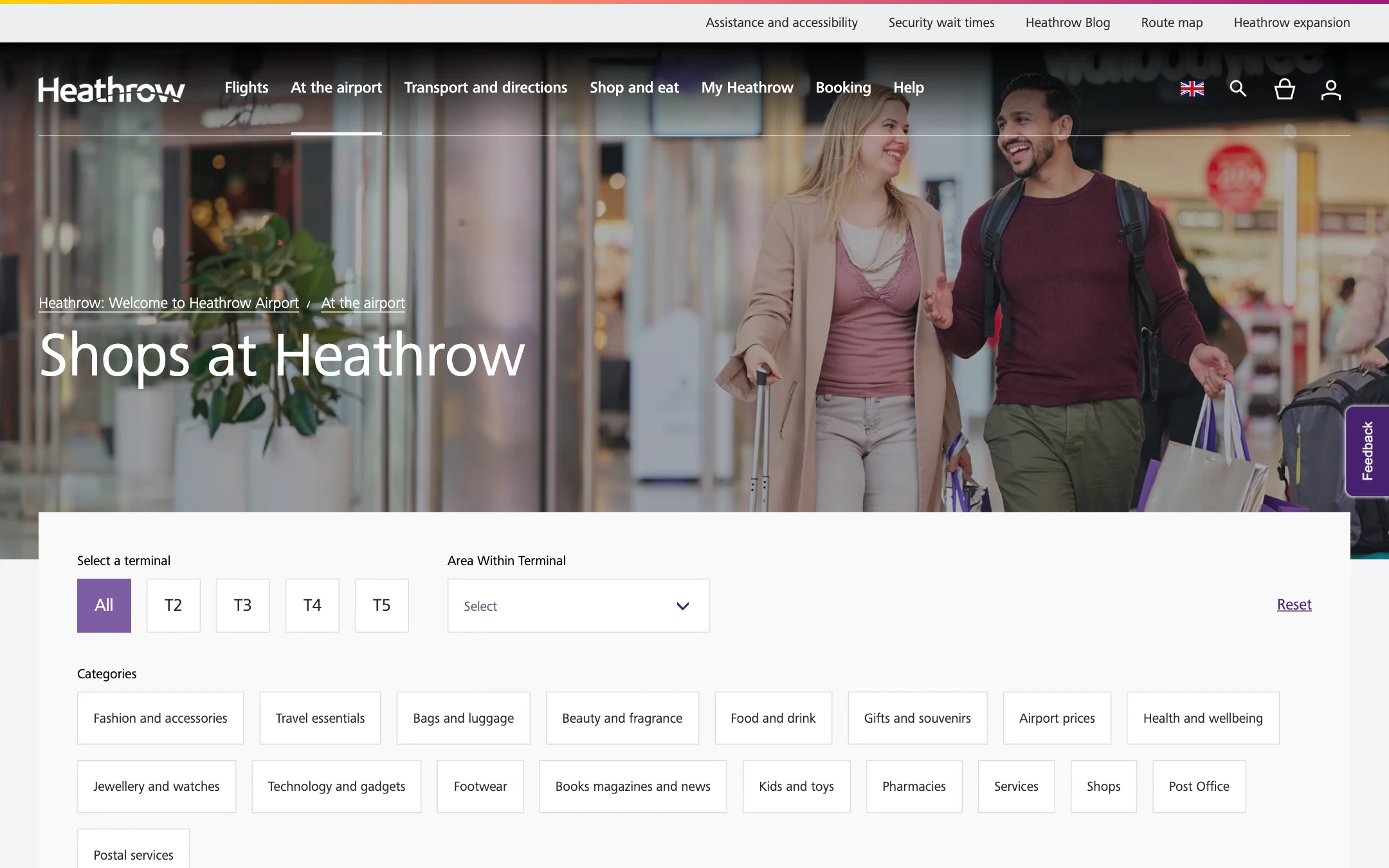
The directory opens with every shop, A to Z. Terminal buttons and a category row sit above the grid; the Reset link clears both.
Each card is a logo, its categories, the terminals it trades in, a Browse link to the online shop and a View details link to its page.
Terminal 5, Beauty and fragrance, and Travel essentials narrow the shop directory.
Restaurants reuse the layout with their own categories: casual dining, family favourites, pubs and bars, takeout, coffeehouse and café, dine in style.
Boots: logo, terminal tabs, area, a map link, a phone number and opening hours in one strip, then the description and a Browse button.
The hub groups six travel categories: train, car, bus and coach, taxi and minicab, terminal drop-off, and cycling. Each uses a yellow icon, a sentence and a Find out more link.
The journey planner follows these choices, connecting a postcode or station with a Heathrow location. Parking and Heathrow Express booking actions sit nearby.
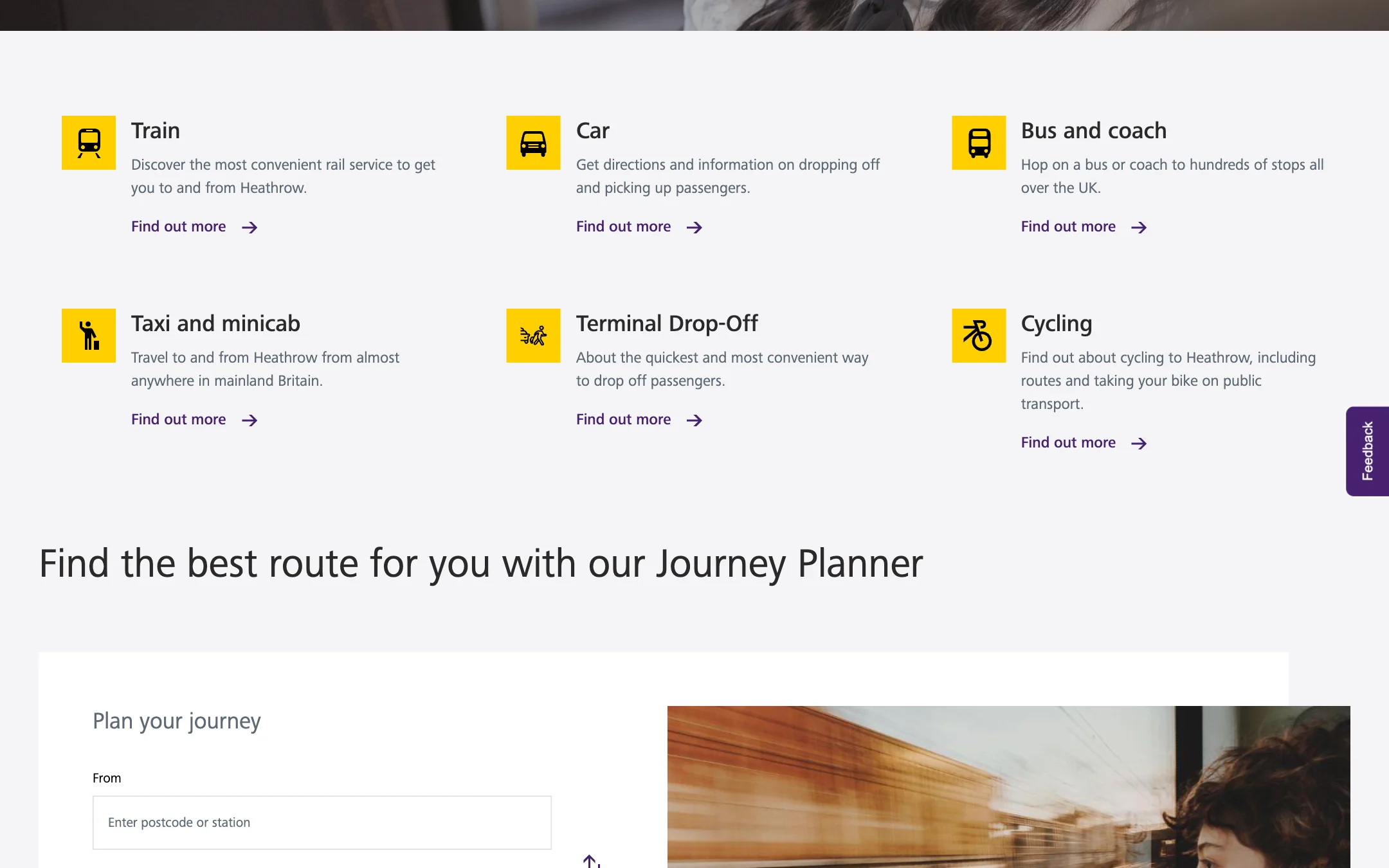
A photograph, six travel categories in two rows, then the planner and the two booking actions.
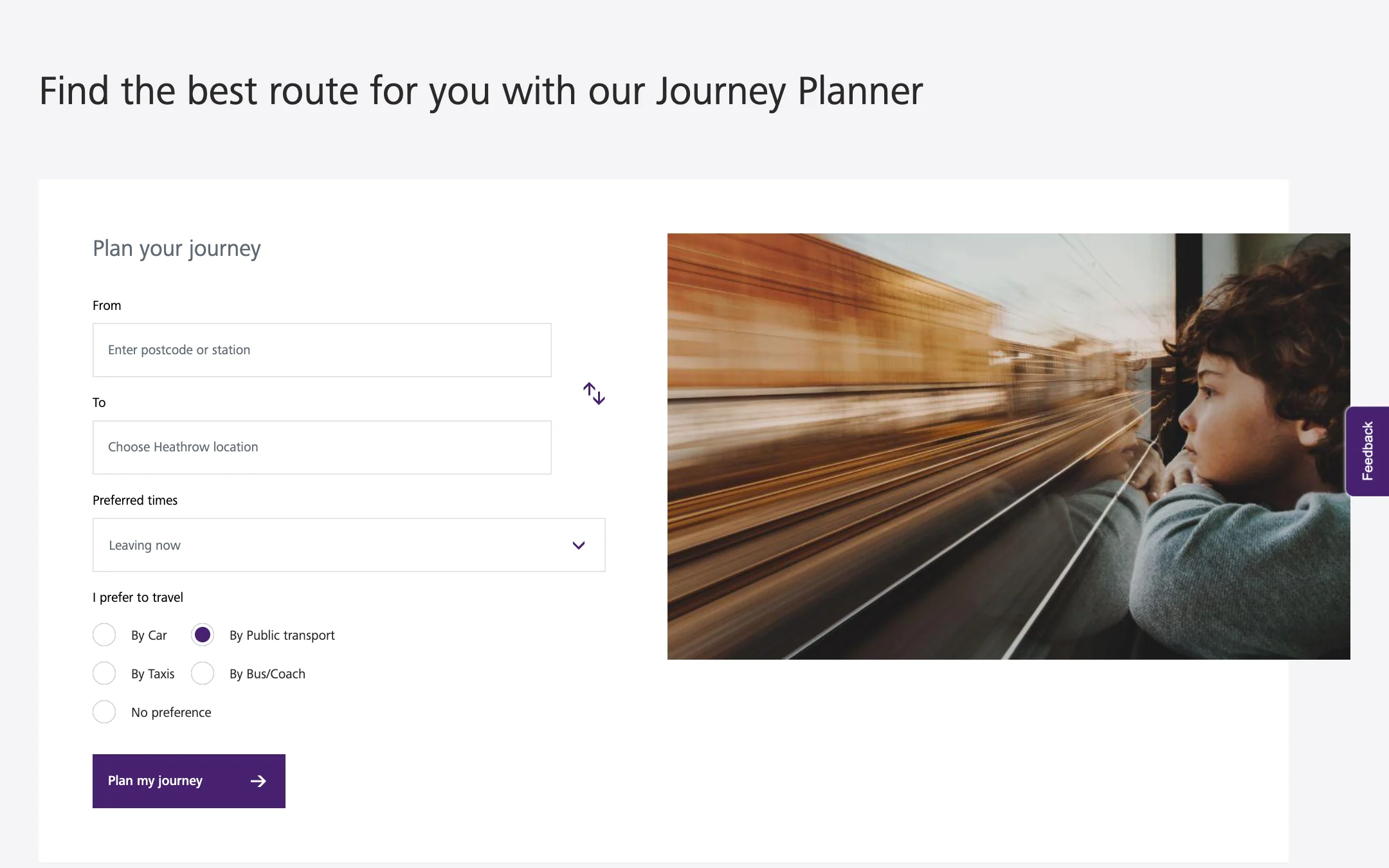
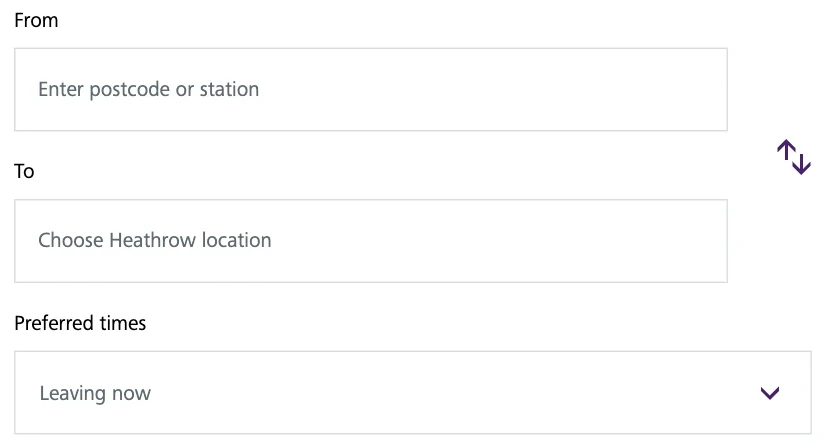
From, to, preferred times, preferred mode. The same form appears on every mode page and in the journey planner itself.
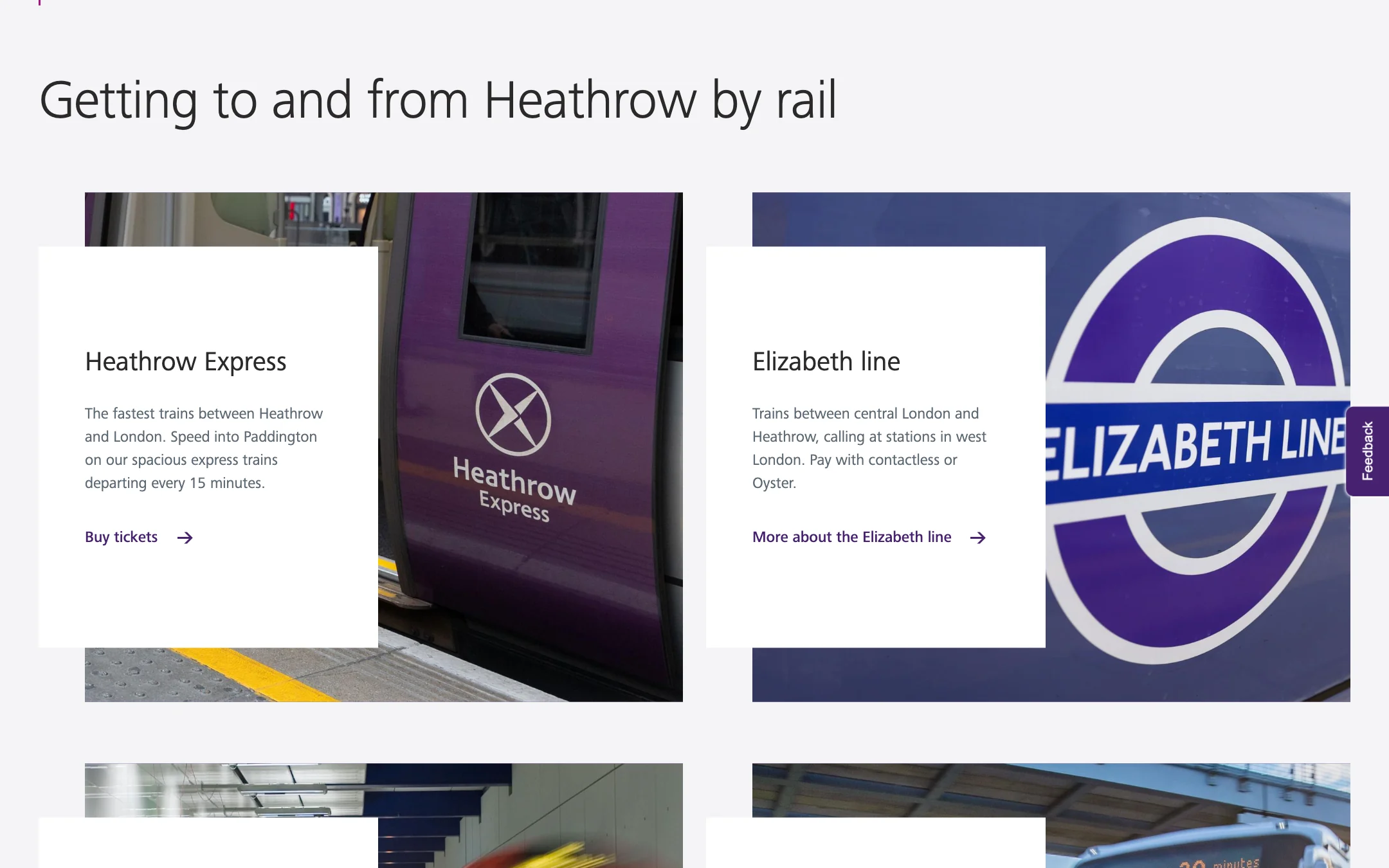
Heathrow Express, the Elizabeth line, the Underground and Rail-Air bus links, each a photograph, a sentence and a link.
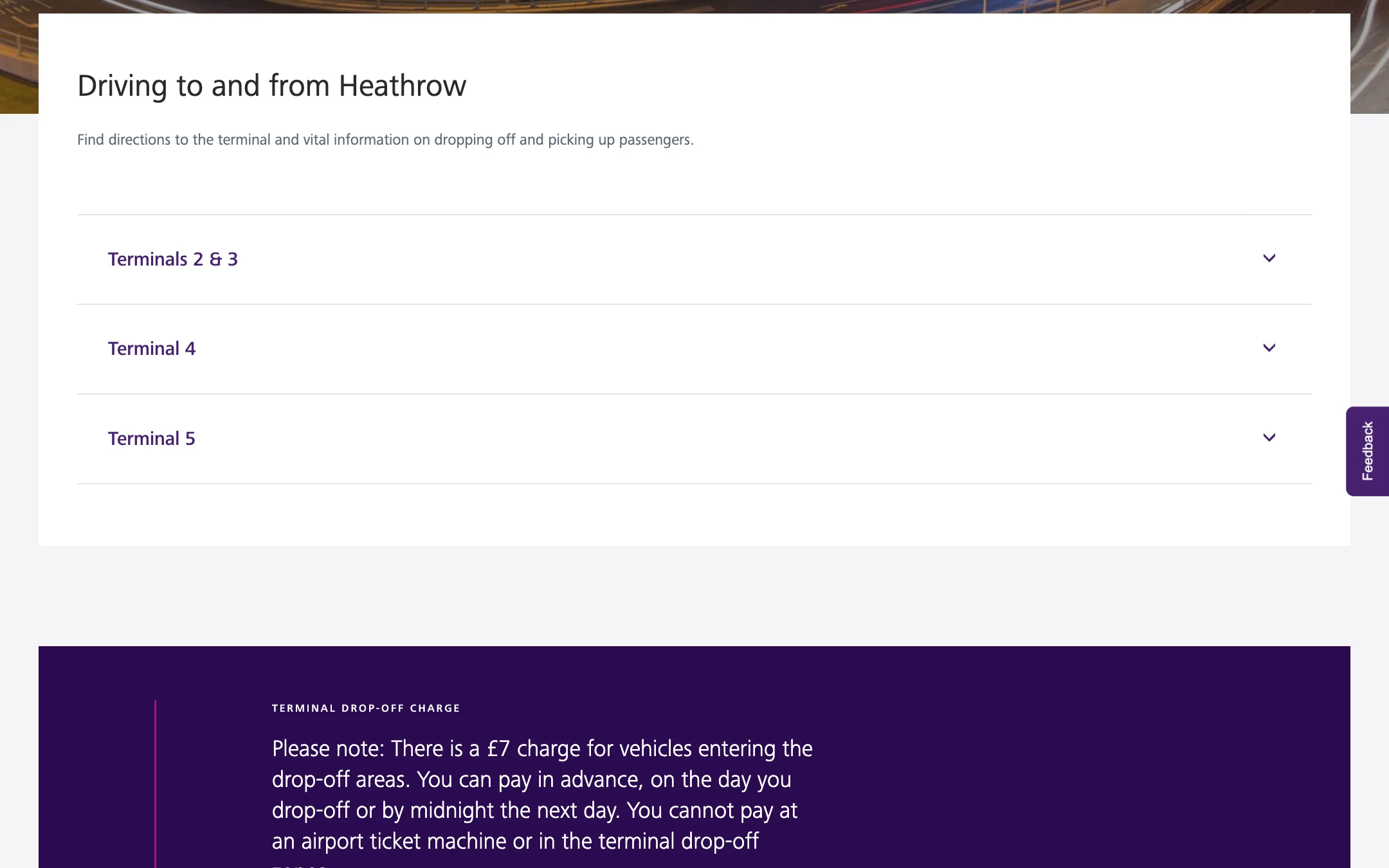
Driving to and from Heathrow folds its directions into three accordions, Terminals 2 & 3, Terminal 4, Terminal 5, with the drop-off charge called out underneath.
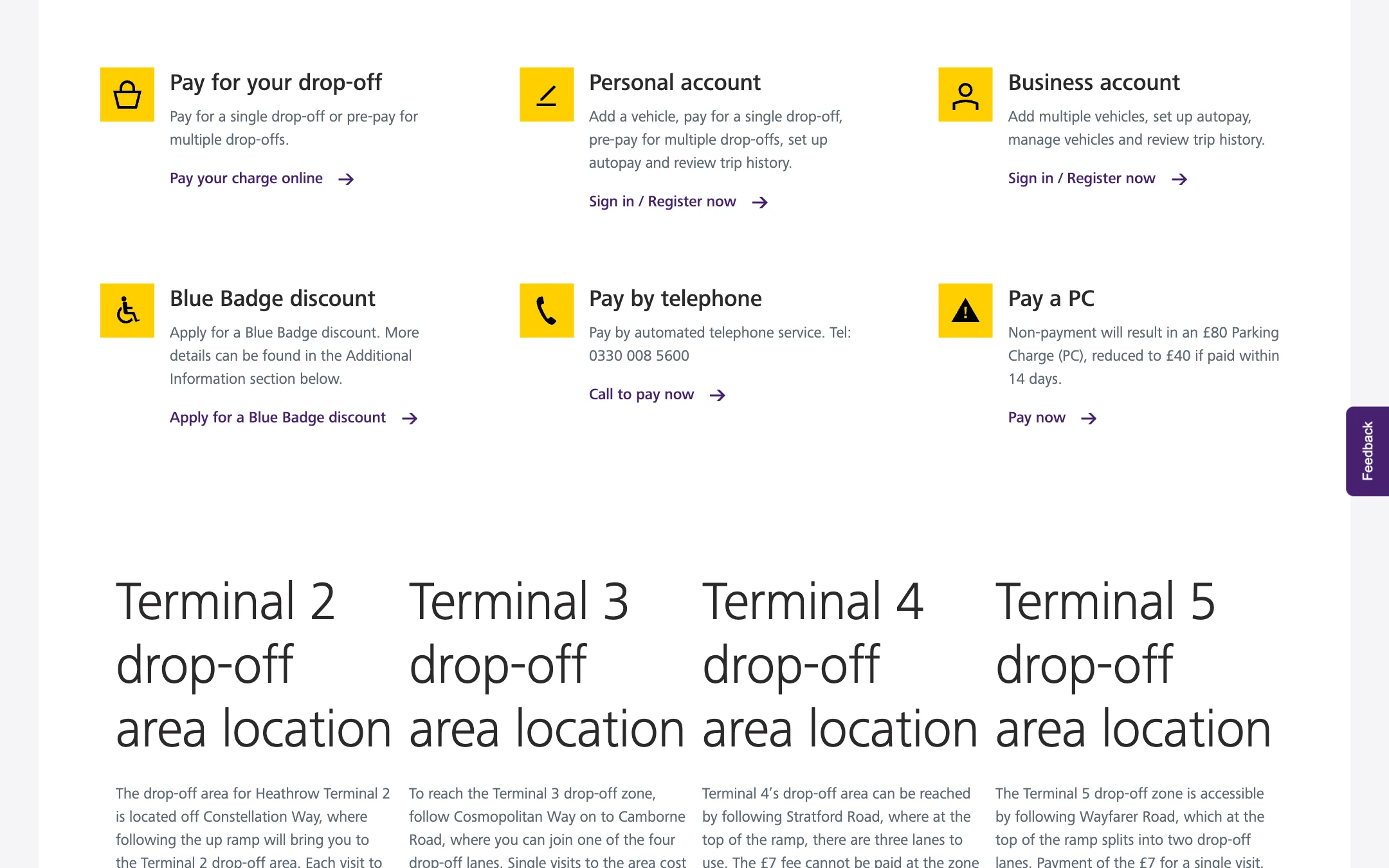
The charge page is six actions in the yellow-icon pattern: pay a single drop-off, a personal account, a business account, a Blue Badge discount, pay by phone, pay a parking charge.
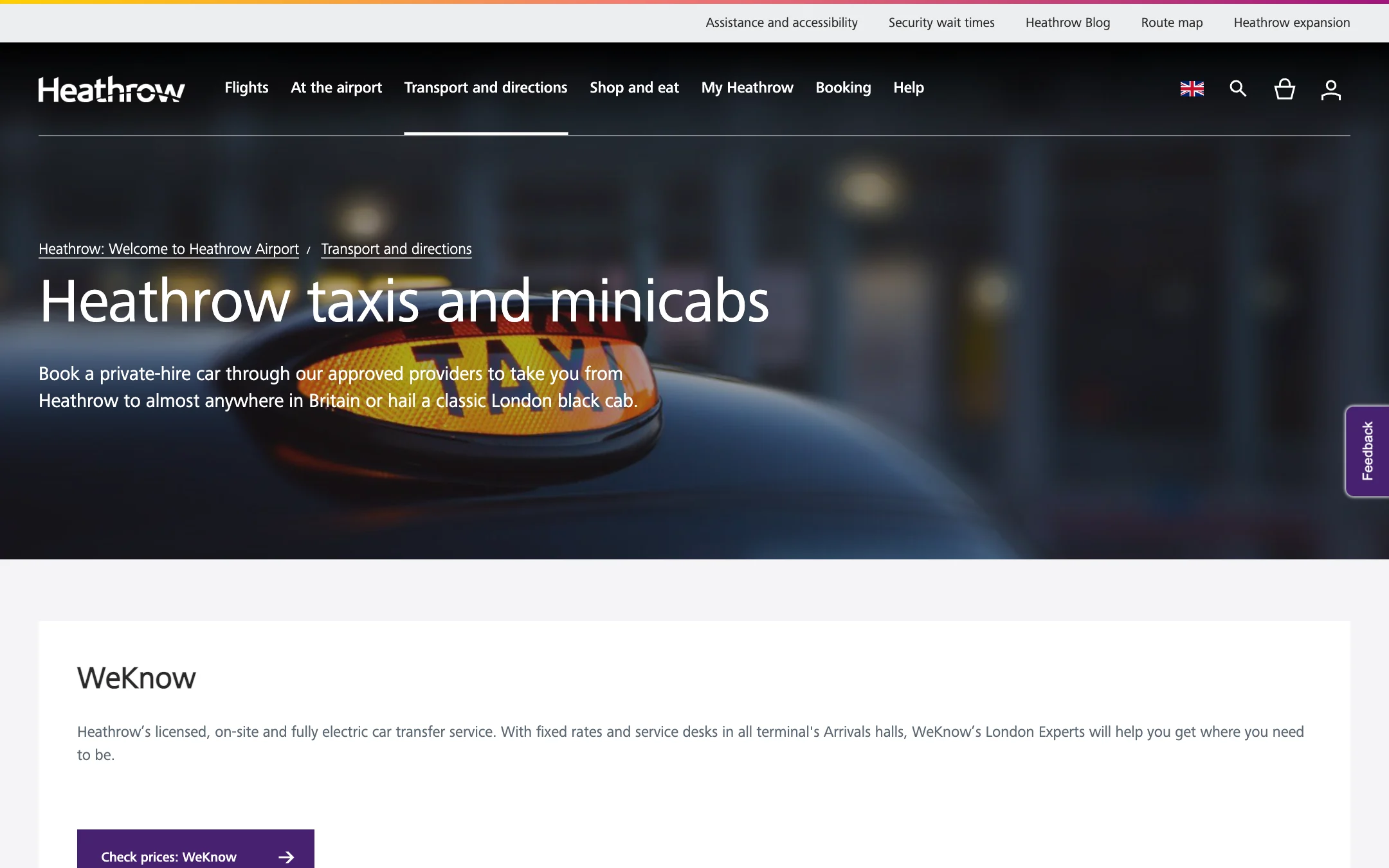
The page introduces private-hire transfers and black cabs, then presents WeKnow with a link to check prices.
Rail comparisons use plain paragraphs for routes, journey times and connecting stations. The drop-off page explains the charge and payment deadline before terminal locations, map links and further details.

Three direct railways, then the transfers, in plain text.
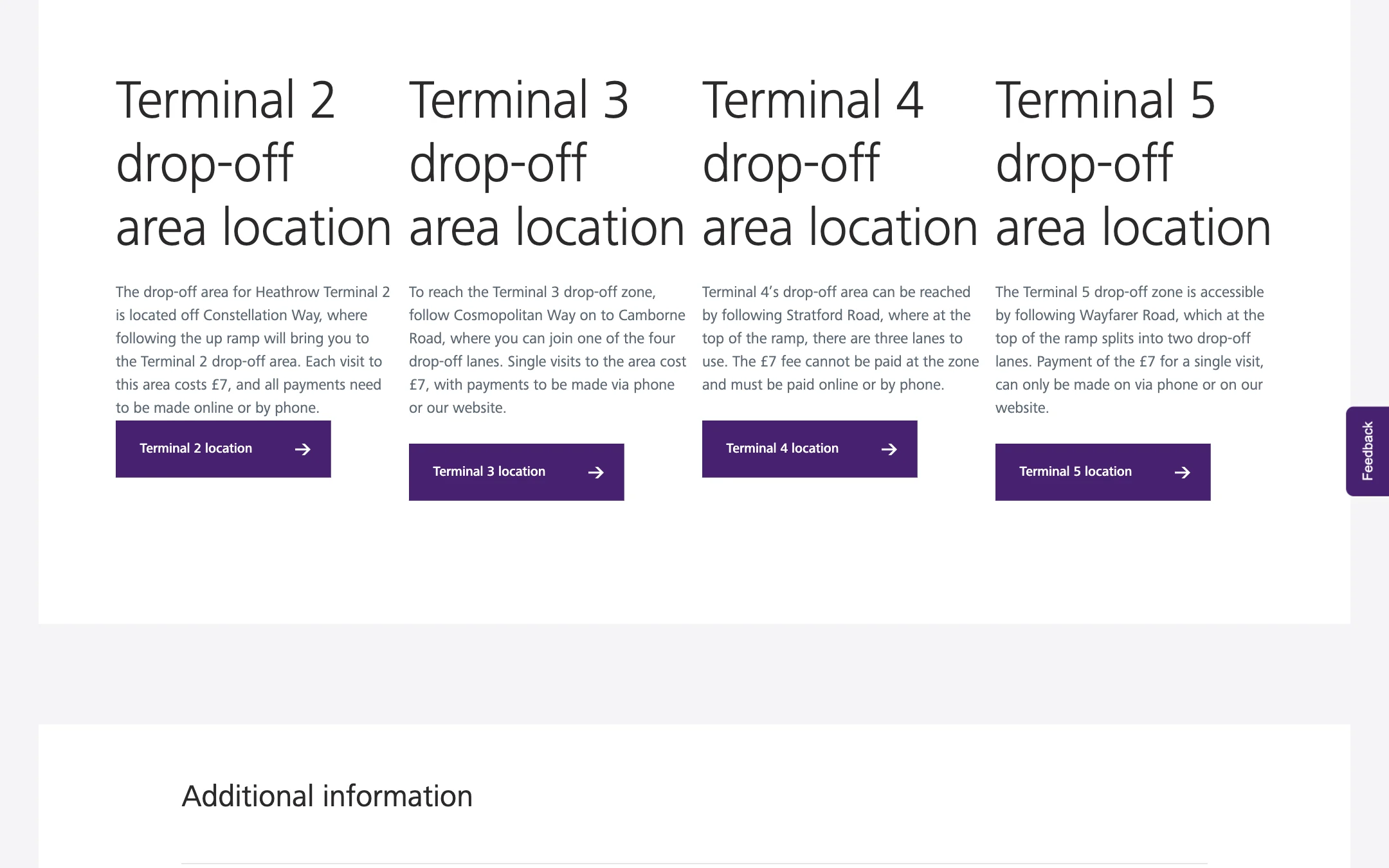
Four terminals, four drop-off locations, four map buttons.
The At the airport hub holds the retail section with the rest of the terminal: find your terminal, find your way, free Wi-Fi, then Find it at Heathrow, a block of five doors into shops, food and drink, facilities, services, and lounges, hotels and spa.
Each door is a sentence and a link, in the same yellow-icon pattern as the parking promises and the transport modes. The site keeps one voice across the three sections.

Parking: Why choose Official Heathrow parking?

At the airport: Find it at Heathrow.

Transport and directions: the modes.
A common design system supports three different tasks: comparing parking, narrowing a directory and planning transport. The yellow-icon summaries and terminal labels repeat where useful, while forms, filters and reading sections adapt to the decision at hand.
Ahmed Mowgoud — UI design & design system
Publicis Sapient — agency
Heathrow — client


