Back

Omantel

The Omantel super app: customer home variants, planned utility payments, sign-in and top-up flows, and the design system underneath them.
My contribution
UI design, UX flows & design system
Client
Omantel
With
Publicis Sapient
Year
2024
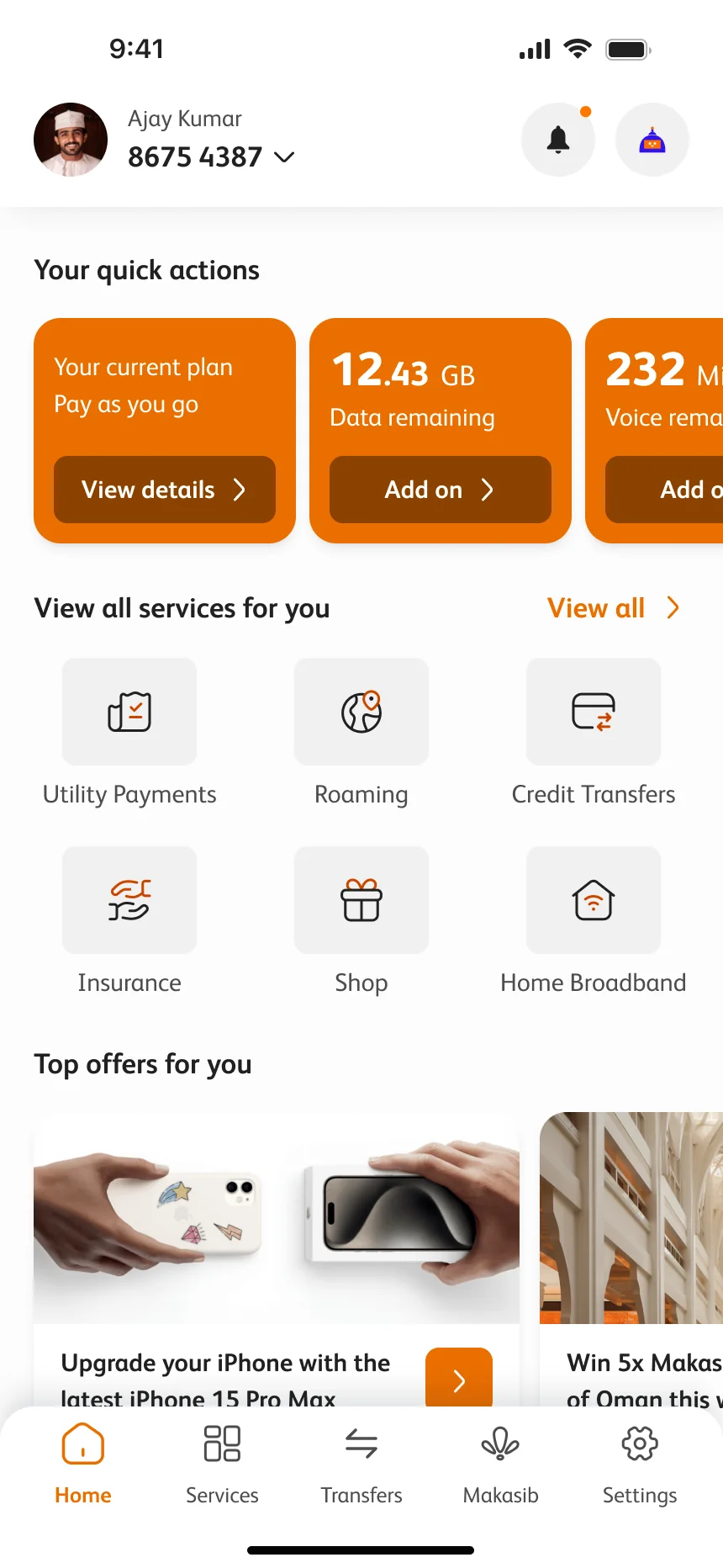
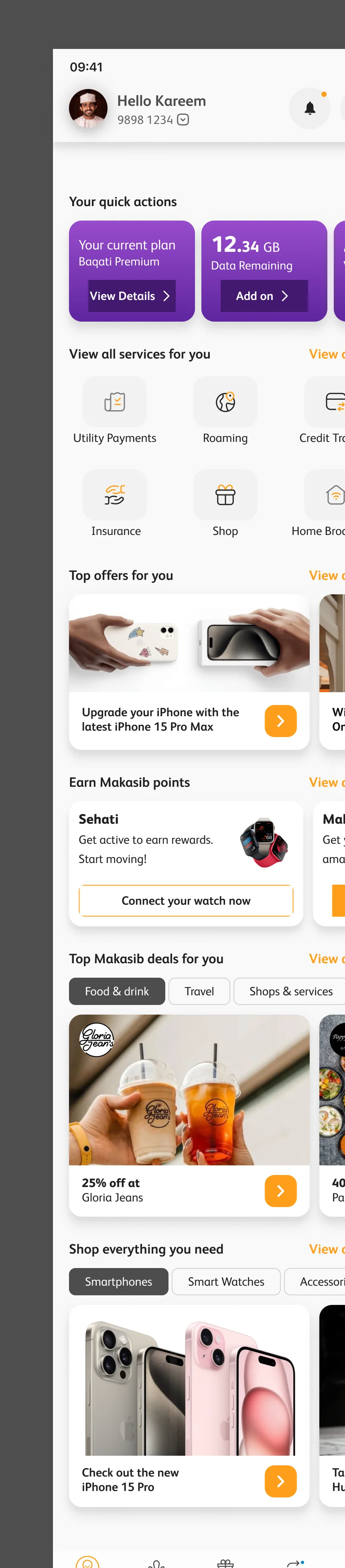
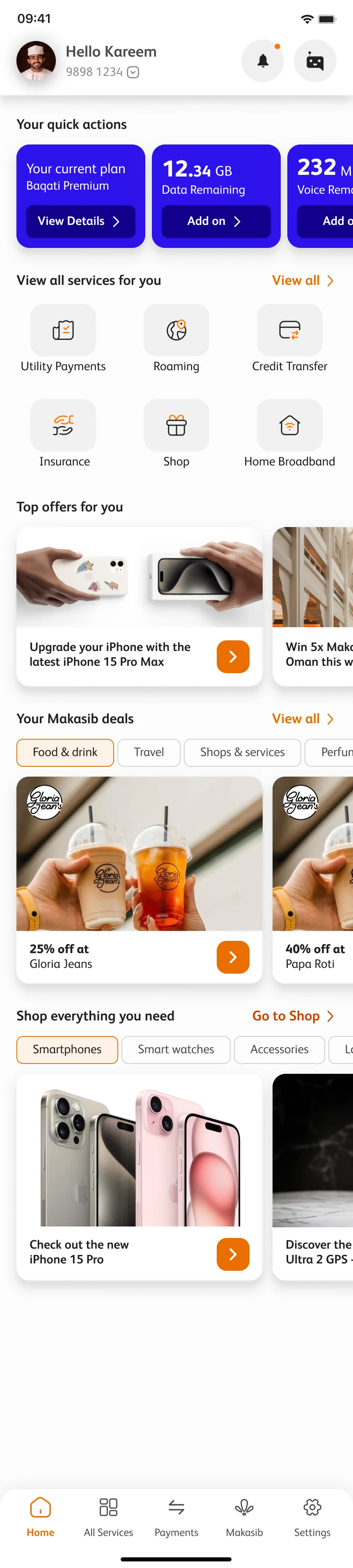
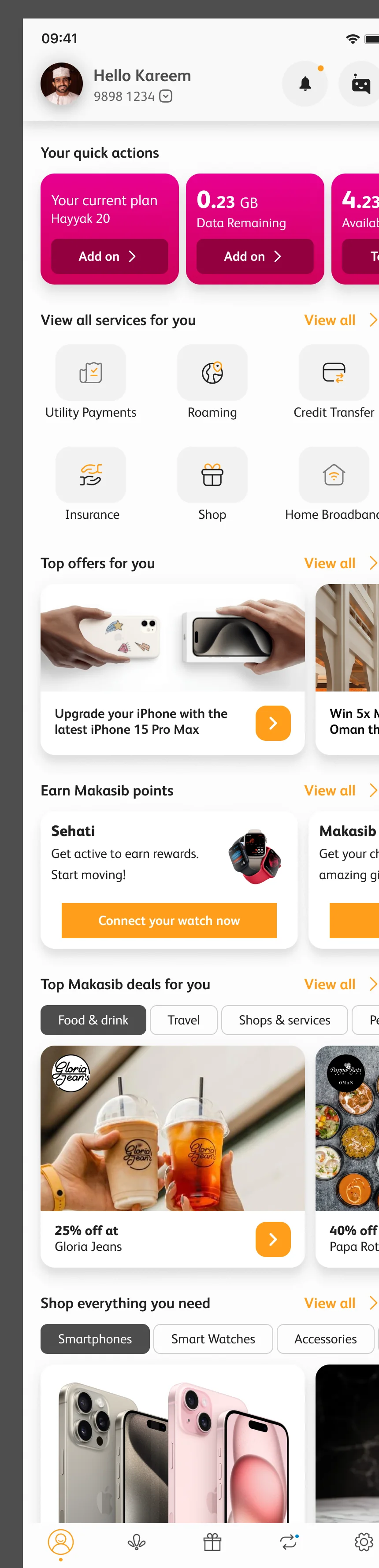
The Omantel super app home for a Baqati customer: Hello Kareem, quick actions for plan, data and minutes, services, top offers, Makasib deals and the shop
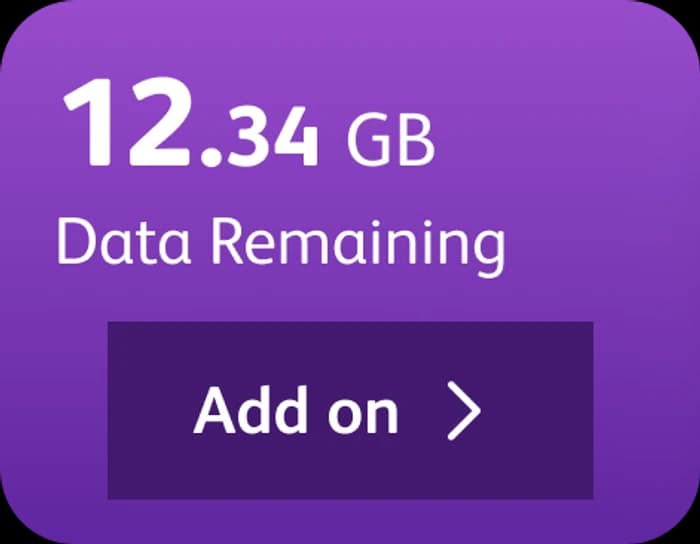
Quick action card: 12.34 GB data remaining, with an Add on button
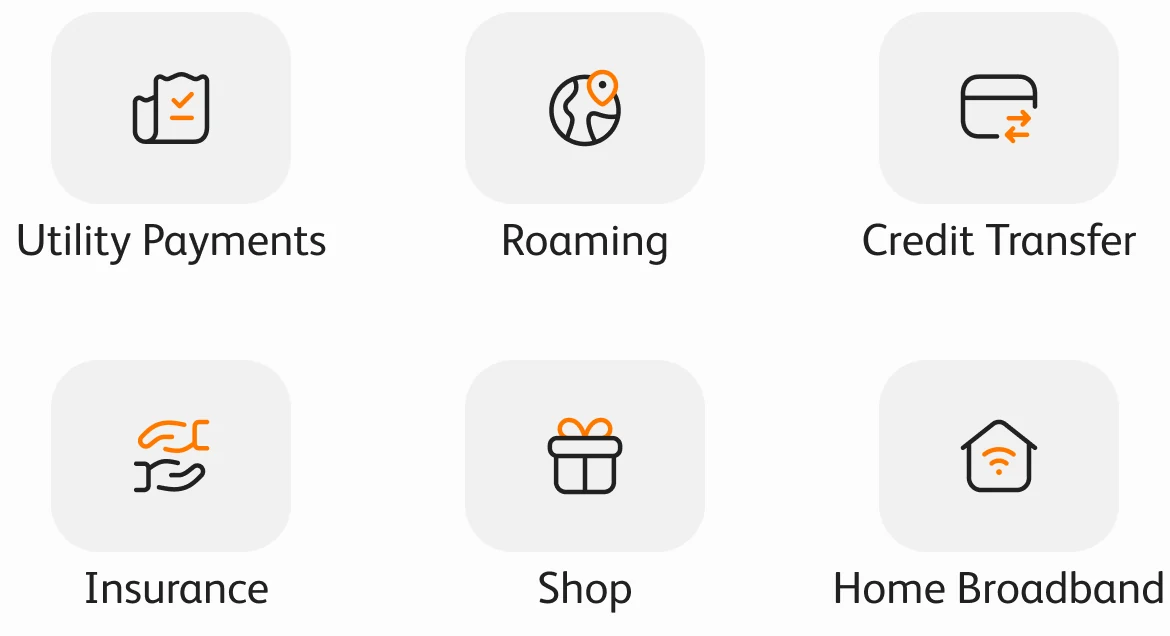
The services grid: utility payments, roaming, credit transfer, insurance, shop and home broadband

Balance, bills, top-ups and roaming lead the home, with offers, rewards and shopping below. The first row changes with the customer’s account.

  • 3customer home variants
  • 5quick-action cards in the Baqati row
  • 3entry points for top-up
  • 60colour tokens in six ramps
  • 4states for every tab

Context.

Omantel’s customers do not share one relationship with the company. Some pay a monthly plan, some top up a prepaid line, some only know it as the router at home. The super app had to welcome all of them on the same home screen, and not make any of them dig for the thing they came to do.

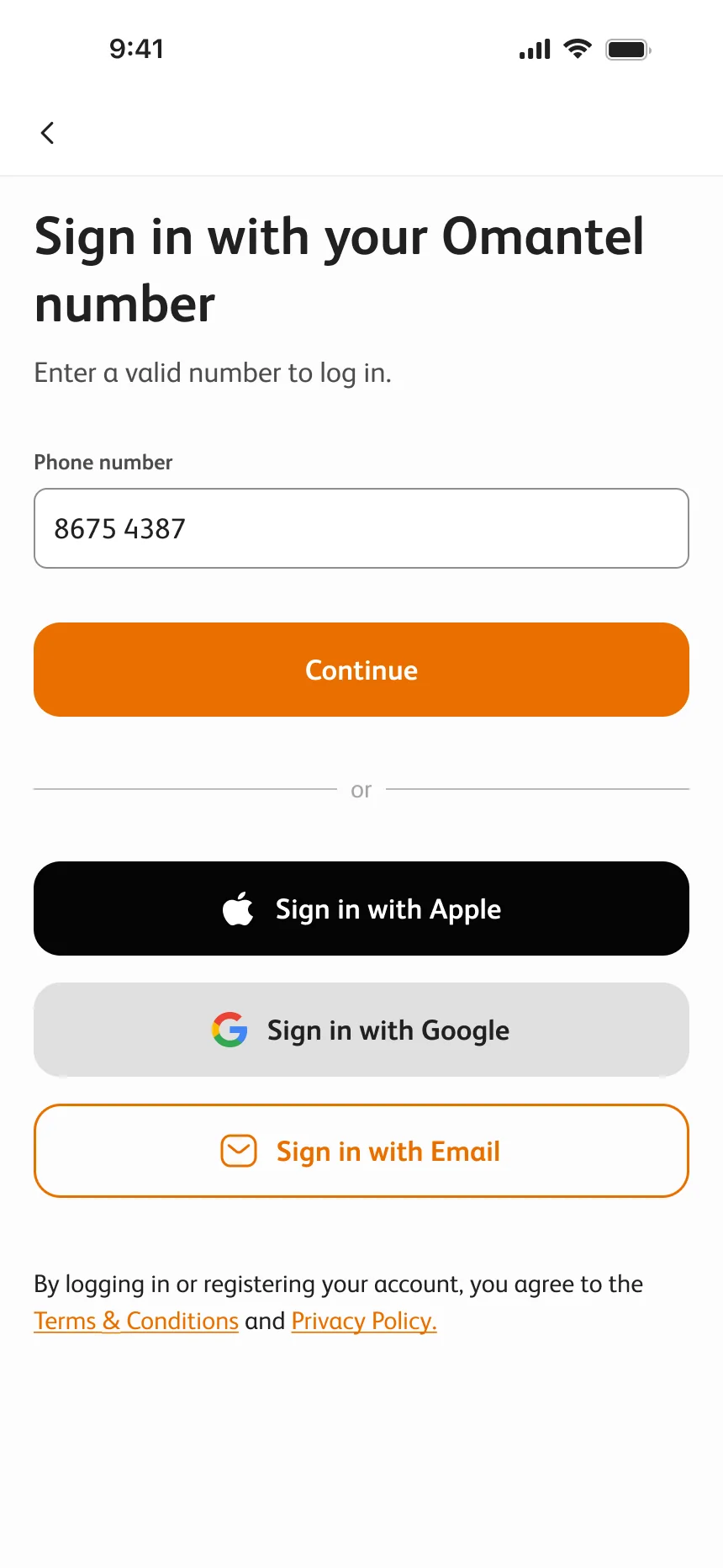
The work shown comes from the design files: home variants, sign-in and top-up flows, colour tokens and component documentation. The selected screens use different sample accounts and navigation labels.

Same home. Three variants.

Baqati, Hayyak and home broadband (HBB) adapt the shared home to different Omantel accounts. The planned Nama (نماء) integration would also let users pay their water bills through the app.

Baqati

The Baqati home with purple quick-action cards
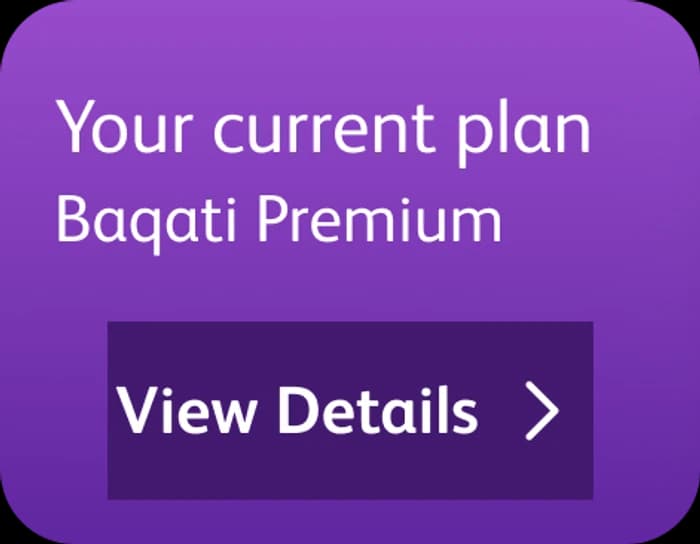
Baqati card: your current plan, Baqati Premium, View details

Plan, data, minutes, the bill and roaming, all before the first scroll.
Hayyak

The Hayyak home with pink quick-action cards
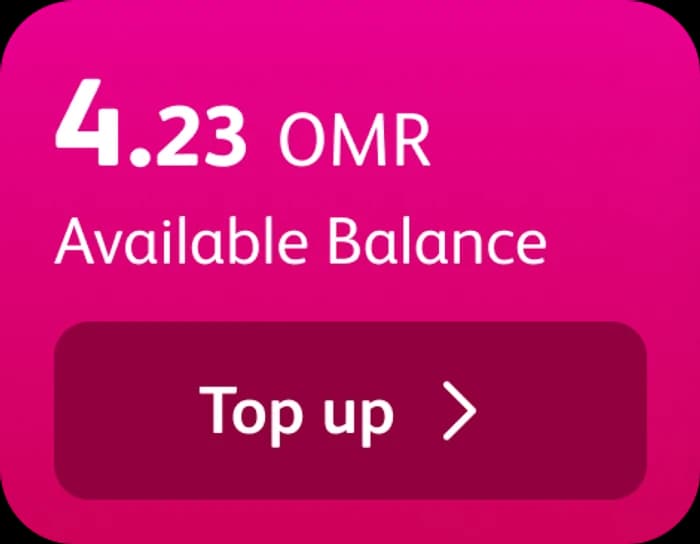
Hayyak card: 4.23 OMR available balance, Top up

Prepaid first: the available balance and its Top up button sit in the first row.
HBB

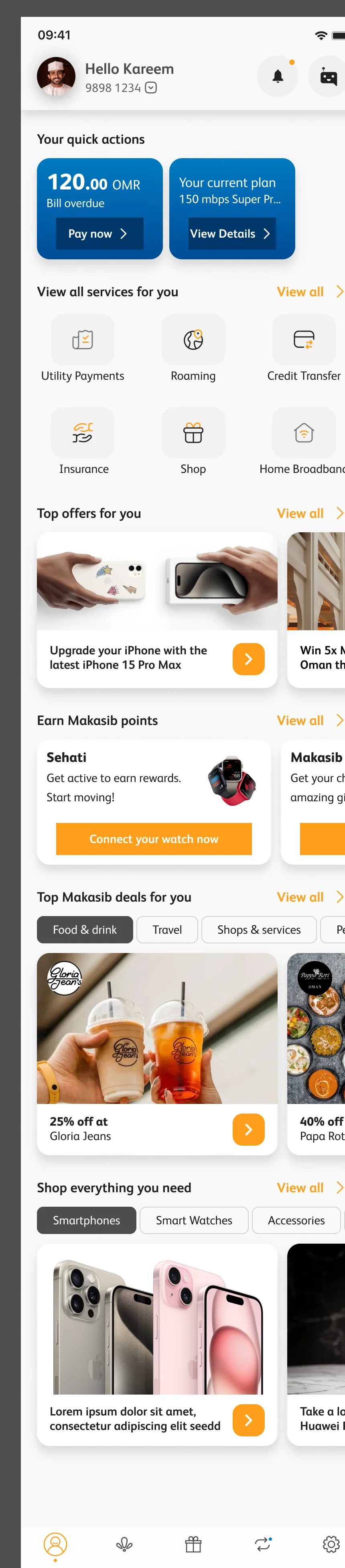
The home broadband (HBB) home with two blue quick-action cards
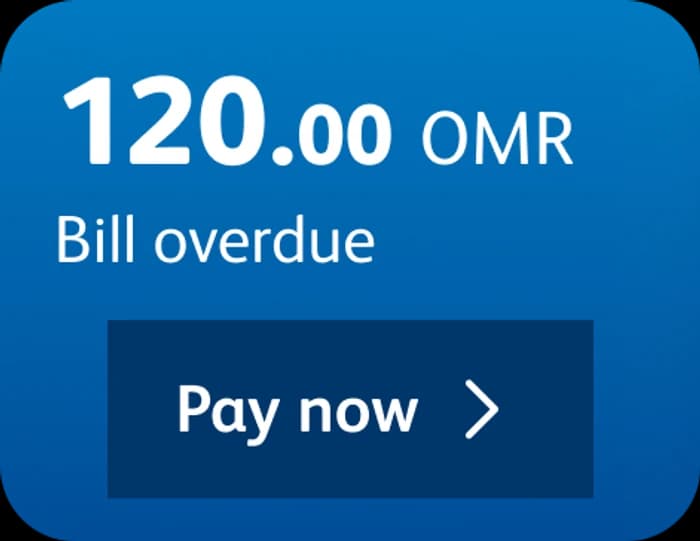
HBB card: 120.00 OMR bill overdue, Pay now

Home broadband gets two cards and no more: the bill and the speed of the plan.

Read the home page like a to-do list.

The home prioritises account tasks, then services, offers and rewards.

The Omantel super app home for a Baqati customer: Hello Kareem, quick actions for plan, data and minutes, services, top offers, Makasib deals and the shop
The top of the home: profile picture, Hello Kareem, the number 9898 1234, notifications and the Noor assistant
  1. 01

    Who, and on which number.

    A greeting, the number you are on with a switch for your other lines, and two doors that never move: notifications, and Noor, the assistant.

  2. 02

    What do I have left?

    The answer is the first thing on screen. Plan, data, minutes, a bill, roaming: each card carries the one button that acts on it, and the row scrolls sideways for more.

  3. 03

    What else can I do here?

    Six services as tiles, each an icon and a short label: utility payments, roaming, credit transfer, insurance, shop and home broadband. View all opens the rest.

  4. 04

    What is new for me?

    Offers in a sideways rail. Image first, a line of copy, one orange arrow to act on it.

  5. 05

    What do I get for staying?

    Makasib rewards, filtered by what you like: food and drink, travel, shops and services, fashion, beauty, gifts and electronics. A logo, the discount, the partner.

  6. 06

    The main destinations.

    Five tabs connect Home, All services, Payments, Makasib and Settings.

Three ways into top-up.

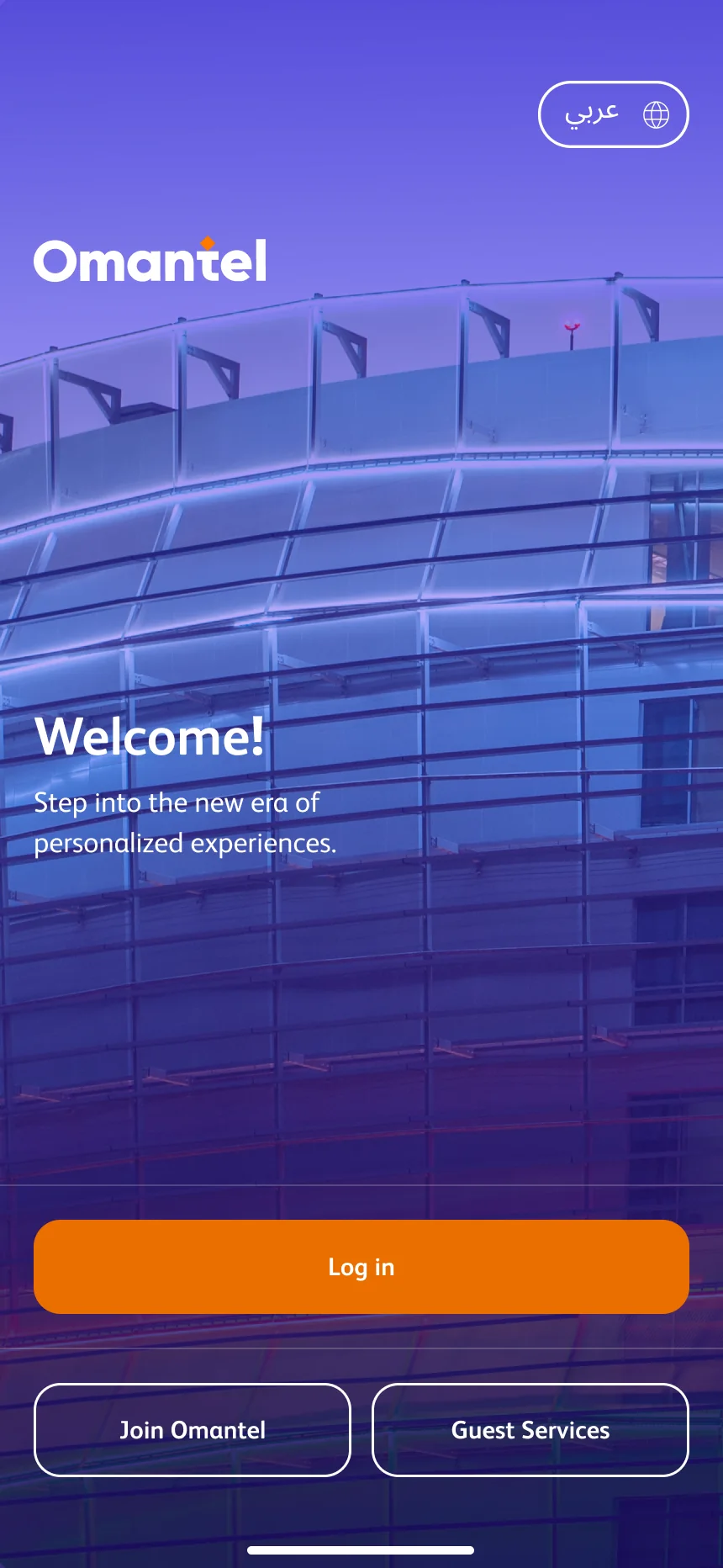
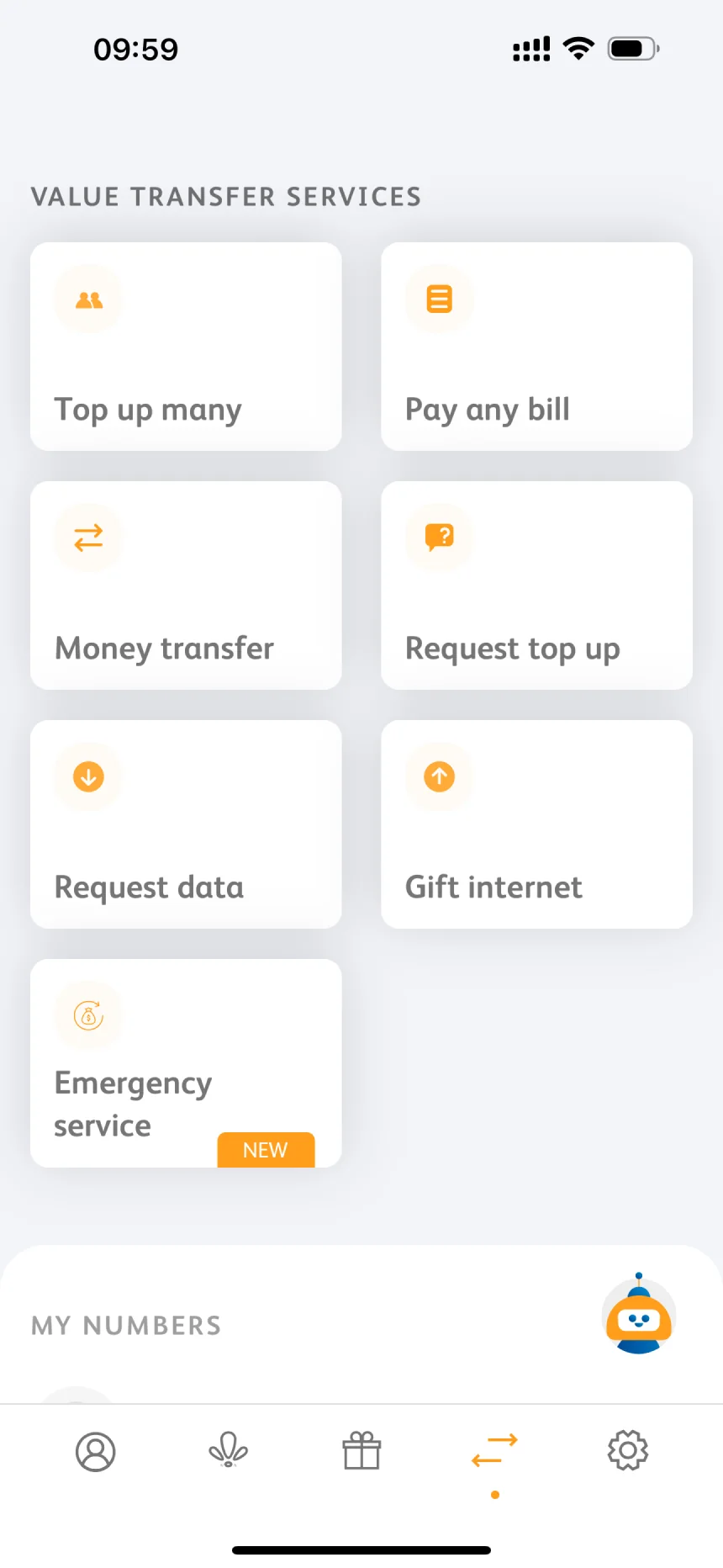
People reach top-up from three places: a quick action on the home screen, the Payments section when they top up several numbers, and the welcome screen without logging in.

The map groups entry points, related options and card-payment stages. The screens below focus on card payment; voucher redemption is shown separately.
The payment steps.

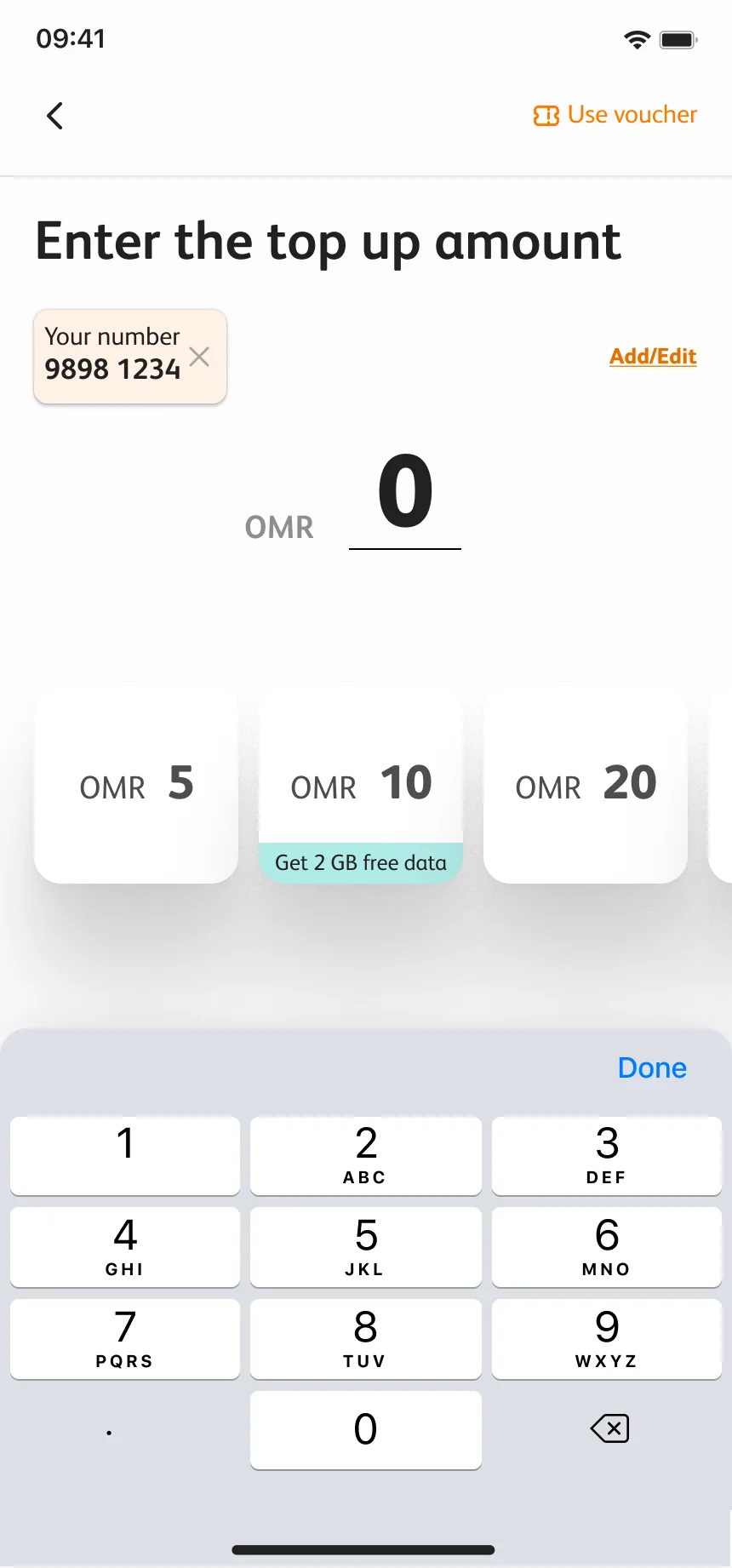
  1. Enter the top-up amount, starting at 0, with quick amounts and a keypad
    01

    Start at zero.

    A big number, a keypad and quick amounts.
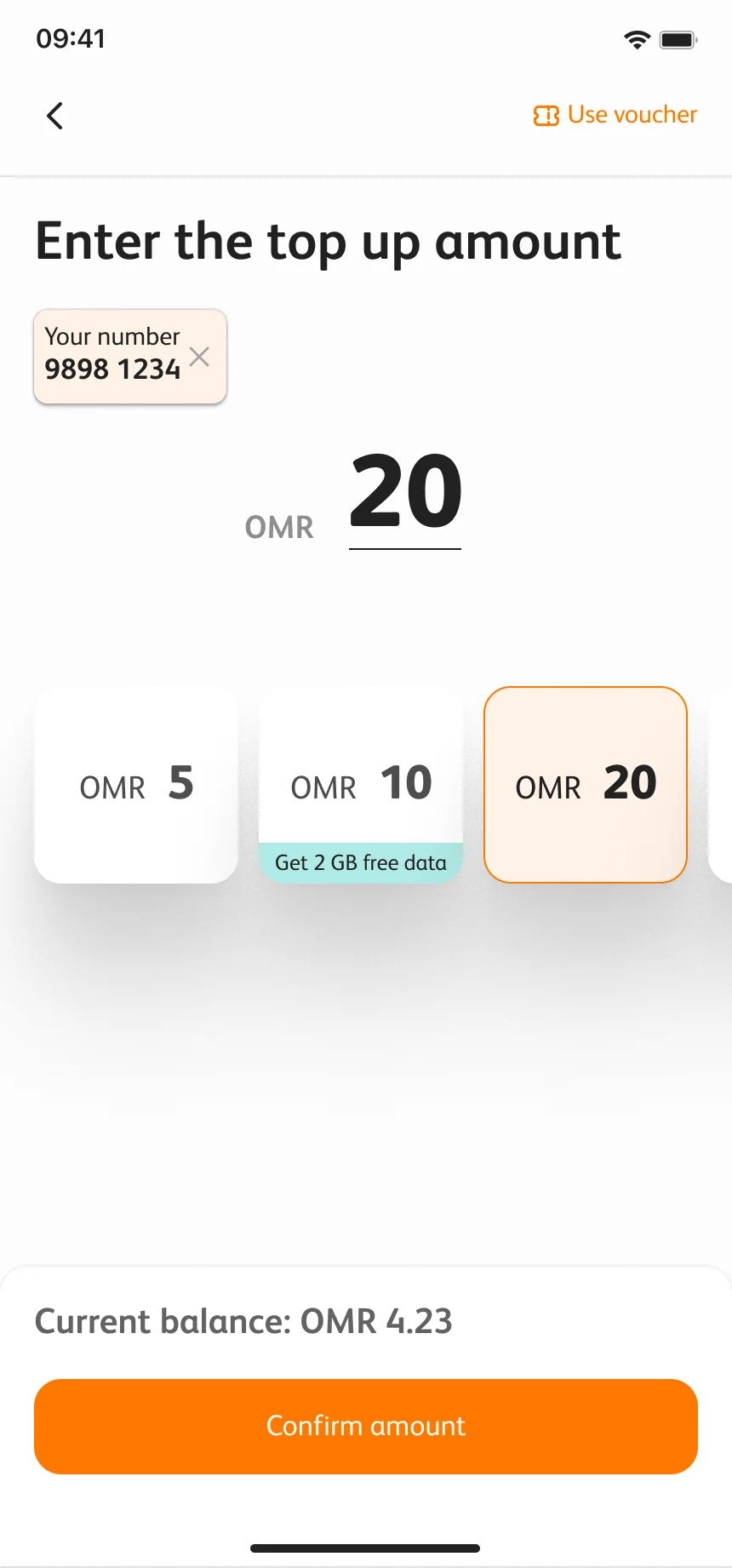
  2. The amount set to 20 OMR, with Current balance: OMR 4.23 above Confirm amount
    02

    Tap 20.

    The selected amount stays prominent, with the current balance above the confirmation action.
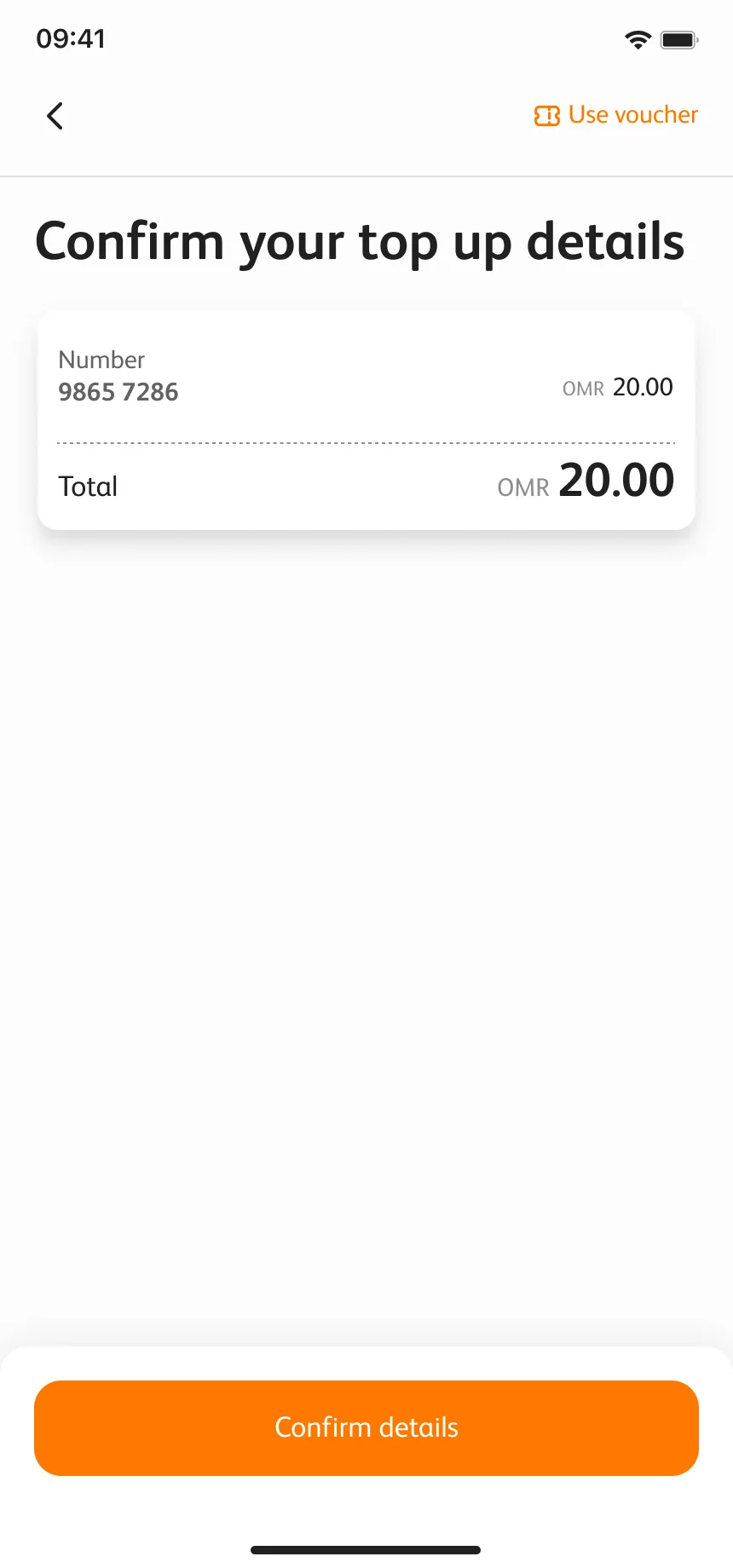
  3. Confirm your top-up details: number, amount and total
    03

    Check it.

    The number, the amount and the total, on one screen, before money moves.
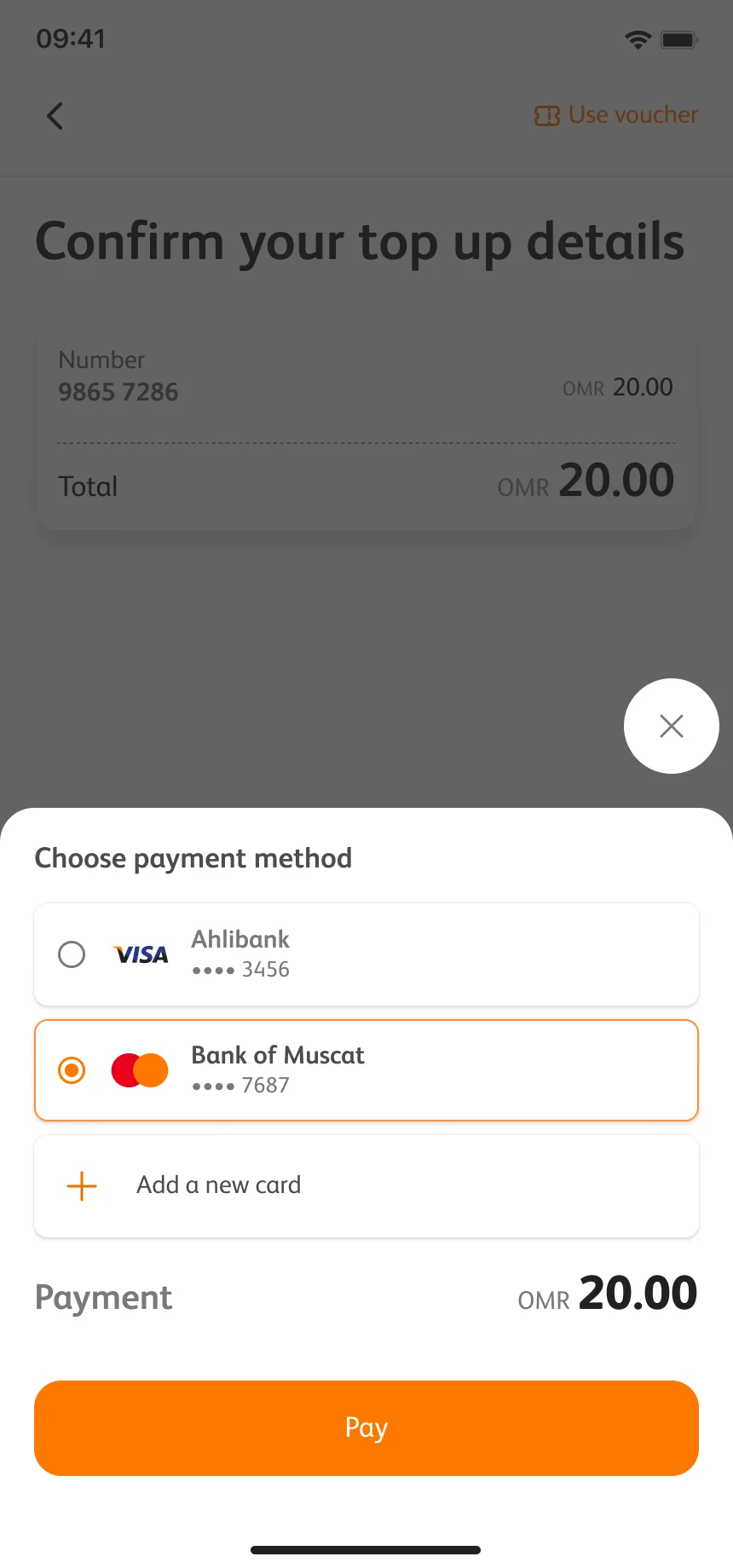
  4. A payment method bottom sheet over the dimmed confirm screen
    04

    Pay your way.

    Saved cards or a new one, in a bottom sheet over the overlay.
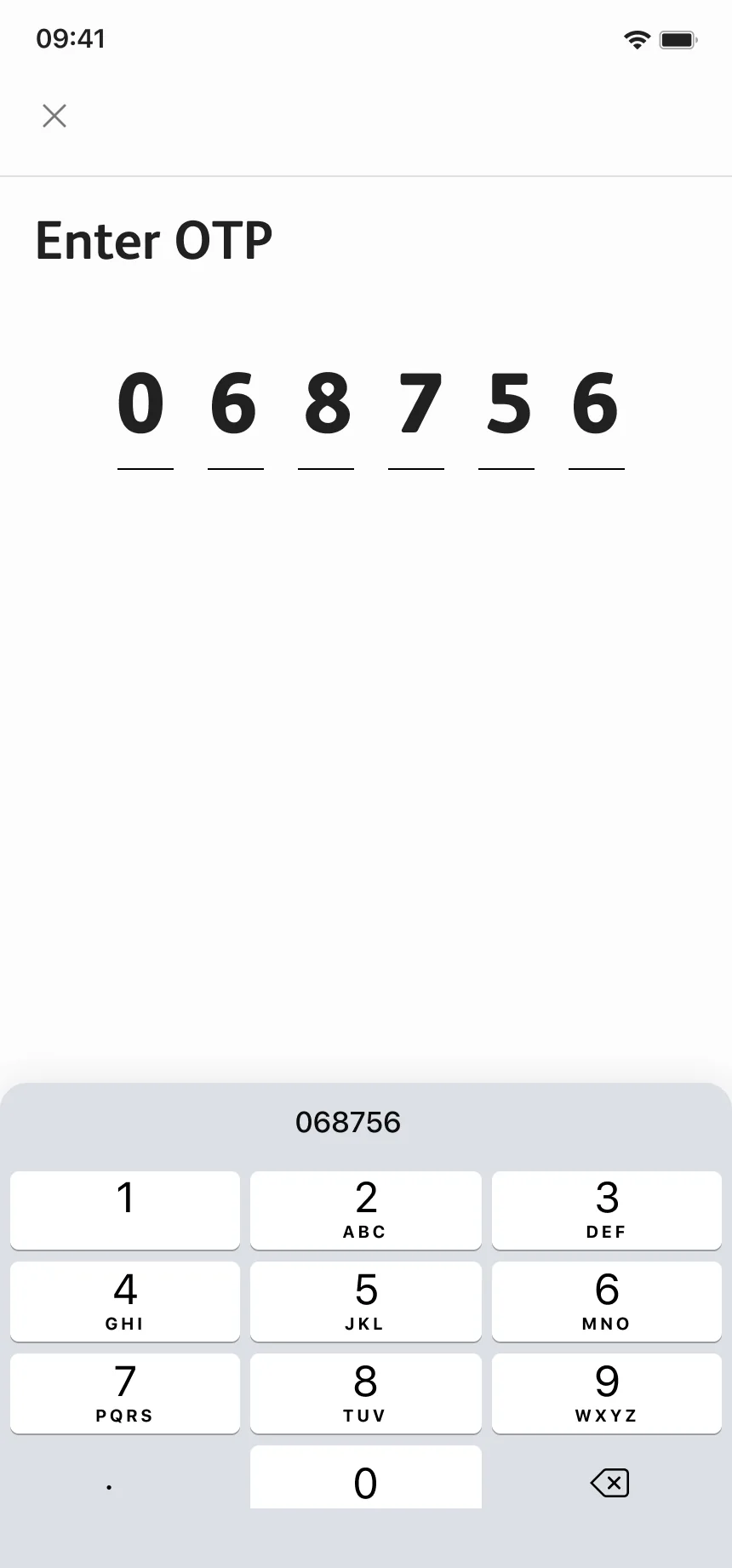
  5. The payment gateway asking for the bank OTP
    05

    The bank’s turn.

    The bank asks for its own code, in the same visual language.
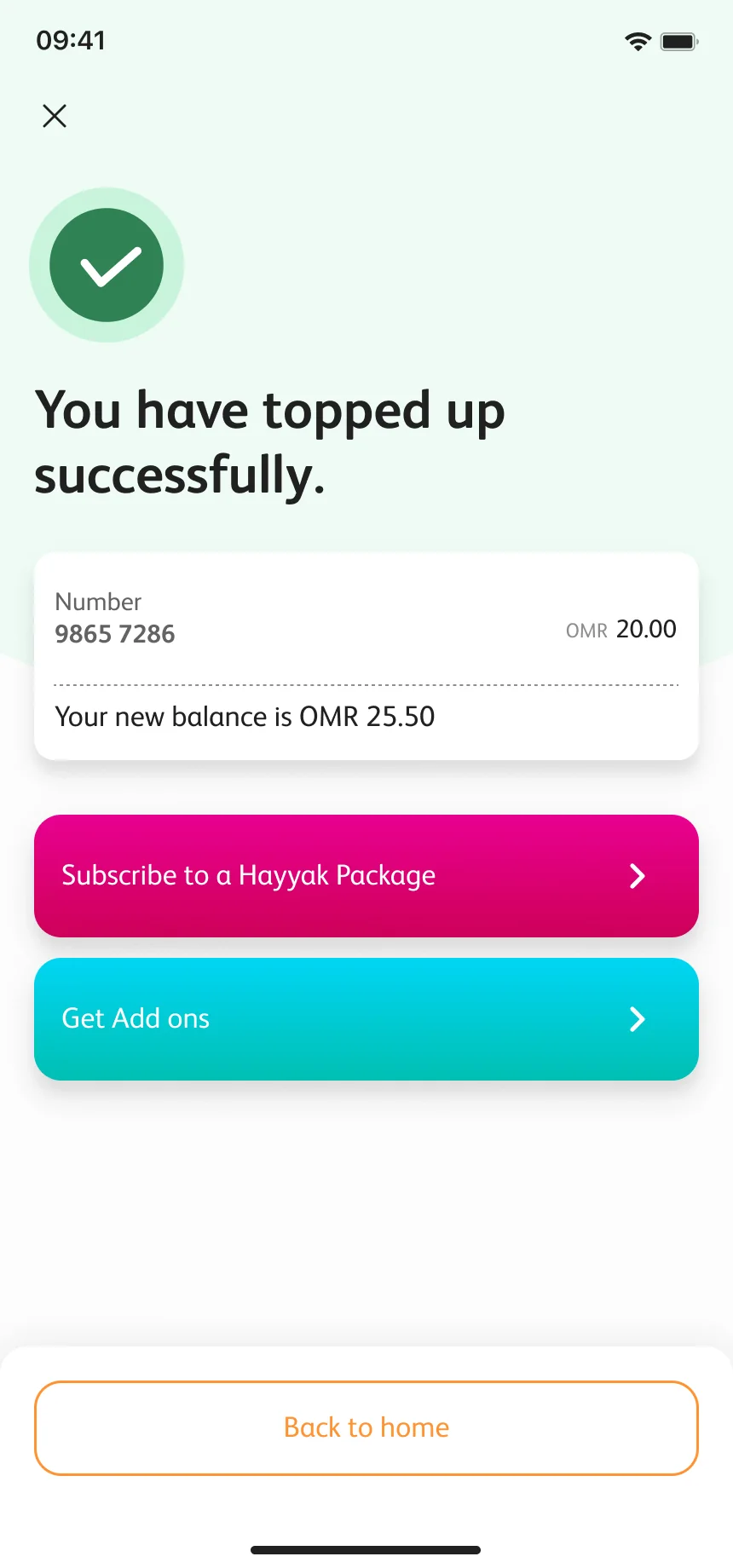
  6. You have topped up successfully, with the new balance and next steps
    06

    Done.

    The new balance, and what you might want to do next.
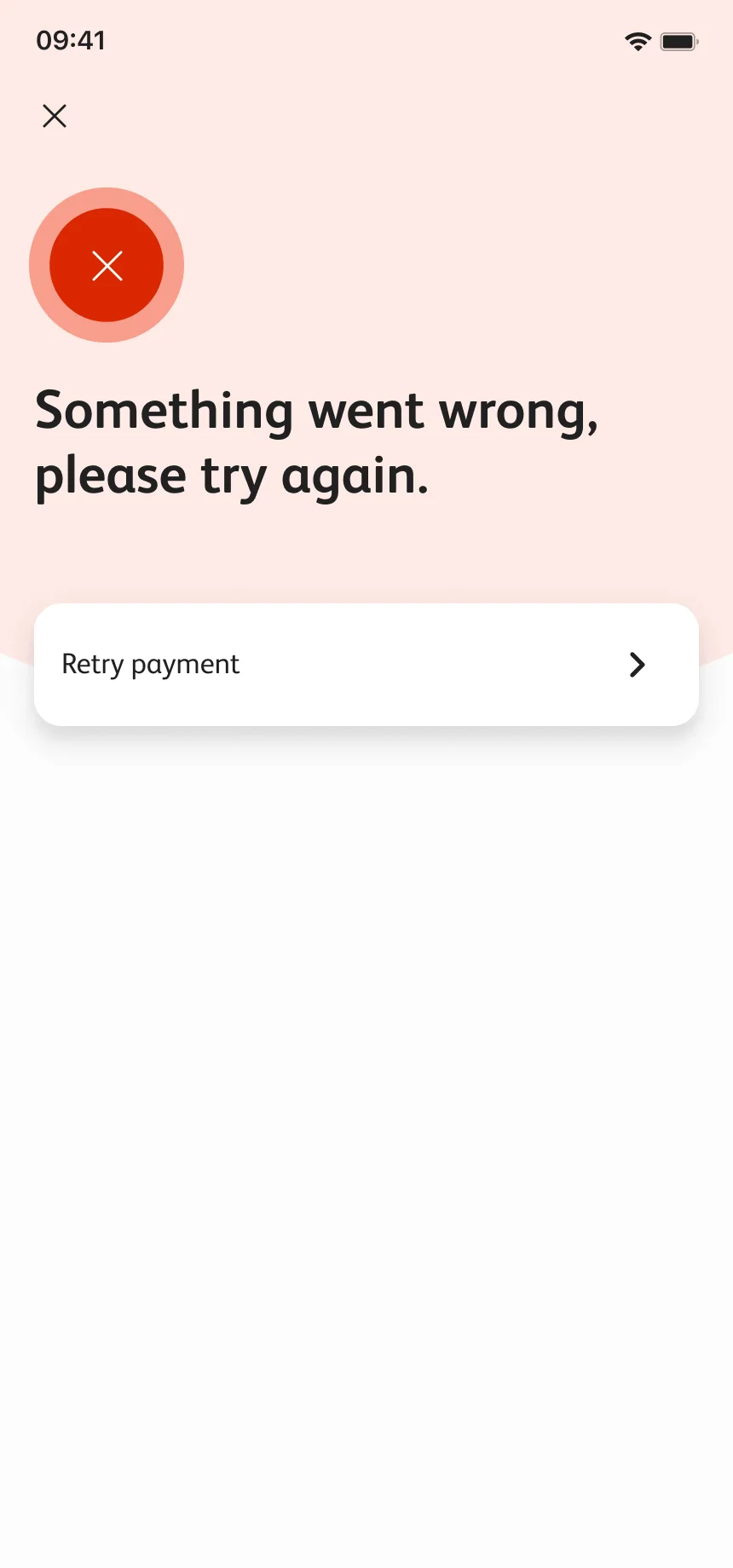
  7. Something went wrong, please try again
    07

    Or not.

    When it fails it says so plainly and offers a way back.

Other top-up routes.

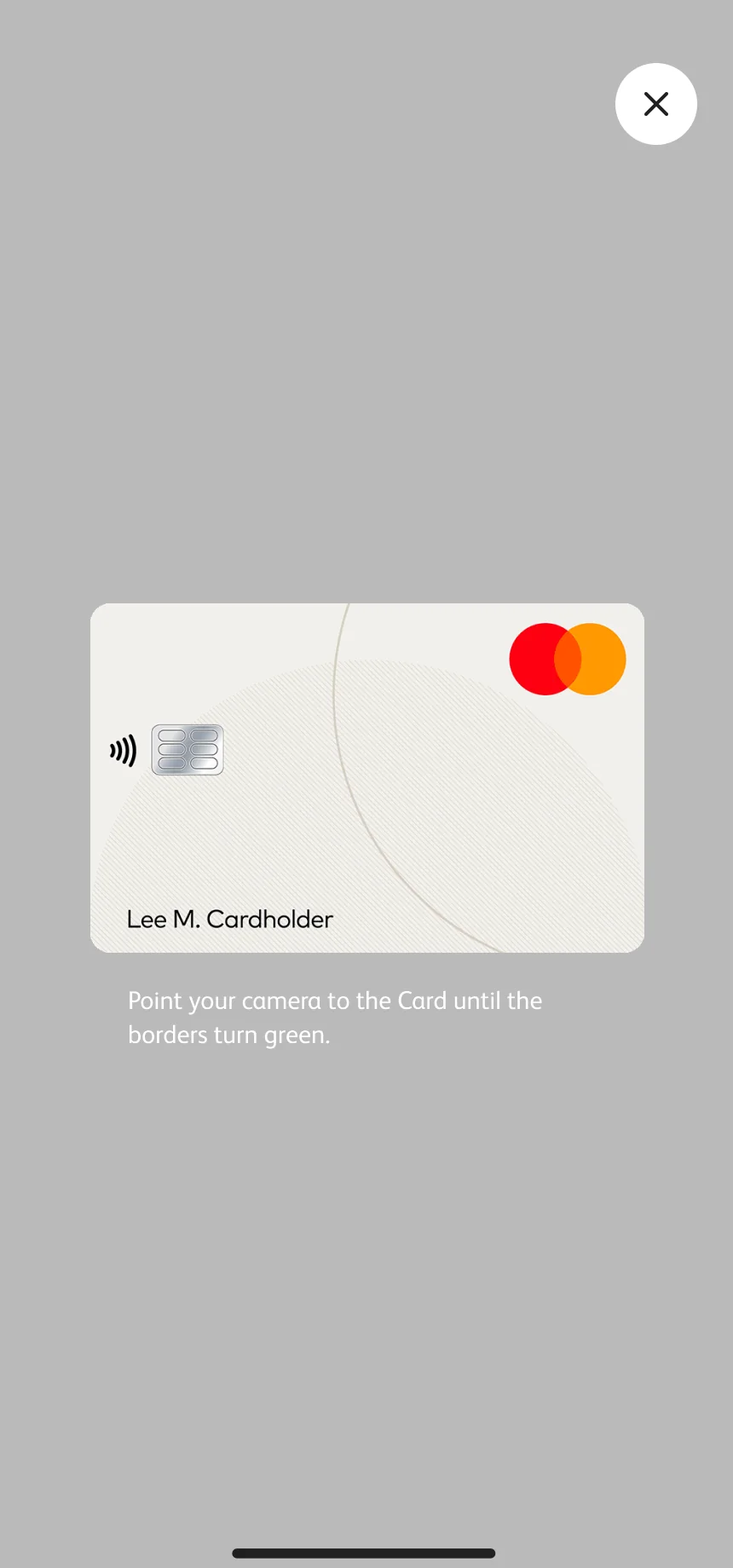
Voucher scanning, saved numbers and guest access appear alongside the card-payment states in the design files.
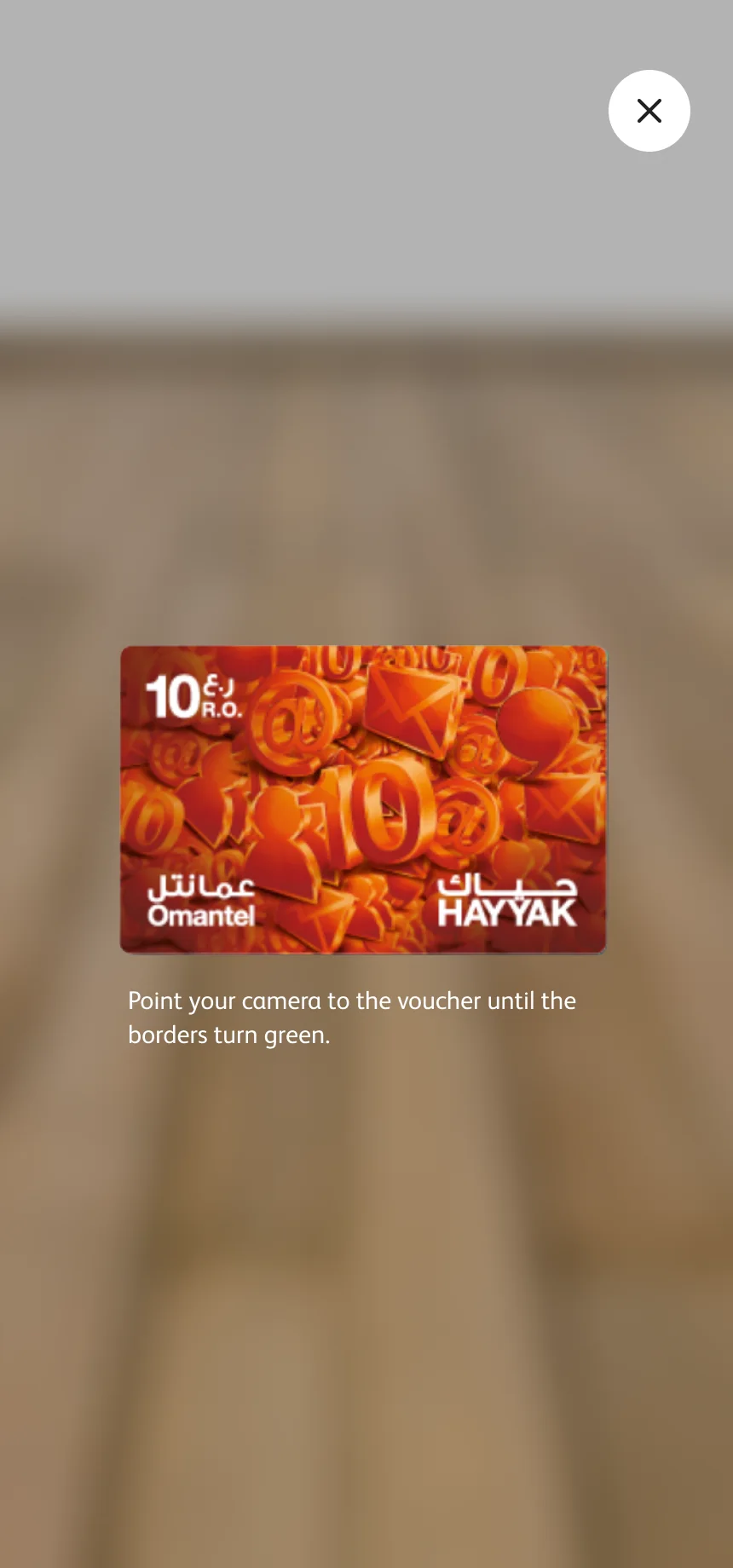
Scanning a top-up voucher with the camera
Scan a voucher
Scanning a payment card with the camera
Scan a card
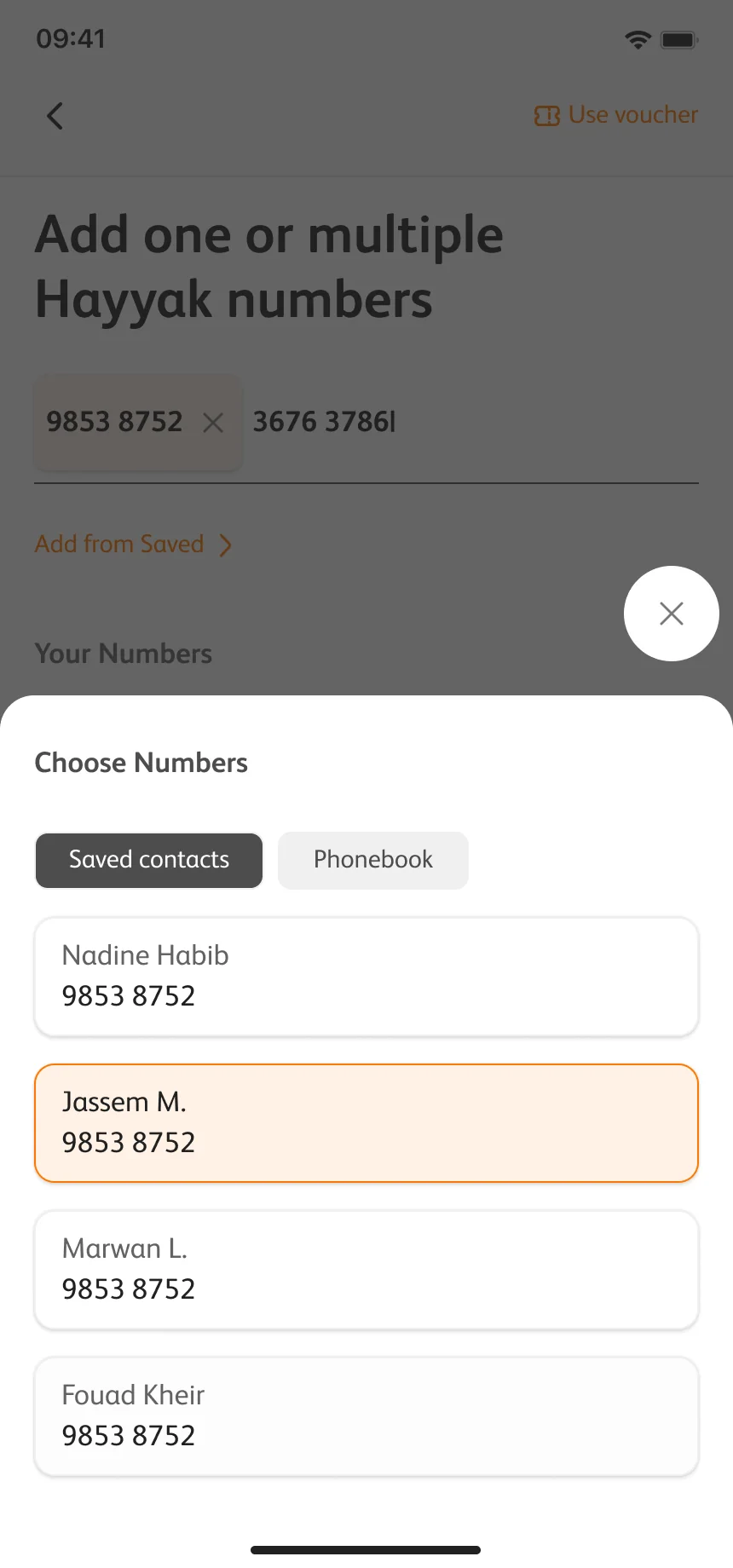
Add from your numbers: a bottom sheet listing the customer's lines
Choose numbers
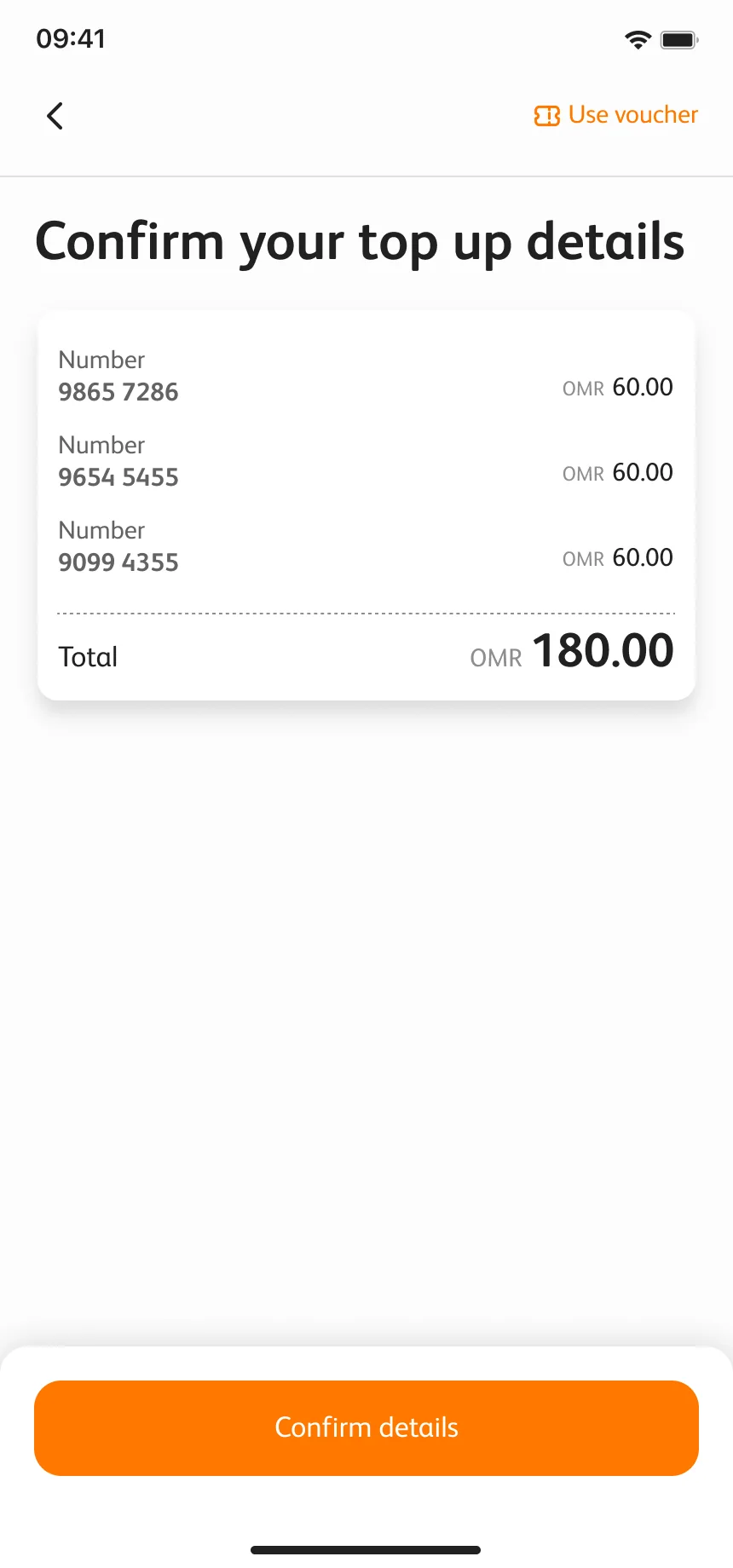
Confirming a top-up for several numbers with one total
Top up many
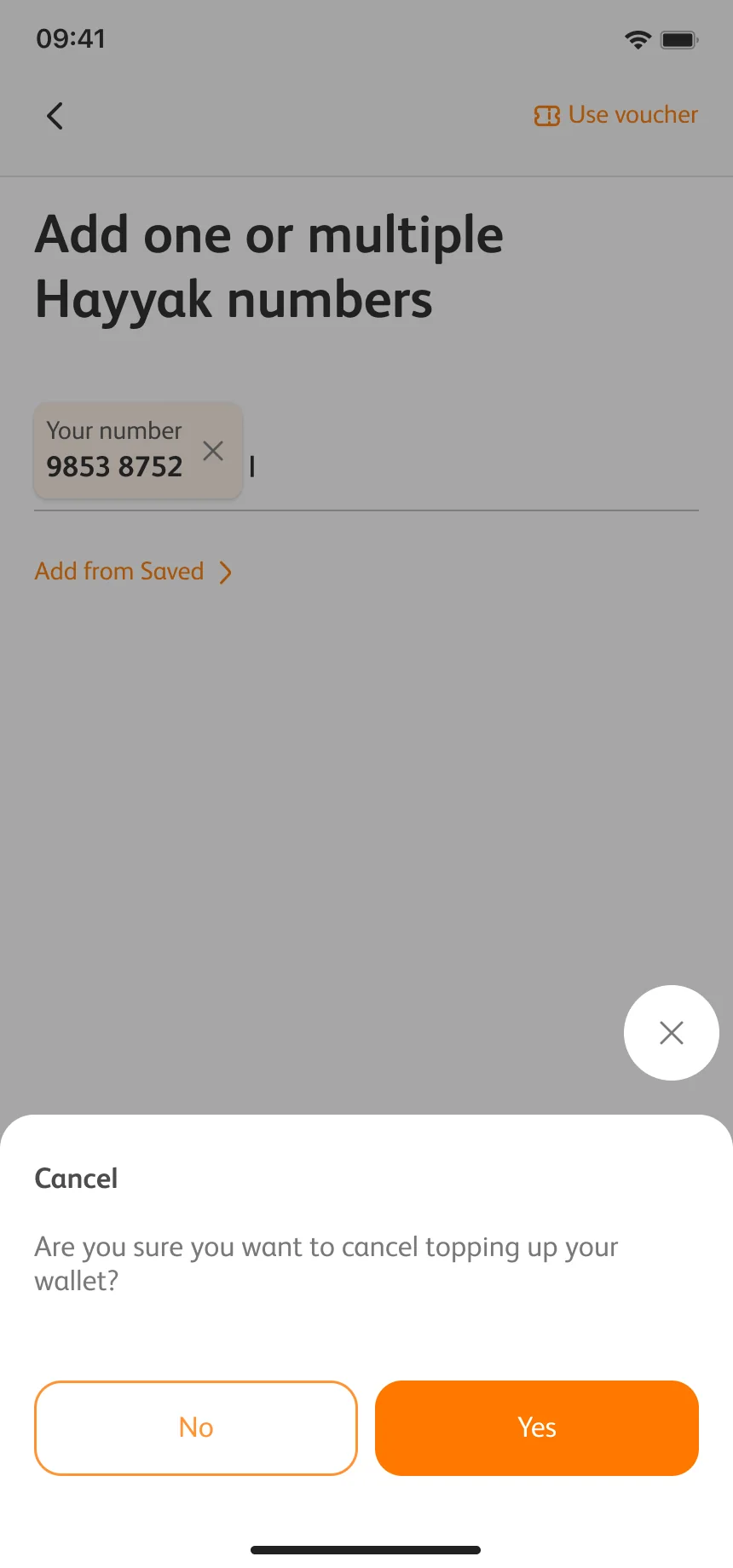
A confirmation before cancelling a top-up
Leave halfway
Join us: the guest entry with ways to join Omantel or continue
No account

Color Tokens

The palette uses six token ramps of ten steps. Orange marks actions and blue carries the brand. The contrast ratios shown here are calculated for this portfolio page against white and black text.

Orange

  1. orange-50#fff2e6W 1.10 —B 19.10 AAA
  2. orange-100#ffd5b0W 1.36 —B 15.40 AAA
  3. orange-200#ffc18aW 1.59 —B 13.25 AAA
  4. orange-300#ffa554W 1.95 —B 10.76 AAA
  5. orange-400#ff9333W 2.22 —B 9.47 AAA
  6. orange-500#ff7800W 2.65 —B 7.94 AAA
  7. orange-600#e86d00W 3.17 AA largeB 6.62 AA
  8. orange-700#b55500W 4.92 AAB 4.26 AA large
  9. orange-800#8c4200W 7.26 AAAB 2.89 —
  10. orange-900#6b3200W 10.09 AAAB 2.08 —

Blue

  1. blue-50#eae7fdW 1.21 —B 17.35 AAA
  2. blue-100#beb6f8W 1.87 —B 11.24 AAA
  3. blue-200#9e92f5W 2.66 —B 7.88 AAA
  4. blue-300#7261f1W 4.47 AA largeB 4.70 AA
  5. blue-400#5742eeW 6.14 AAB 3.42 AA large
  6. blue-500#2d13eaW 8.78 AAAB 2.39 —
  7. blue-600#2911d5W 9.83 AAAB 2.14 —
  8. blue-700#200da6W 12.58 AAAB 1.67 —
  9. blue-800#190a81W 14.98 AAAB 1.40 —
  10. blue-900#130862W 16.95 AAAB 1.24 —

Cyan

  1. cyan-50#ecfcfbW 1.06 —B 19.88 AAA
  2. cyan-100#c4f6f1W 1.18 —B 17.80 AAA
  3. cyan-200#a7f2eaW 1.27 —B 16.53 AAA
  4. cyan-300#7fece1W 1.40 —B 14.99 AAA
  5. cyan-400#66e8dbW 1.49 —B 14.13 AAA
  6. cyan-500#40e2d2W 1.61 —B 13.03 AAA
  7. cyan-600#3acebfW 1.95 —B 10.76 AAA
  8. cyan-700#2da095W 3.19 AA largeB 6.57 AA
  9. cyan-800#237c74W 4.99 AAB 4.21 AA large
  10. cyan-900#1b5f58W 7.44 AAAB 2.82 —

Yellow

  1. yellow-50#fff9e6W 1.05 —B 19.94 AAA
  2. yellow-100#ffebb0W 1.18 —B 17.76 AAA
  3. yellow-200#ffe28aW 1.27 —B 16.50 AAA
  4. yellow-300#ffd554W 1.41 —B 14.90 AAA
  5. yellow-400#ffcd33W 1.50 —B 14.03 AAA
  6. yellow-500#ffc000W 1.64 —B 12.79 AAA
  7. yellow-600#e8af00W 1.99 —B 10.56 AAA
  8. yellow-700#b58800W 3.24 AA largeB 6.49 AA
  9. yellow-800#8c6a00W 5.03 AAB 4.18 AA large
  10. yellow-900#6b5100W 7.49 AAAB 2.80 —

Violet

  1. violet-50#f4eefdW 1.14 —B 18.49 AAA
  2. violet-100#dbc9faW 1.53 —B 13.75 AAA
  3. violet-200#caaff8W 1.91 —B 11.00 AAA
  4. violet-300#b28bf4W 2.66 —B 7.89 AAA
  5. violet-400#a375f2W 3.29 AA largeB 6.38 AA
  6. violet-500#8c52efW 4.60 AAB 4.57 AA
  7. violet-600#7f4bd9W 5.37 AAB 3.91 AA large
  8. violet-700#633aaaW 7.73 AAAB 2.72 —
  9. violet-800#4d2d83W 10.40 AAAB 2.02 —
  10. violet-900#3b2264W 13.13 AAAB 1.60 —

Green

  1. green-50#eefbf4W 1.06 —B 19.74 AAA
  2. green-100#e5f9eeW 1.10 —B 19.12 AAA
  3. green-200#c9f3dcW 1.21 —B 17.34 AAA
  4. green-300#50d88dW 1.82 —B 11.55 AAA
  5. green-400#48c27fW 2.26 —B 9.30 AAA
  6. green-500#40ad71W 2.82 —B 7.43 AAA
  7. green-600#3ca26aW 3.20 AA largeB 6.57 AA
  8. green-700#308255W 4.72 AAB 4.45 AA large
  9. green-800#24613fW 7.35 AAAB 2.86 —
  10. green-900#1c4c31W 9.87 AAAB 2.13 —

The values are the tokens from the design system; the contrast ratings are computed on this page.

Headless design system. Atomic approach.

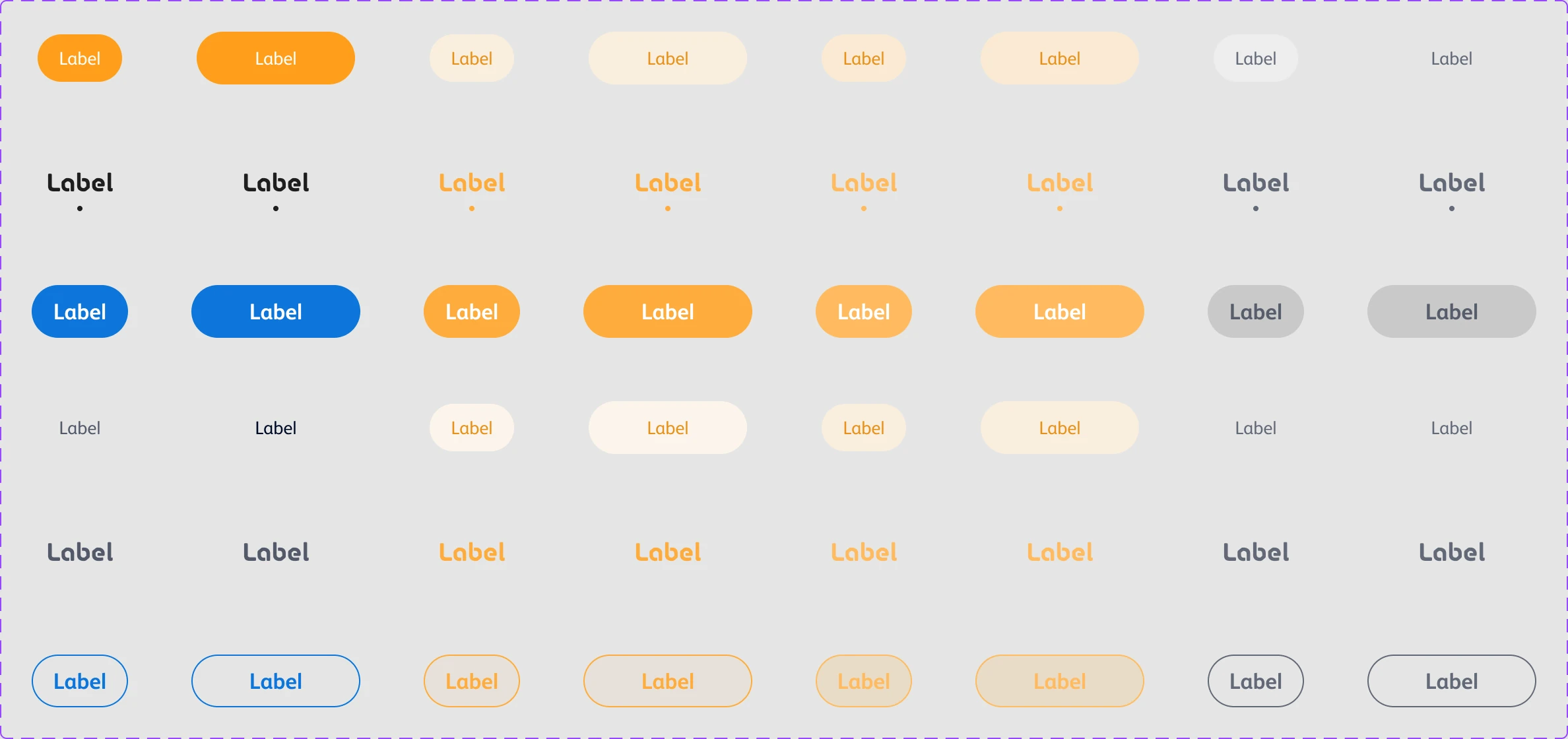
The headless approach separates component structure and interaction rules from visual styling, with tokens defining the visual layer. An atomic approach builds larger patterns and screens from small, reusable parts. The tab group below shows how those shared rules support different levels, widths and states, alongside usage guidance and an interactive example rebuilt for this page.
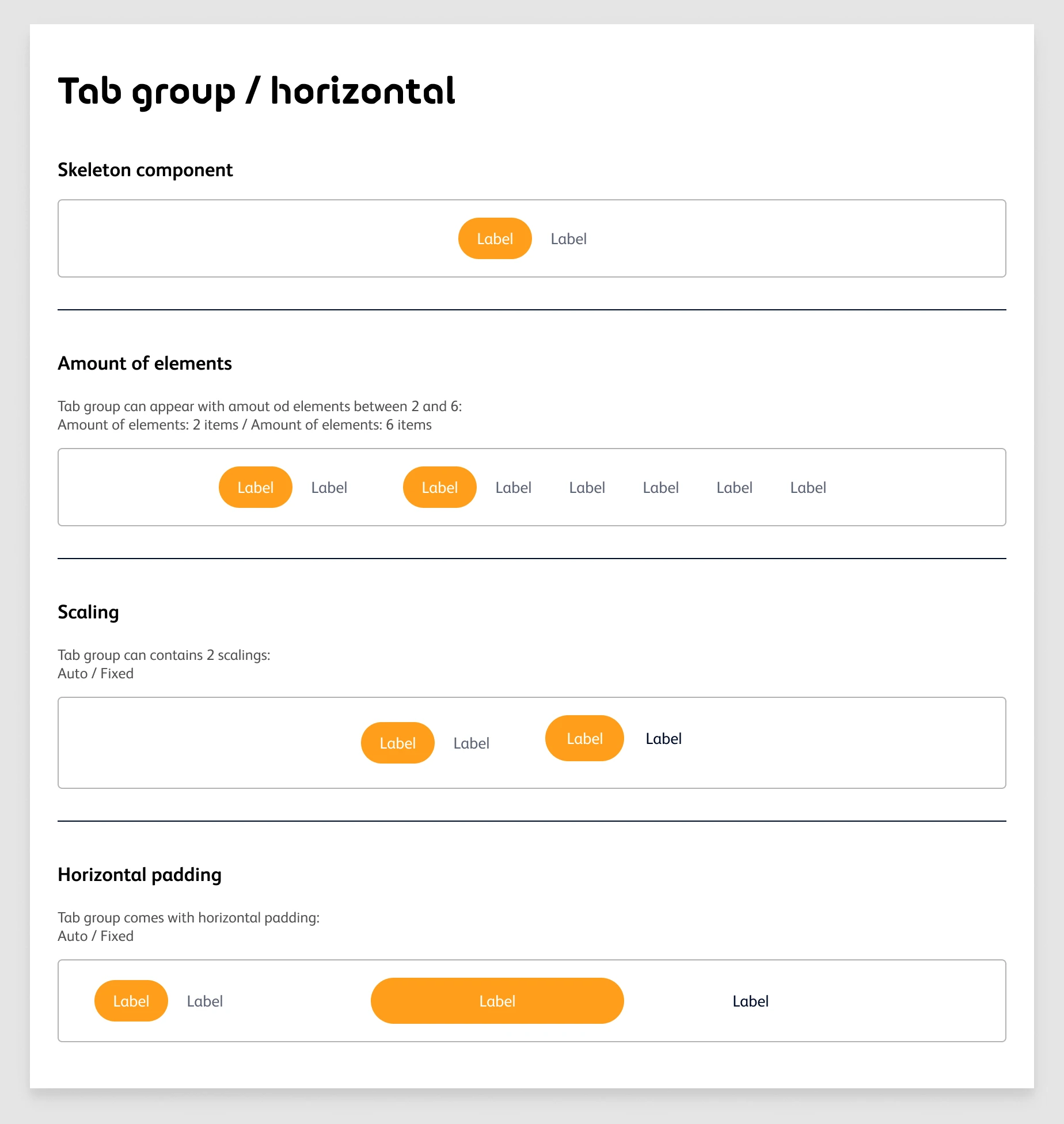
Documentation sheet for the horizontal tab group: what it is, when to use it, and its anatomy
The tab variant matrix: primary, secondary and tertiary levels, auto and fixed scaling, selected and unselected, in default, hover, pressed and disabled states

Tab group / Horizontal — Auto

Default · Hover · Pressed · Disabled — hover and press the tabs to see them.

Tab groups of two to six items, in auto and fixed widths

What I take
from it.

The same components support different account priorities, while shared payment patterns keep the top-up routes consistent. Documented states and colour tokens give those variants a common set of rules.

Ahmed Mowgoud — UI design, UX flows & design system

Publicis Sapient — agency

Omantel — client

Let's
have it.

UI/UX, Product Design, Interaction Design, Art Direction.
Let's Play together.