


The home
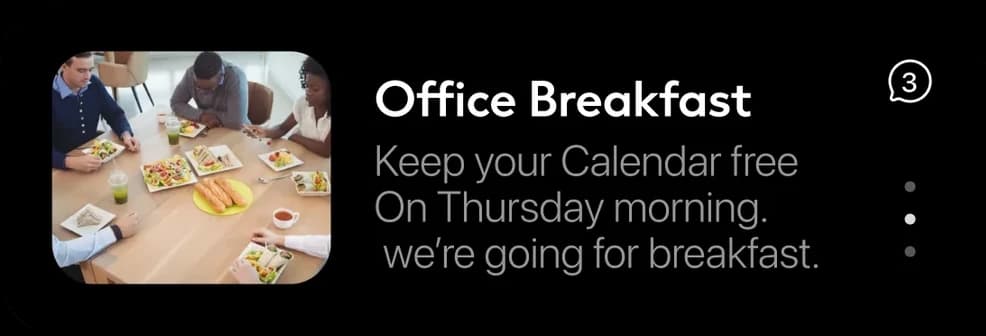
An office-breakfast reminder appears alongside tasks and account details.
Loading Mowgoud.
Getting everything ready before you enter.
One app for a whole region. A concept exploration of the UI elements a single Neom Super App could give its residents, employees and visitors.
Residents, employees and visitors each have their own reason to open an app. Related home concepts bring their next task into view, with contextual prompts from an assistant.
This concept exploration asks how shared UI patterns could support residents, employees and visitors. The screens explore utilities at home, the working day and the airport journey.
Neom Super App and NEOM Wildlife are different products within the same wider project.
Four principles explored across home utilities, the working day and travel.
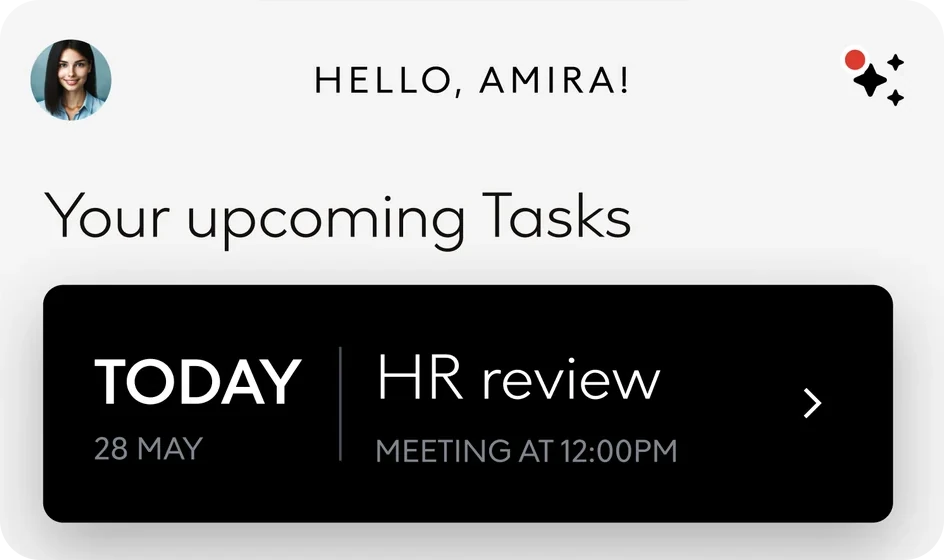
The home concepts share a greeting and a clear next task, with content tailored to residents, employees and travellers. Separate assistant cards offer contextual actions.
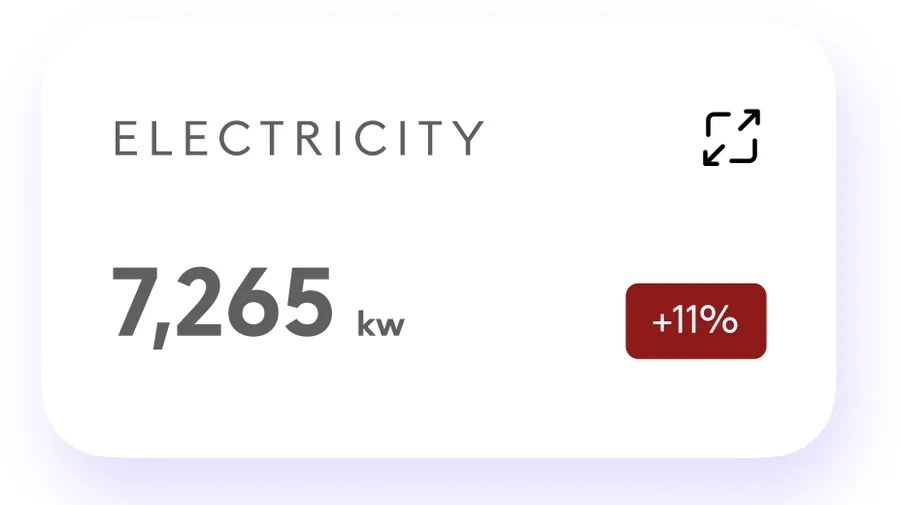
Utility cards pair a headline figure with a change indicator and an action to open more detail.
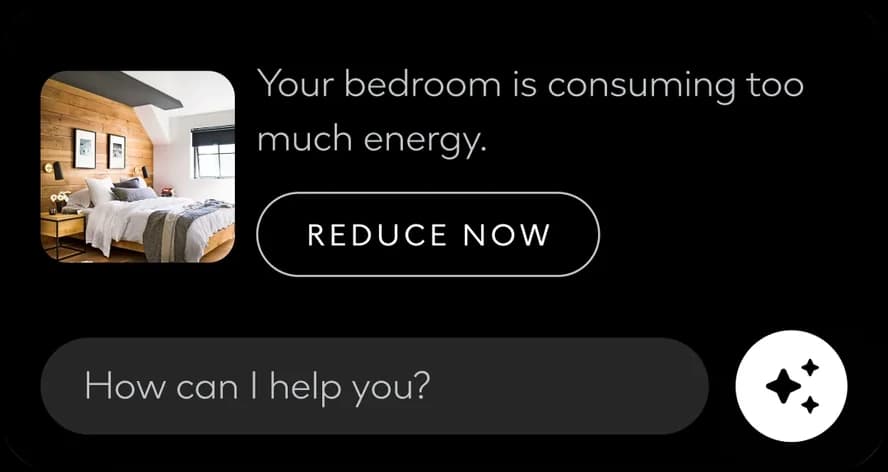
The assistant does not wait to be asked. It proposes a single next step: book the leave you have left, reduce the energy a room is using, find another plan when the weather cancels a booking.
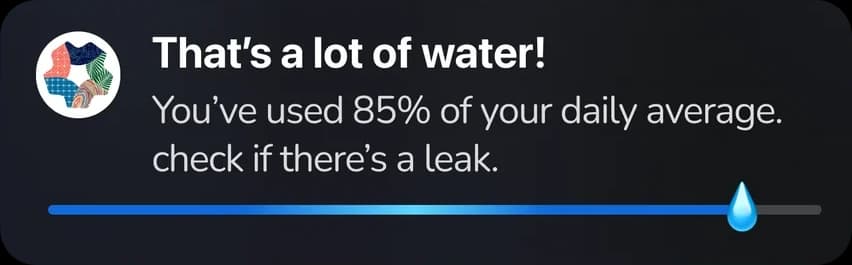
Notifications and Live Activities carry updates beyond the app.
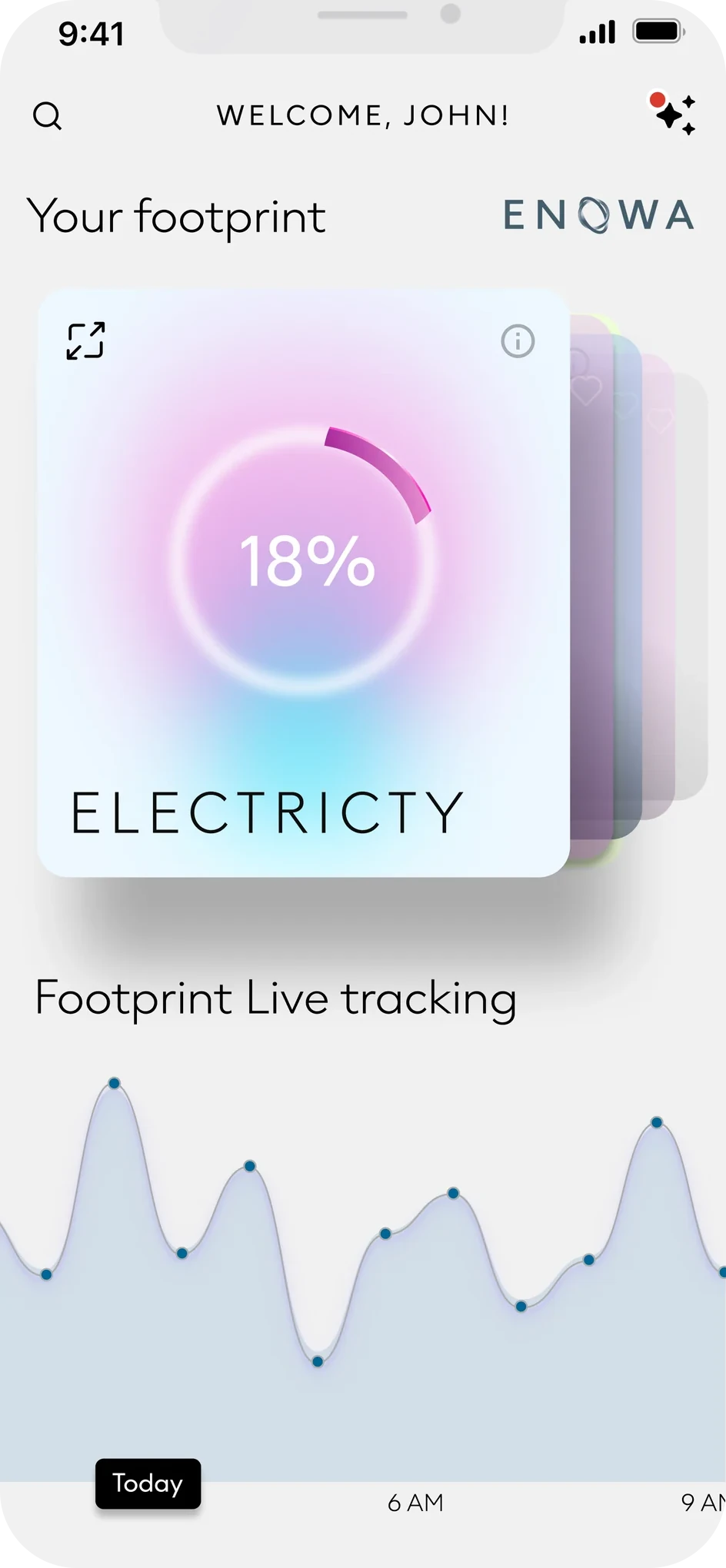
The resident brief brings energy, water and home controls together. Stacked utility cards lead into a tracking chart and controls for individual spaces.
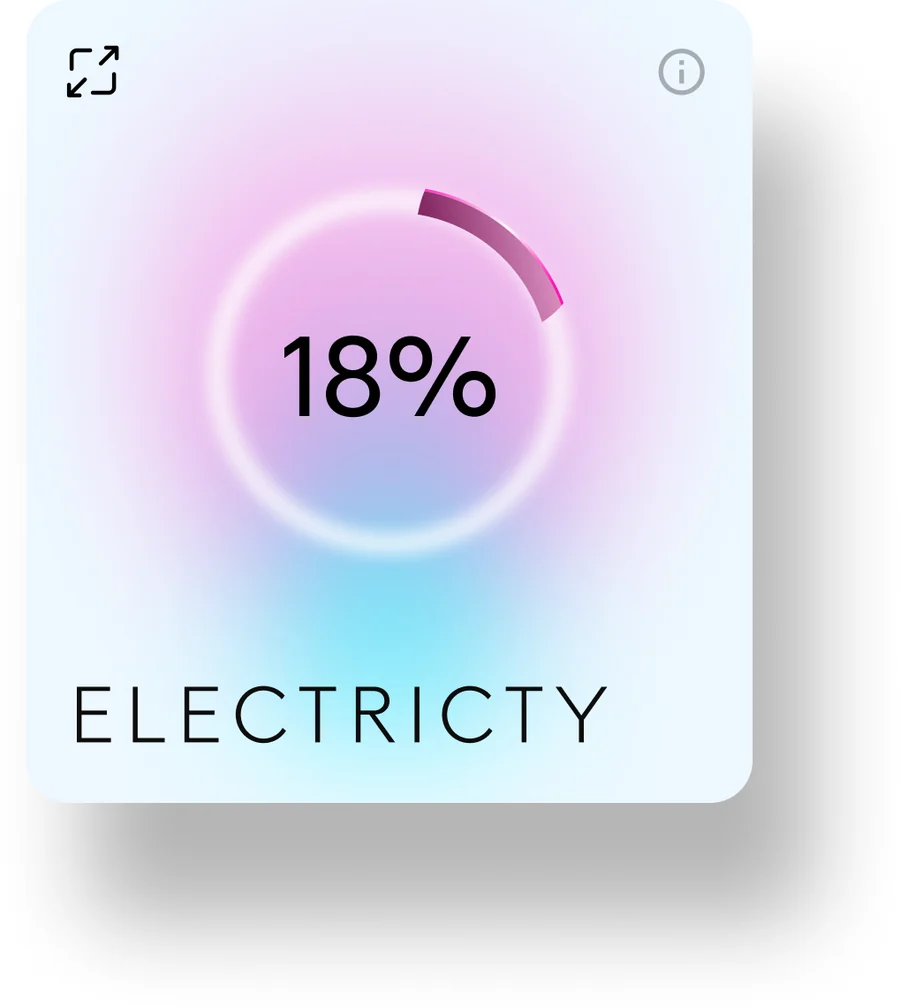
The footprint home: one card per utility, stacked, above a live tracking chart.
The tiles explore headline readings and changes. The captures do not define the percentage baselines or comparison periods.
Water, with the assistant attached: a question, not a warning.
A temperature dial and room controls. The separate living-room card shows an Off treatment.
A second living-room example shows the illuminated toggle. The photograph and device count differ, so these are state explorations rather than a before-and-after sequence.
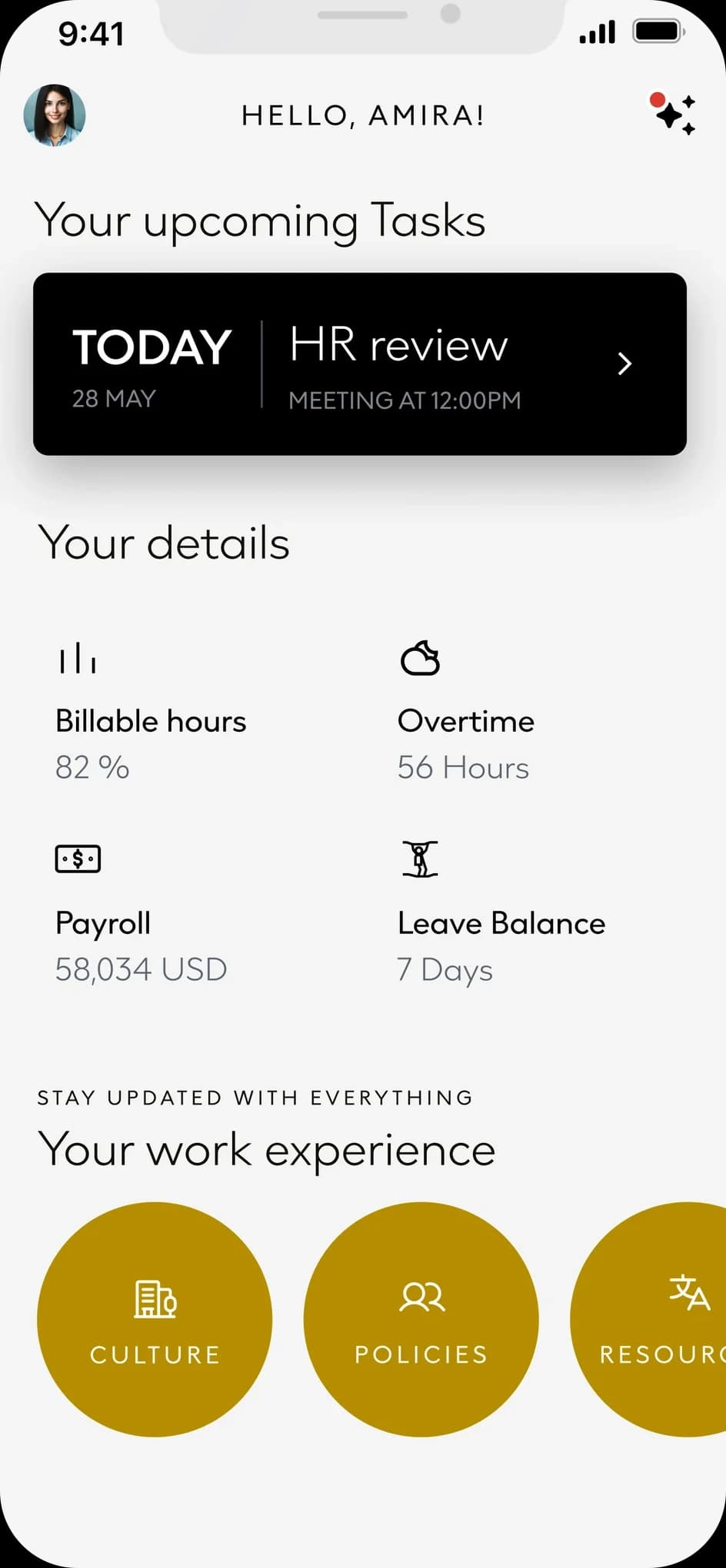
The employee home leads with upcoming tasks, then billable hours, overtime, payroll and leave. Culture, policies and resources follow as separate destinations.
An office-breakfast reminder appears alongside tasks and account details.
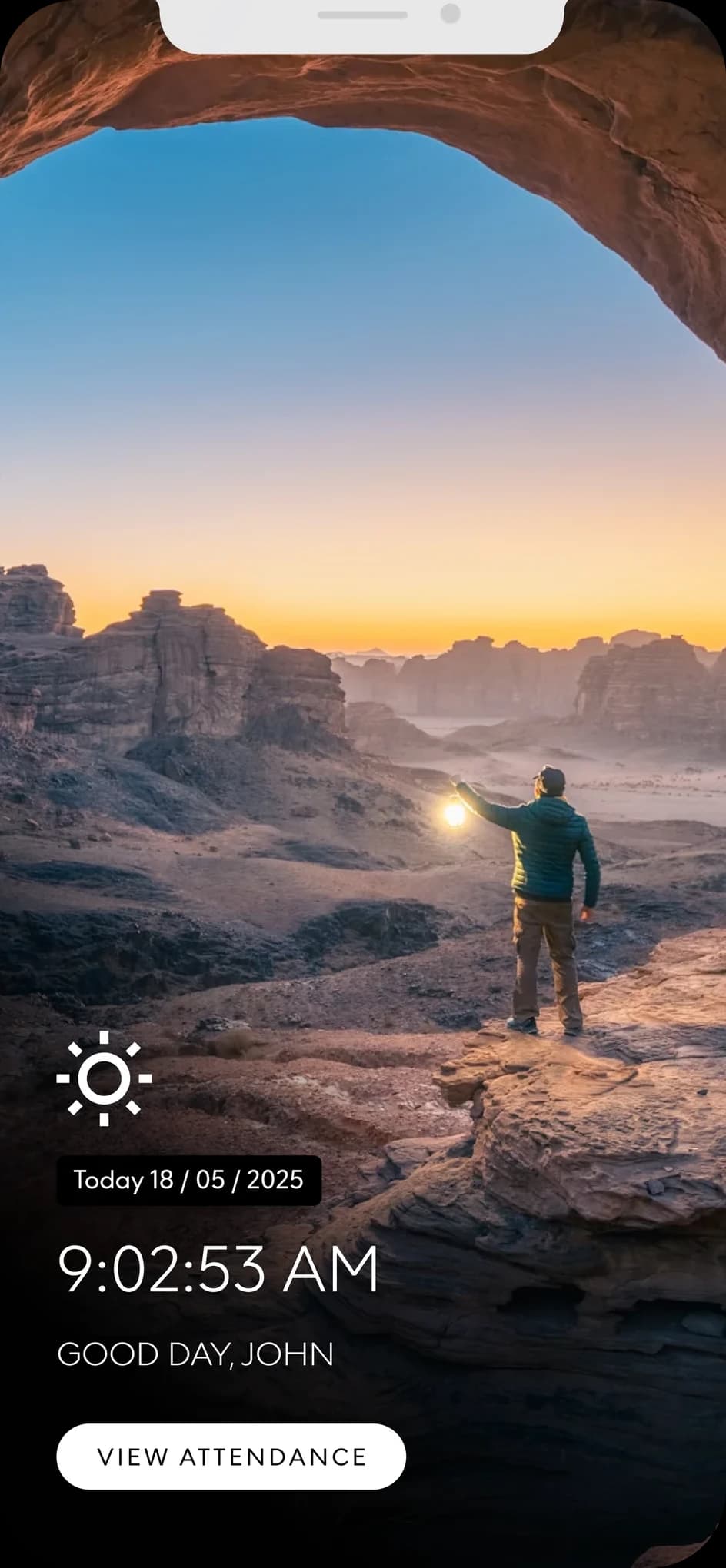
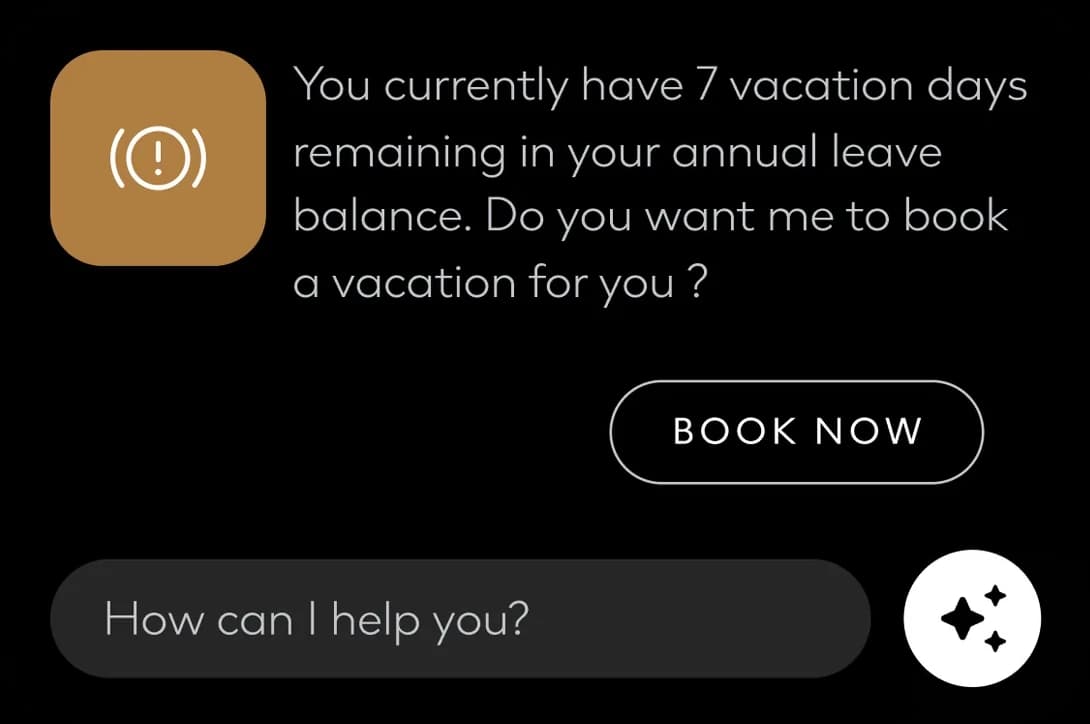
Attendance as a moment: the time, a greeting, one button. The assistant knows the balance: seven days left, so it offers to book them.
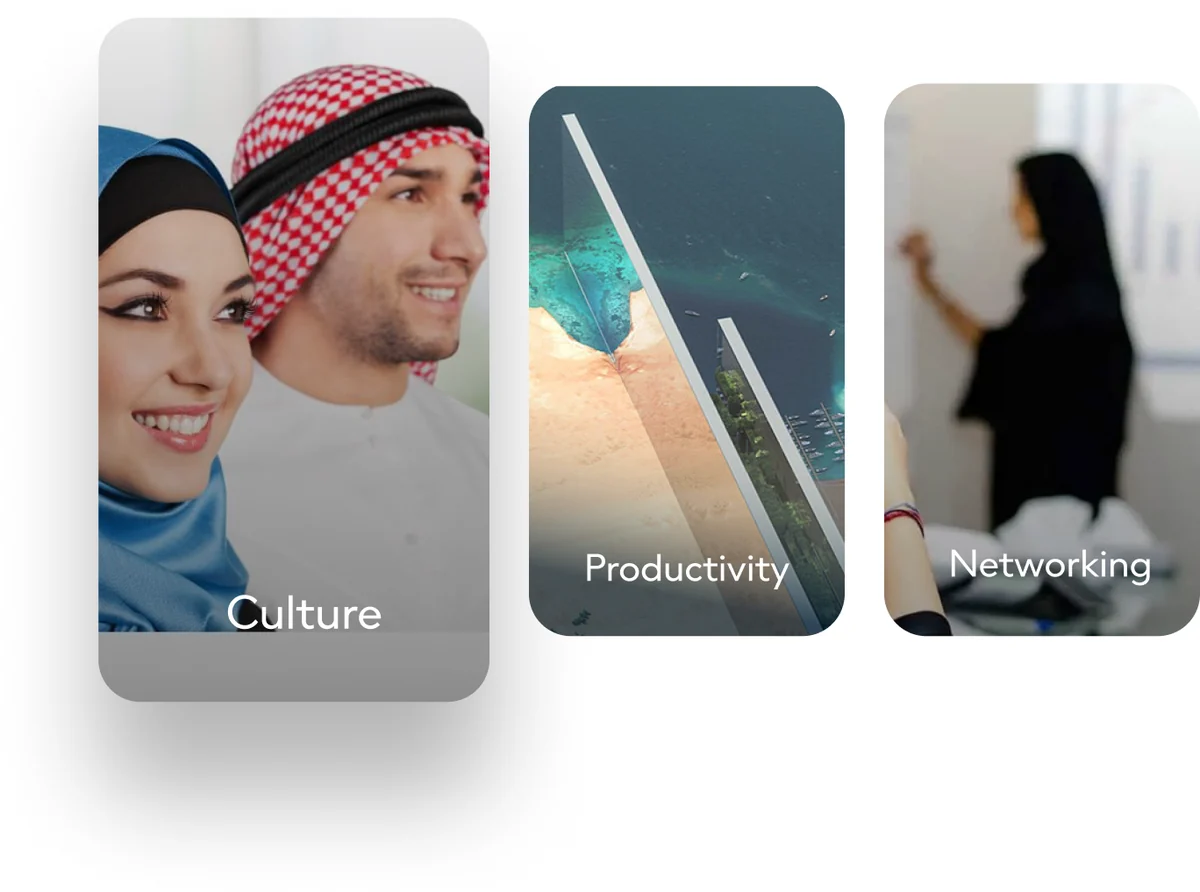
Helpful resources as a row of picture cards.
The passenger concepts combine a travel home and a compact flight-status card. Dates and routes vary between the examples.
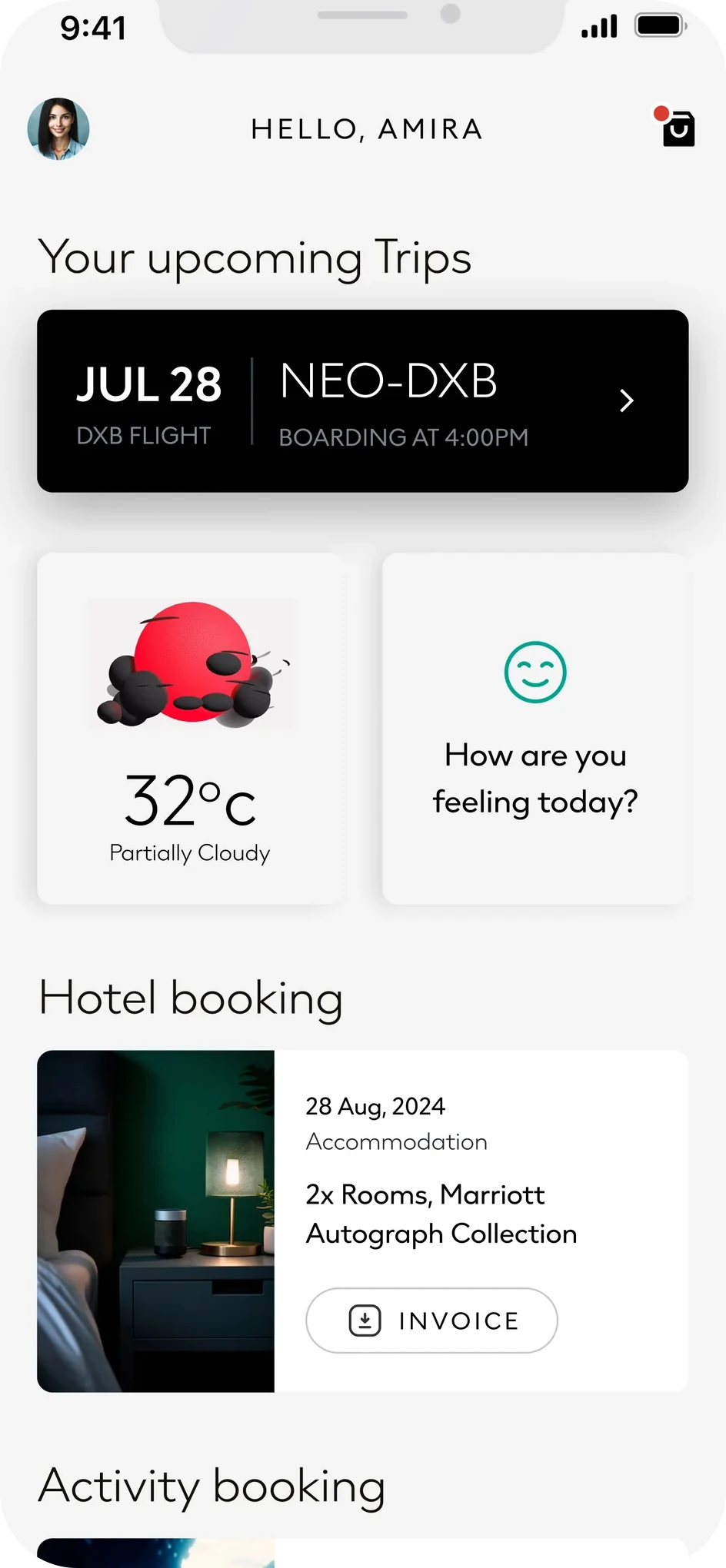
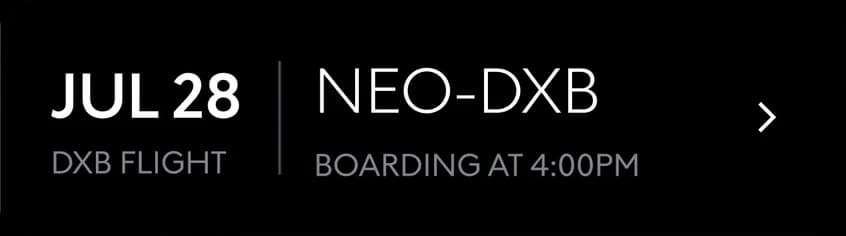
An upcoming-flight card sits above hotel and activity bookings.
The weather and a mood check sit beside it.
The hotel reservation includes room details and an Invoice action.
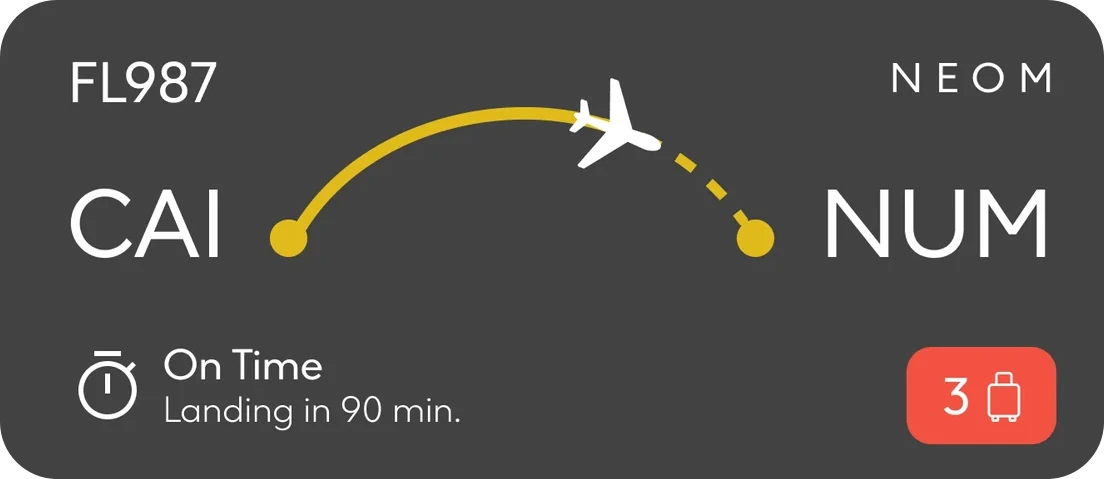
A proposed flight-status card brings the route, arrival status and baggage indicator together.
The assistant proposes a next action in context: an alternative after a cancellation, feedback after a meal or a control for energy use.
In the app, assistant cards combine a short message, an action and a question field. Notifications adapt the information to their own surface.
The examples explore different triggers and surfaces for assistance.
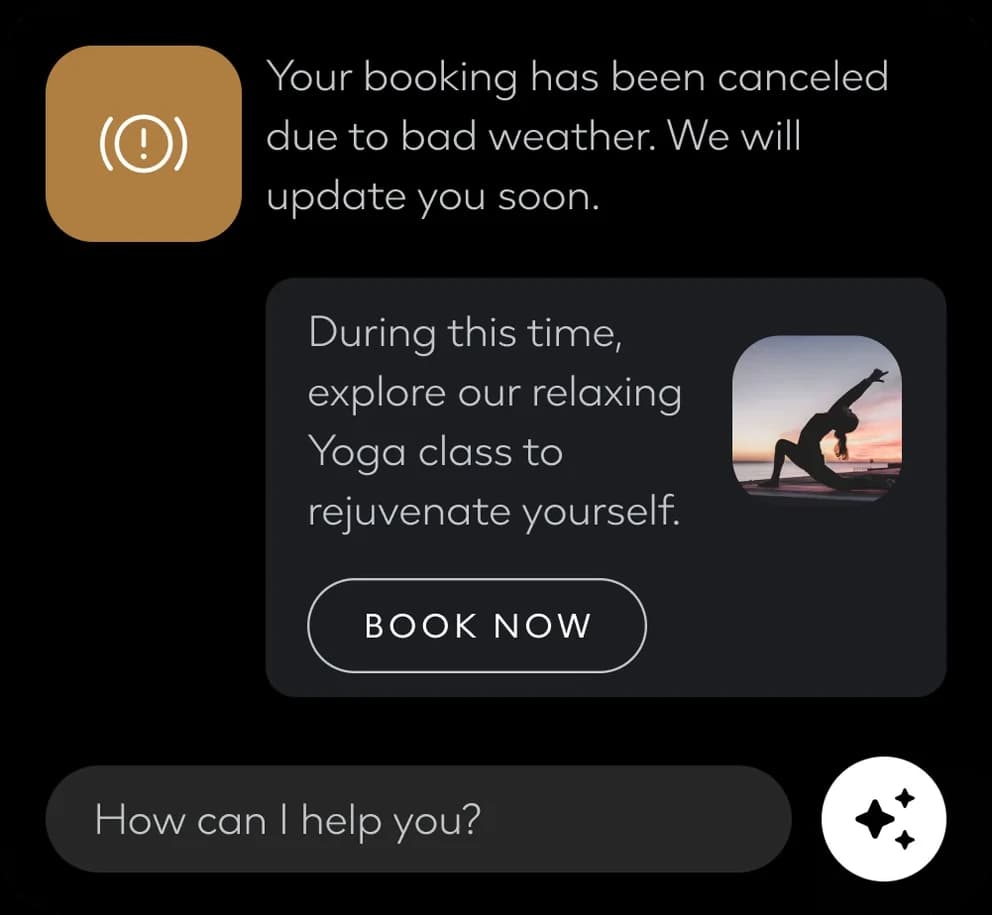
A suggested alternative after a weather cancellation.
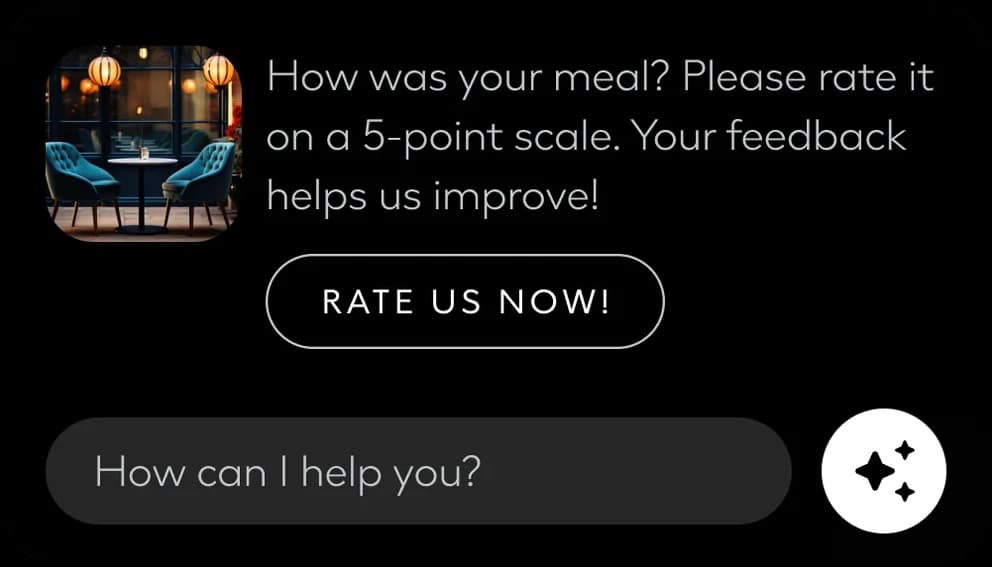
A request for feedback after a meal.
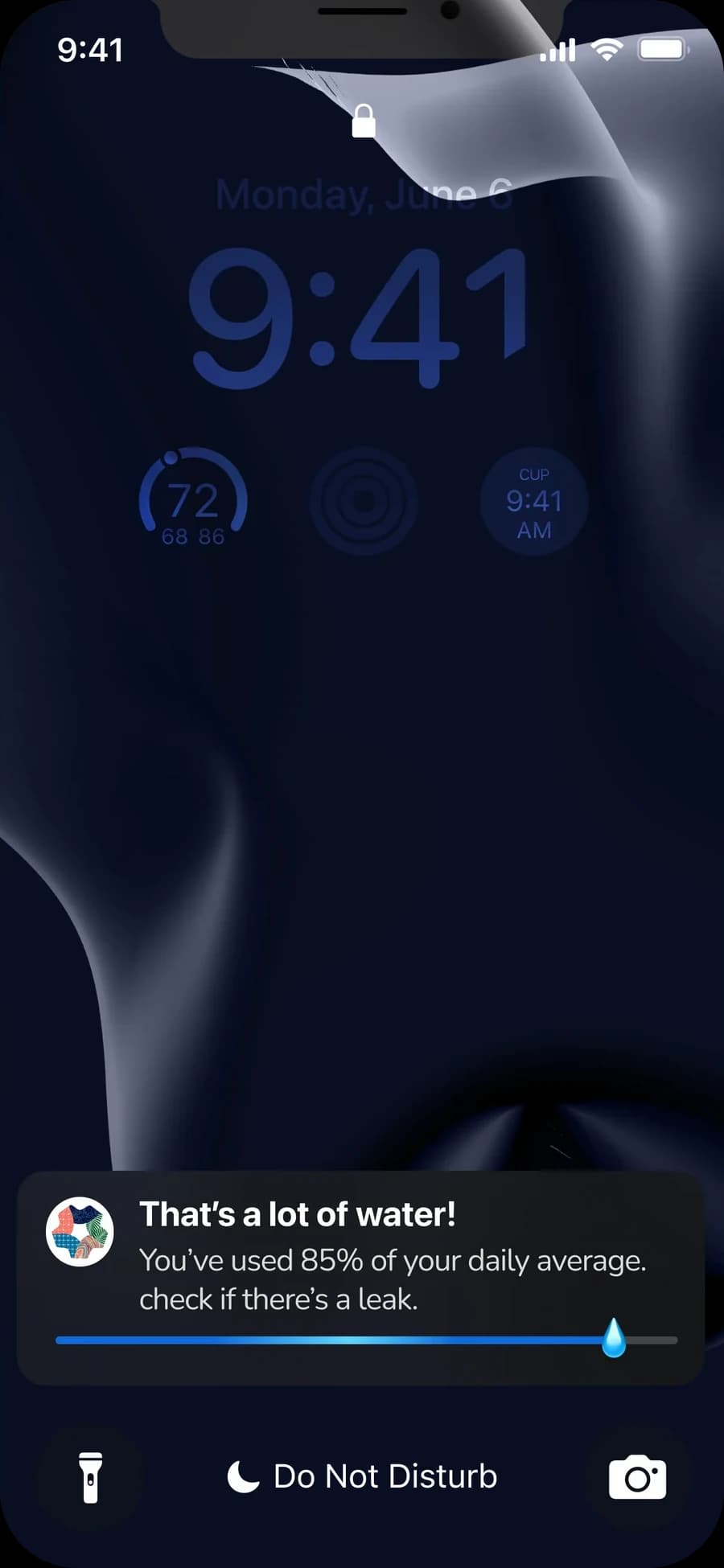
Original concept alert. Its threshold needs validation: 85% of a daily average alone does not establish a leak.
The next test is whether each assistant prompt is relevant, understandable and worth the interruption. Shared patterns can connect the services, but each suggested action needs a justified trigger.
Ahmed Mowgoud — UI, product & UX
Publicis Sapient — agency
NEOM — client

